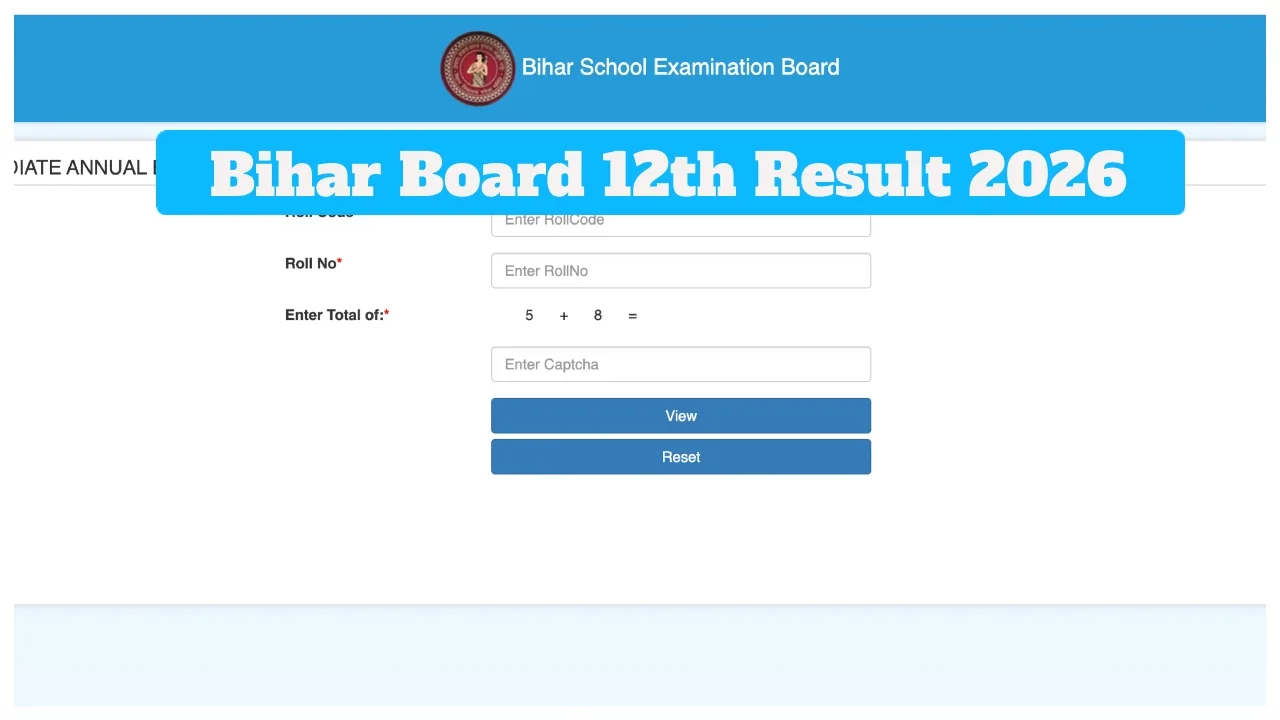
Bihar Board 12th Result 2026: The Bihar School Examination Board (BSEB) is expected to release the Bihar Board Class 12 results very soon. Candidates who appeared for this examination are eagerly awaiting their results. According to various media reports, the results are likely to be released between March 20 and March 25, 2026. However, no official announcement regarding the exact result date has been made yet.
Once released, the scorecard will be made available for download on the official website, biharboardonline.bihar.gov.in. The Bihar Board has already released the provisional answer key for the Class 12 multiple-choice questions. The Bihar Board consistently holds the distinction of being the first board in India to release its results. Therefore, students who appeared for the examination are advised to keep a close watch on the official website for the latest updates regarding the results.
When were the Class 12 examinations held?
The Board conducted the Intermediate examinations between February 2 and February 13, 2026. Students awaiting results for the Arts, Commerce, and Science streams can check their BSEB Class 12 results online on the official website. Additionally, students can also access their results through DigiLocker, the UMANG app, and SMS.
Bihar Board Result Official Website Links
biharboardonline.bihar.gov.in
biharboardonline.com
results.biharboardonline.com
secondary.biharboardonline.com
How to Check Bihar Board Class 12 Results 2026 via SMS?
1- First, open the messaging app (SMS) on your mobile phone.
2- Type a new message: (BIHAR12 ROLL-NUMBER)
3- Send this message to the number 56263.
4- You will receive your result via SMS shortly.
How to Check BSEB Results Via Website
First, visit the official BSEB website. Click on the BSEB Bihar Board 12th Intermediate Result 2026 link.
Enter your roll number and date of birth.
The result will be displayed on your screen.
Click “Download” below and print for future use.
How to Check the Class 12 Result 2026 via the UMANG App?
Open the UMANG app.
Sign in using your login credentials.
Select the “Education” section.
Now, Click on “Bihar Board”.
Select Class 12.
The result will appear on the screen.
Download the result and to take a printout for future use.