


CTET Correction Window 2026: Important news has emerged from the CBSE for candidates who applied for the CTET September 2026 exam. CBSE opened the application correction window on Monday, September 7, and it will remain open until September 10, 2026. Candidates who filled out the form for this exam and made errors during the application process can make corrections online within the specified dates.
According to the notice issued by CBSE, initial applications for CTET were accepted from May 11 to June 10, 2026, and a subsequent opportunity to fill out the form was provided from August 25 to September 1, 2026. Candidates who applied during either period can correct their forms using this window.
How to use the CTET Correction Window
First, visit the official website at ctet.nic.in.
On the website’s home page, under the ‘Candidate Activity’ section, click on ‘Login: CTET SEP 2026 CORRECTION WINDOW’ (last date: 10.09.2026).
Enter the required details.
Next, make the necessary amendments to the fields that need correction.
Submit the form and keep a printout for your records.
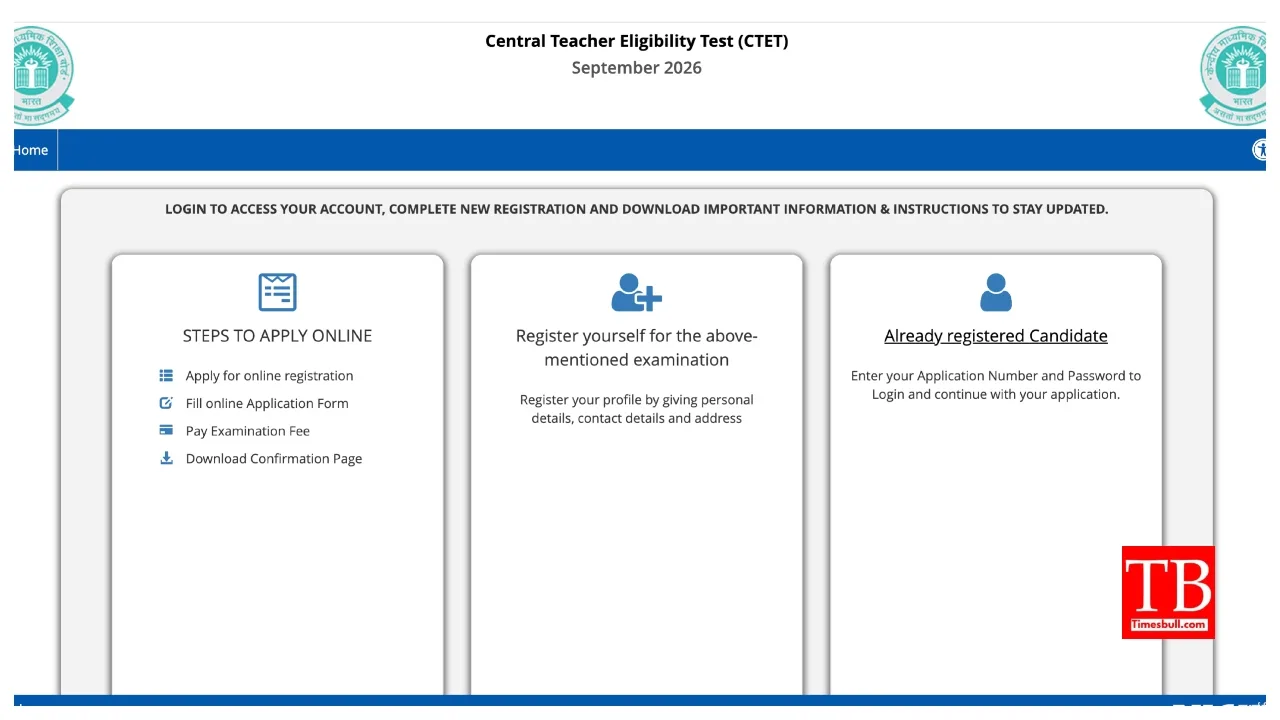
CTET SEP 2026 correction window Link
CTET Exam Date 2026:-
A notification previously issued by the Central Board of Secondary Education (CBSE) stated that the exam date would be announced after the application window closed. The exam date is now expected to be declared once the correction window closes. The city intimation slip for the exam will be released 10 to 15 days prior to the exam date. Admit cards will be issued 4 days before the exam date.
Exam to be conducted in two shifts
Please note that CBSE conducts the CTET exam in two shifts. The timing for the first shift will be from 9:30 AM to 12:00 PM. The second shift will be from 2:30 PM to 5:00 PM. Candidates appearing for the first shift must report to the centre 120 minutes in advance—that is, at 7:30 AM—whereas candidates for the second shift must report to the centre by 12:30 PM.
How to download the City Slip/Admit Card
To download the CTET exam city slip/admit card for 2026, visit the official website, ctet.nic.in.
Click on the relevant link under the ‘LATEST NEWS’ section on the website’s home page.
Next, enter your application number, date of birth, and the provided security PIN, then click the ‘Submit’ button.
The city slip/admit card will then appear on the screen.
Finally, download the admit card/city slip and take a printout for future use.