


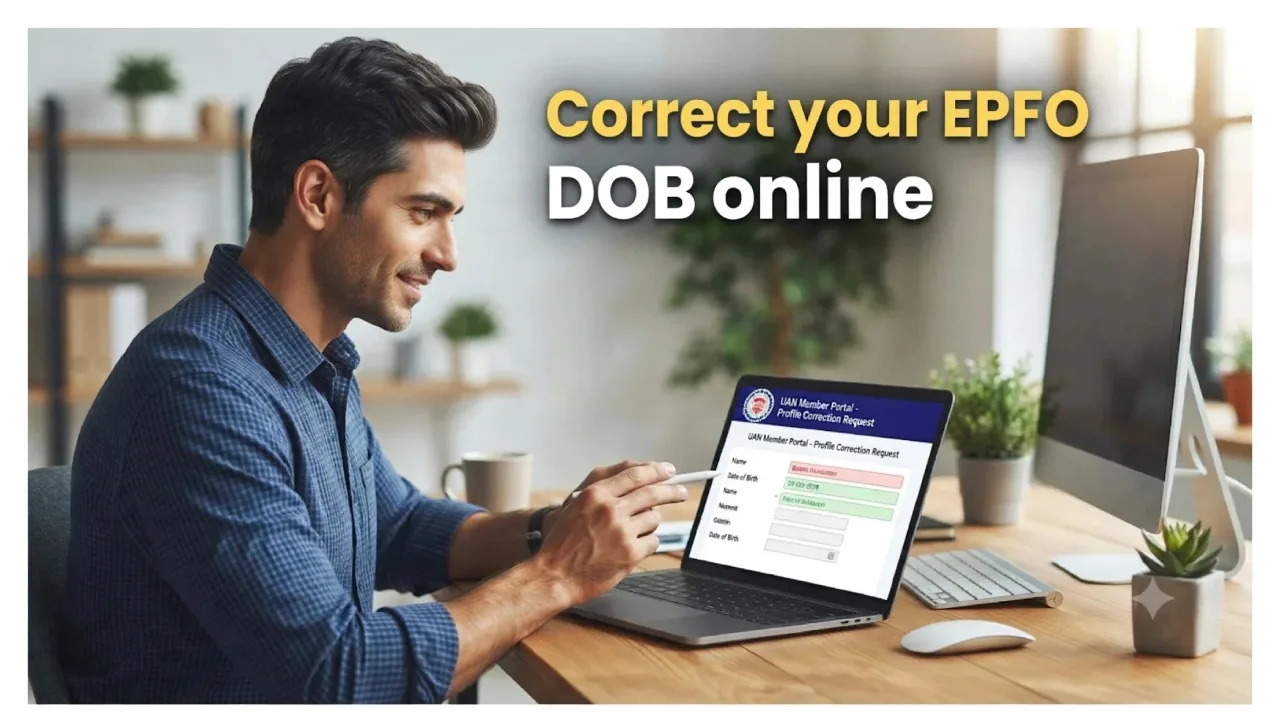
EPFO News: If you have recorded your date of birth incorrectly in your EPFO account, you need not worry. The EPFO now allows members to correct personal information stored in their accounts. You can submit an application for this online from the comfort of your home. The Employees’ Provident Fund Organization (EPFO) provides a ‘Joint Declaration’ facility, enabling eligible individuals to submit requests for corrections online. Let’s look at the entire process in detail.
In a recent post on the social media platform X, the EPFO stated that members can correct inaccurate information in just five easy steps via the EPFO Member Portal. This eliminates the need for employees to make repeated visits to offices to rectify minor errors.
What information can be corrected?
Through the ‘Joint Declaration’ facility, you can request corrections to various details recorded in your PF account. This includes the account holder’s name, date of birth, gender, father’s or mother’s name, marital status, date of joining, date of leaving, etc. Different types of changes may require specific supporting documents.

How to correct the date of birth in an EPFO account?
If your date of birth is recorded incorrectly in your PF account, you can correct it from home by following a few simple steps:
Step 1: Log in to the EPFO portal using your UAN and password.
Step 2: Once you are logged in, look for the ‘Joint Declaration’ option. This facility allows you to submit requests to update personal and employment-related information in your EPF account.
Step 3: Select the specific information you wish to correct. You will then be presented with options for the details that can be updated. If the date of birth in your account is incorrect, select the ‘Date of Birth’ option.
Step 4: Enter your correct date of birth. You will also need to upload the necessary supporting documents. Ensure that the information you provide matches the details recorded in these documents.
Step 5: In the final step, carefully review all the information you have entered. If everything is correct, submit your application. Your request will then be forwarded to the relevant authorities for verification and further processing.
Where can you seek assistance?
If the option for online correction is not visible, or if you encounter any issues while submitting your application, you can visit the official EPFO website to seek help. You can also contact your employer’s HR department.