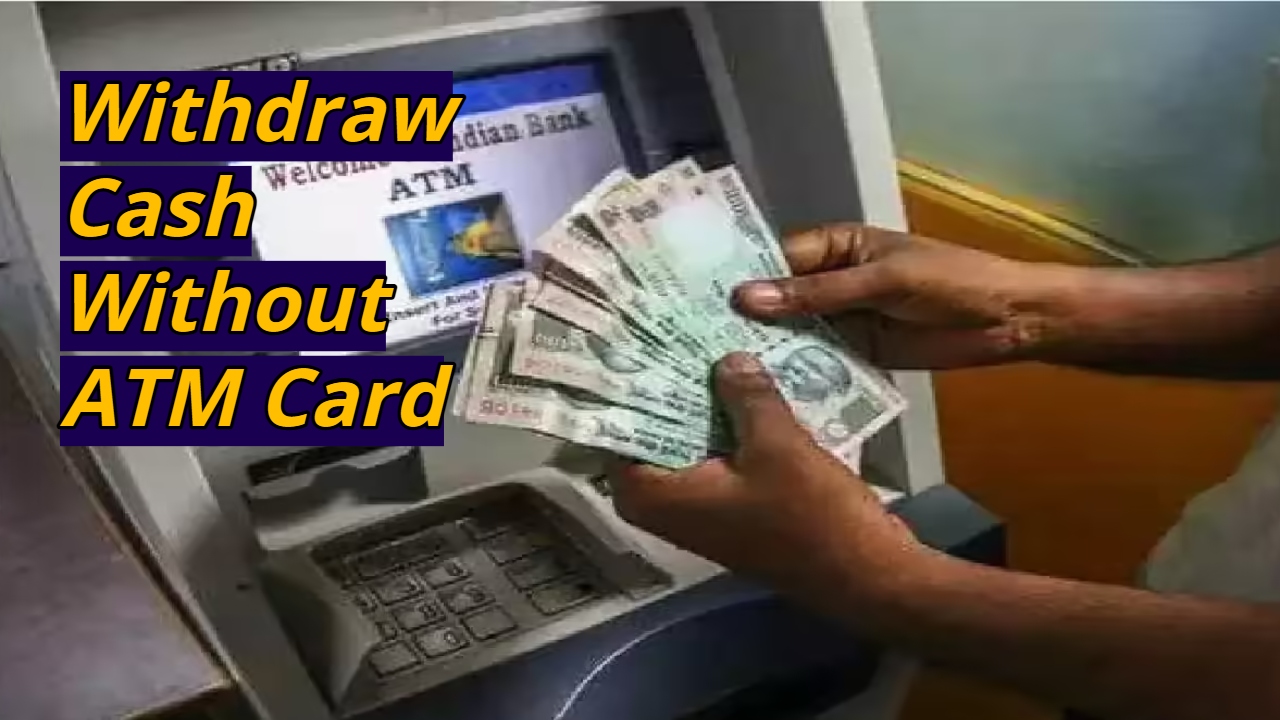
Withdraw Cash Without an ATM Card: These days, smartphones have made our daily needs much easier, and banking services are also rapidly becoming digital. Often, we forget our debit card when leaving home or suddenly need cash. There’s no need to worry, as some ATMs allow you to withdraw money without a debit card. This feature requires only your mobile phone and a UPI app. This is called cardless cash withdrawal. This method is not only convenient but also reduces the risk of card loss or theft. However, it’s important to know a few important things before using it.
What’s required before withdrawing cash without a debit card?
To take advantage of this feature, your bank account must be linked to UPI. Your phone must have a verified UPI app, such as Google Pay, PhonePe, Paytm, or BHIM. Furthermore, the ATM you’re withdrawing money from must offer a cardless or UPI cash withdrawal option. Your mobile phone must have an internet connection, and you must remember your UPI PIN. You must also have a sufficient balance in your account.
Read Here: Post Office Money Making Scheme – Step-by-Step Guide to Earn ₹17 Lakh Hassle-Free
How to Withdraw Money from an ATM Without a Card
First, go to an ATM that supports cardless cash withdrawals. Select an option like Cardless Cash, UPI Cash Withdrawal, or ICCW on the ATM screen. This option may also be available under “Other Transactions” on some machines.
Then, a QR code or a 6-digit code will appear on the ATM screen. This code will be used to complete the transaction through your UPI app.
Now, open the UPI app on your mobile and select the option “Scan QR” or “Cash Withdrawal.” If the app doesn’t show a dedicated option, you can simply choose the QR Scan option.
Scan the QR code displayed on the ATM screen with your mobile phone. If the machine displays a code, enter it into the app. Then, select the bank account from which you want to withdraw money and enter the required amount. This limit typically varies by bank and ATM, but in most cases, withdrawals can range from ₹100 to ₹10,000.
After entering the amount, confirm the transaction by entering the UPI PIN. Entering the PIN will complete the payment, and cash will be dispensed immediately from the ATM. If you receive a receipt after withdrawing, keep it safe and check the transaction message or notification on your mobile phone.
Read Here: Good News for SBI Customers, Special Facility Will Be Available Starting Tomorrow
What to do if a problem arises
If a transaction fails and money is deducted from your account, immediately contact your bank’s customer service and share the UPI transaction ID. The bank may refund the amount after investigation.
If the ATM is malfunctioning or does not dispense cash, file a complaint with the nearest bank branch and preserve the message or receipt displayed on the screen.
If you receive any suspicious messages or notifications, be sure to check your transaction history in your UPI app and contact your bank immediately if necessary.