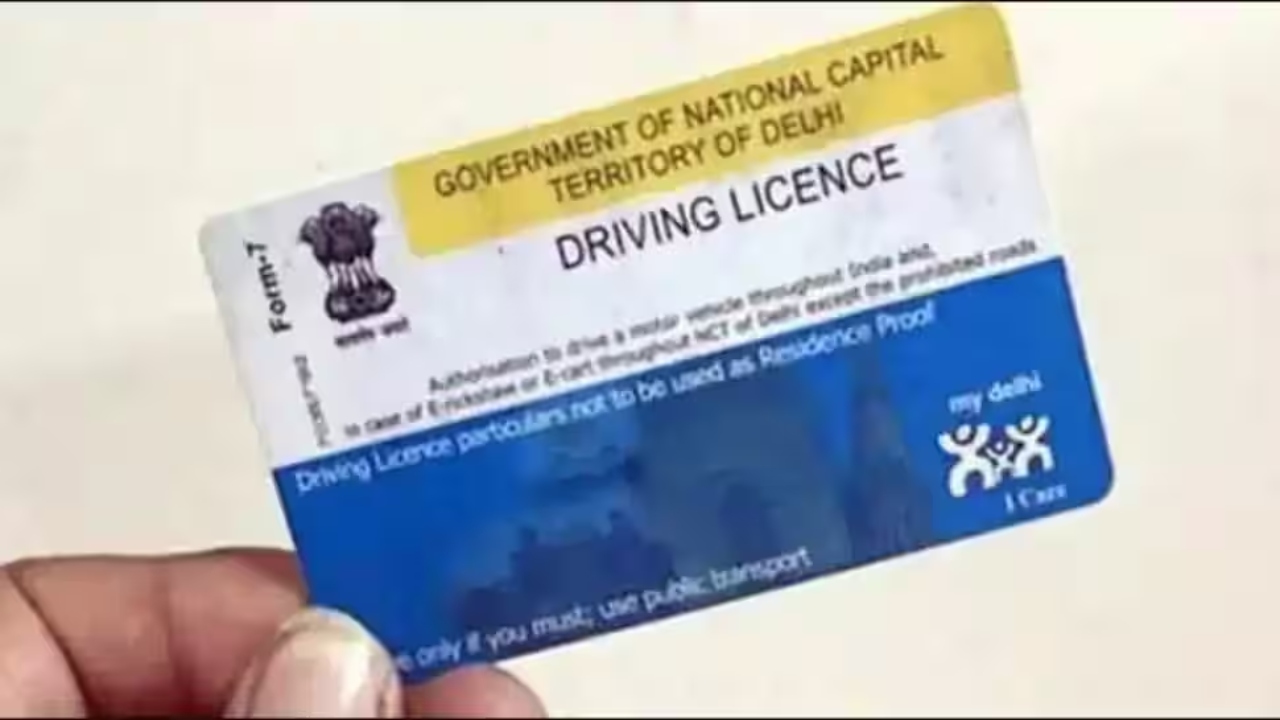
Update Mobile Number in Driving Licence: If you’re a driver, this news could be very important for you. If you haven’t updated your mobile number on your Vehicle Registration Certificate (RC), it’s essential to do so. All vehicle-related information is sent via mobile number. Whether it’s a challan, PUC expiry, or insurance renewal, all information is communicated via mobile number.
If you’re thinking about updating your mobile number, there’s no need to worry. You can update your mobile number online. You can easily do this by visiting the government website, Parivahan Seva. Let’s learn more about updating your mobile number on your driving license and RC.
Read Here: Mahindra Thar EV vs Suzuki Jimny 5-Door – Best Compact Off-Road SUV for 2025
How to update your mobile number in your driving license and RC?
If you want to update your mobile number on your vehicle’s RC or driving license, you need to search for it on Google and visit the Parivahan Seva website, https://parivahan.gov.in/.
After opening the Parivahan Seva website on your phone or laptop, a pop-up window will appear on your screen.
To update your mobile number on your vehicle’s registration certificate, click on the first link displayed on the screen.
After clicking the link, enter the requested information, such as the vehicle registration number, chassis number, engine number, registration date, and the valid registration date, along with a captcha code, and click Submit.
Read Here: Hyundai Creta EV 2025 Review – The Most Practical Family Electric SUV in India
You will then need to click on the second link below to update your mobile number on your driving license.
After clicking the link, enter the requested information, such as the DL number, date of birth, the DL holder’s last transaction status, and the captcha code, and click Submit.
Also, you can easily update your mobile number on your driving license and vehicle registration certificate by scanning the various QR codes on the screen.