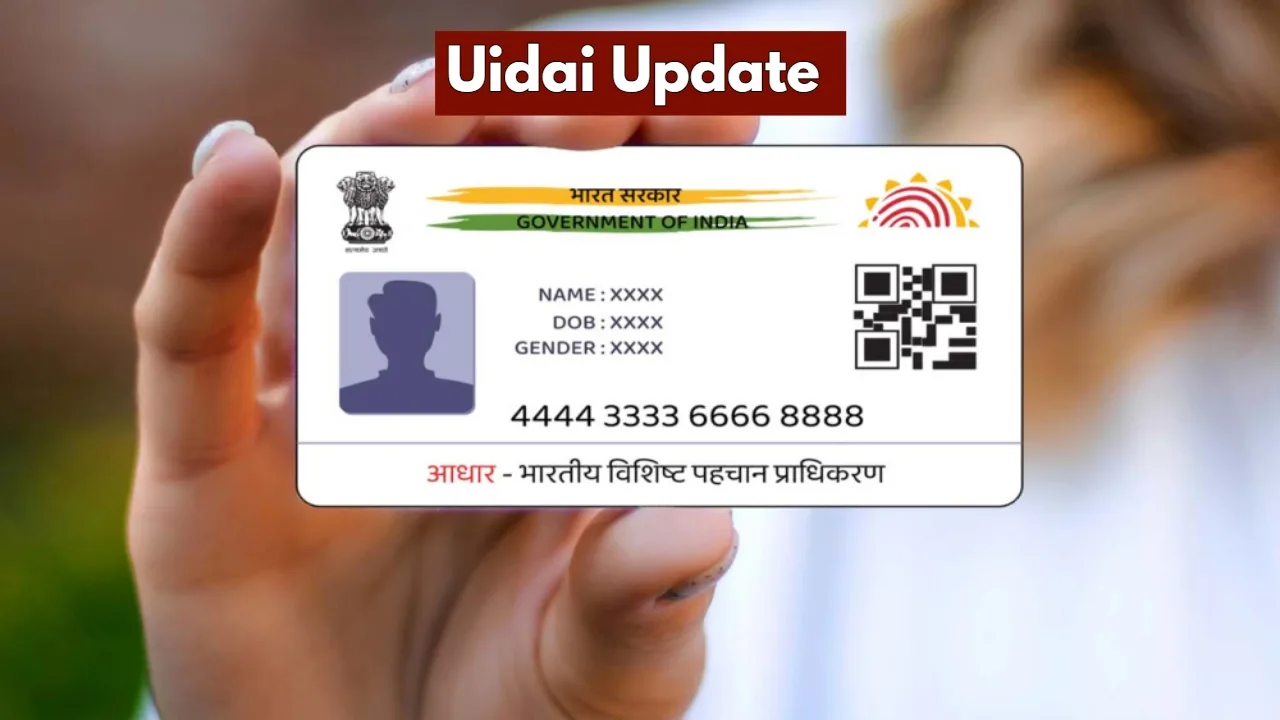
New Delhi: In today’s times, if you do not possess an Aadhaar card, you are bound to face numerous difficulties. Even if a minor detail is recorded incorrectly on your Aadhaar card, essential tasks can get stalled midway. Often, people change their mobile numbers but fail to update them on their Aadhaar cards, causing their work to come to a standstill.
Whenever any transaction or service is processed using your Aadhaar card, the corresponding notification is sent exclusively to your registered mobile number. Therefore, if you have changed your mobile number but have not yet updated it on your Aadhaar card, do not delay any further.
You can easily register your new mobile number on your Aadhaar card. Linking your mobile number to your Aadhaar is absolutely essential for completing verification via OTP. With the evolving landscape of digitisation, linking a mobile number to an Aadhaar card has become a very simple process.
Link Your Mobile Number to Aadhaar
You do not need to worry about linking your mobile number to your Aadhaar card; the process can be completed with ease. The Ministry of Railways issued a notification addressed to MP Ruchi Vira, providing information regarding this facility. To avail of this service, you simply need to use the official Aadhaar app.
To begin, you will first need to download the Aadhaar app from the Play Store on your mobile device. Next, install the app and launch it. If you are using the app for the very first time, you will be required to log in.
You can log in by using your Aadhaar number, an OTP, or even facial authentication. Subsequently, you will need to set a six-digit M-PIN. This PIN is crucial; in the future, whenever you open the app, you will be able to log in using this specific PIN.
How to Update
To initiate the process, first open the Aadhaar app.
Next, you will need to log in by entering your M-PIN.
You will then be directed to the home screen.
Several options will be available on this screen.
On the home screen, you will find an option labelled “Services.
Click on this option.
You will then see an option titled “My Aadhaar.”
Click on this option to proceed.
Latest News
- Weather Warning Delhi-NCR – Rain Alert & Dust Storm in Next 2-3 Hours, IMD Issues Yellow Alert

- PM Kisan Samman Nidhi Yojana: नहीं मिल रही 2000 रुपये की किस्त तो किसान तुरंत करवा लें यह काम

- Aadhaar Card Update Rules – How Many Times Can You Change Address, DOB & Number?

- Train Ticket: How to book a confirmed train ticket without an agent? Learn the Easy Steps

- Indian Railways– 155 Trains Express Declared High-Speed, Thousands of Railway Staff to Benefit

- Monsoon Alert – Warning Heavy to Very Heavy Rain alert & thunderstorms in 22 States Over Next 4 Days

- America-Iran War: मिडिल ईस्ट में तनाव होगा खत्म! ईरान ने होर्मुज रास्ते पर कही बड़ी बात

- PM Surya Ghar Yojana 2026: Get Up to Rs 78,000 Subsidy within 6 Easy Steps, Know Here

- Cheapest Available 5G Smartphones in India Under 10000

- UPSC Prelims Answer Key 2026 – How to Download UPSC Prelims Answer Key at upsc.gov.in