Your PF account is the support of your hard-earned money, and any mistake in it can trouble you. It often happens with employees that a wrong member ID is added to the UAN by mistake, or there is a mistake in their service history. Earlier, one had to visit offices to fix these problems, but now the Employees Provident Fund Organization (EPFO) has come up with a great solution. EPFO has launched a new and easy online facility, through which you can remove the wrong member ID from your UAN, sitting at home. Let us understand this whole process in detail.
What is the difference between UAN and Member ID?
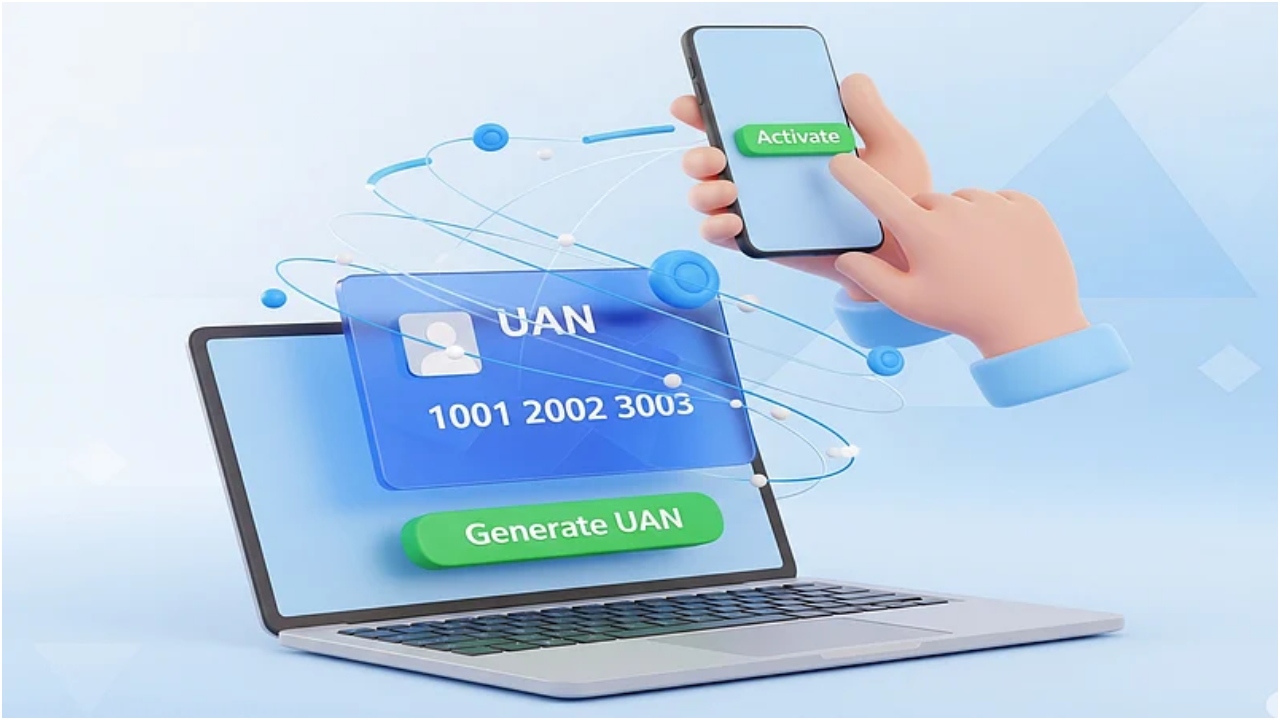
UAN (Universal Account Number)
This is your permanent home address. It is a 12-digit unique number that always remains the same throughout your job, no matter how many companies you change. It is the main identifier of your entire PF history.
Member ID
This is the address of your rented house. Whenever you start a new job, your company gives you a new member ID. It represents your PF account with that particular company. In simple words, UAN is your identity, and the member ID is your PF account in that job.
What are the problems caused by having the wrong member ID
If a wrong member ID is added to your UAN, then many problems can arise:
Wrong PF balance
Your correct PF balance will not be visible because someone else’s information has also been added to your account.
Problem with withdrawal
When you claim to withdraw or transfer money from the PF due to a wrong member ID, your claim may get stuck, or it may take a lot of time to get approved.
Pension error
Due to wrong information, there may be an error in calculating your pension in the future, which will cause you a loss.
Office visits
To correct this mistake, you have to visit your old or new employer or EPFO office again and again.
EPFO’s new solution
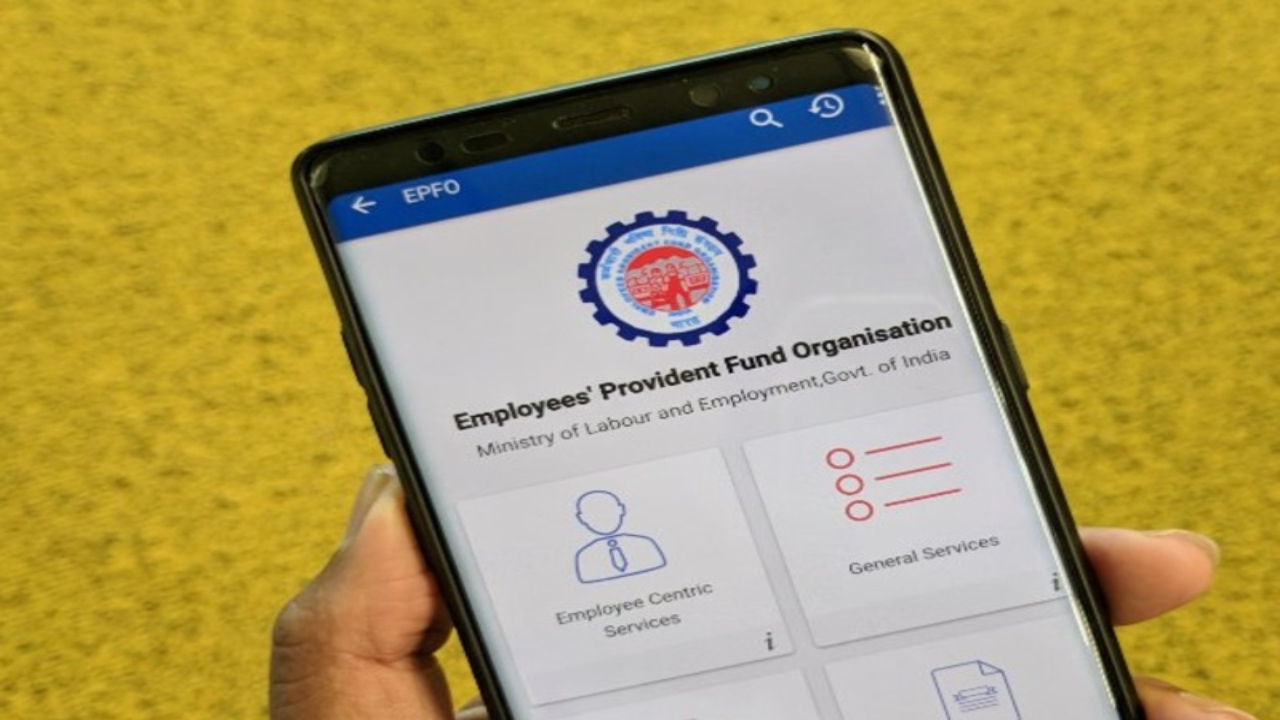
EPFO has recently issued a circular stating that now employees can themselves delete any wrong member ID from their UAN. This is a great relief, because earlier this work was possible only through the employer or the EPFO office.
Now you can do this work yourself by visiting the Unified Member Portal of EPFO from your computer or mobile. For this, you will not need to go to any office or submit documents.
What is required to delete a member ID
- Your active UAN number.
- EPFO portal password.
- Mobile number linked to your Aadhaar, because OTP will come on this.
- A good internet connection.
Complete the online process of deleting the member ID
You can complete this entire process in just a few minutes:
- First of all, go to the EPFO Unified Member Portal.
- Log in using your UAN and password.
- After logging in, you will find the option of ‘Service History’ in the ‘View’ or ‘Manage’ section, and click on it.
- Here you will see all the member IDs linked to your UAN. Identify the wrong member ID from these that you want to delete.
- You will find the option of ‘Delink’ or ‘Remove’ in front of the wrong member ID, click on it.
- EPFO will send an OTP to your Aadhaar-linked mobile number. Fill that OTP and ‘Submit’.
- Once the OTP is verified, the wrong member ID will be removed from your UAN, and you will see a confirmation message on the screen.
- Once you delink a member ID, it is permanently delinked from your UAN. If you later realize that the member ID was correct, you will have to contact your employer to get it relinked.
What if the OTP does not come
If you do not receive the OTP on your mobile, there is no need to panic. You can click on the ‘Resend OTP’ button on the screen. Keep in mind, the OTP will come only on the mobile number linked to your Aadhaar. Once you delink a member ID, it is permanently removed from your service history. If you later realize that it was correct, you will have to contact your old employer to get it relinked.
This new facility will not only make your PF records clean and transparent but will also make the claim and transfer process much faster, saving you both time and money. If you face any problem in this process, you can call EPFO’s toll-free helpline number 1800-118-005 or complain to their online helpdesk portal.