

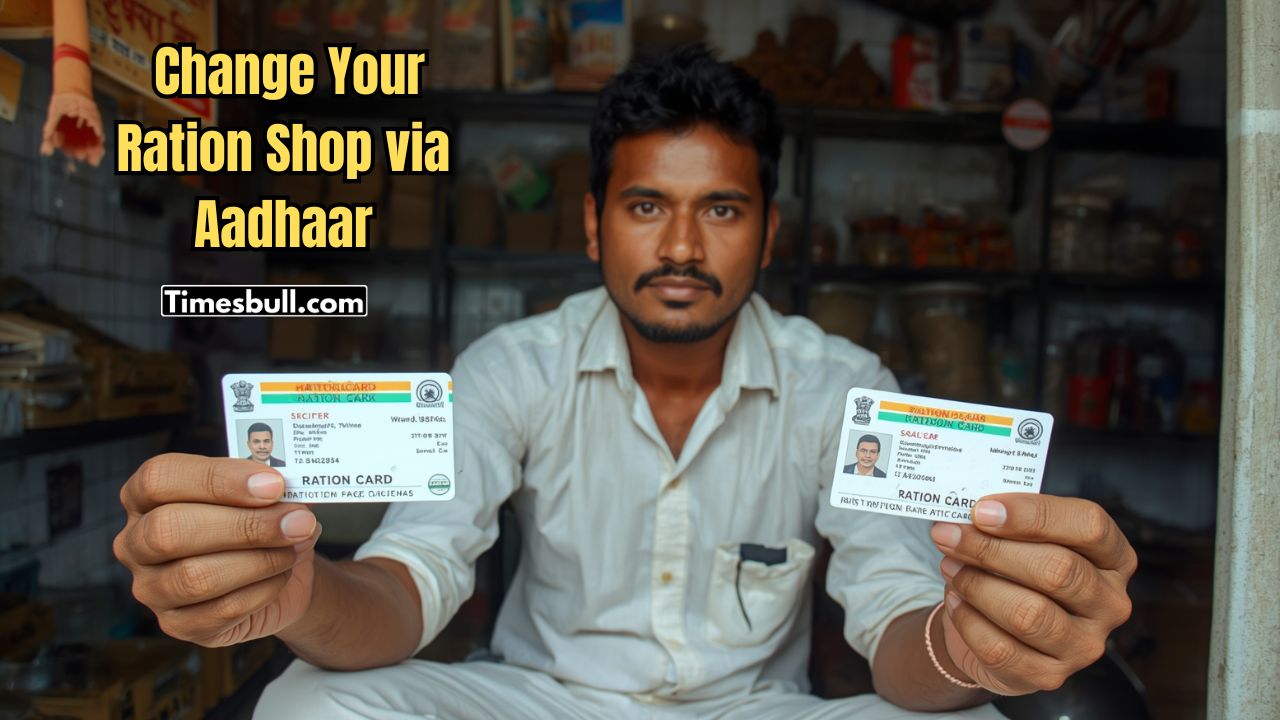
Want to correct any information in your ration card? Then there is no need to worry anymore. With just a few clicks,you can change or correct your ration card information yourself (basically,changing the ration shop is being talked about). Recently,the Food and Supplies Department of the West Bengal State Government posted a detailed explanation on X (previously known as Twitter) about what customers need to do. How you can easily correct the information in your ration card from home,let’s take a look at its various stages.
What to do,see at a glance (the entire work will be done online)
- First,you have to go to the official website of the Food and Supplies Department of the West Bengal State Government.
- There,you will see the ‘Citizen Home’ menu. Customers have to click on this option.
- Now a new page will open in front of you. There will be a ‘Ration Card Related Corner’. You have to click on this menu.
- Then when the next page comes in front of you,customers have to click on the ‘Self Service Through Aadhaar’ menu.
- Now on the next page,you have to click on the ‘Change Your FPS’ option. Through this,your family’s ration shop will basically change.
- Then,on the page that opens in front of you,a box with the ration card number will appear on the screen.
- There,you have to enter your ration card number and then click on the search option.
- Now,a check box for Aadhaar authorization will appear. If you tick it,you will see the ‘Send OTP’ option.
- If you click here,the OTP will reach the mobile number linked to your Aadhaar card.
- That is,this change of ration card will be done with the help of Aadhaar number,in which case it is absolutely necessary to have your mobile number linked to your Aadhaar card.
- A 6-digit OTP will be sent to your phone. You have to type it.
- Now,you have to update your current address. Then,select the ration shop you want to go to and click on the next option.
- If the mobile number of any family member is not linked to the ration card,then there will be a specific box to write the mobile number. Write the mobile number there.
- In the next stage,after ticking the check box and then clicking on the submit option,the customer will get the message ‘Thank you. Your FPS changed successfully’.
- That is,you will be informed that your ration shop has been changed.