

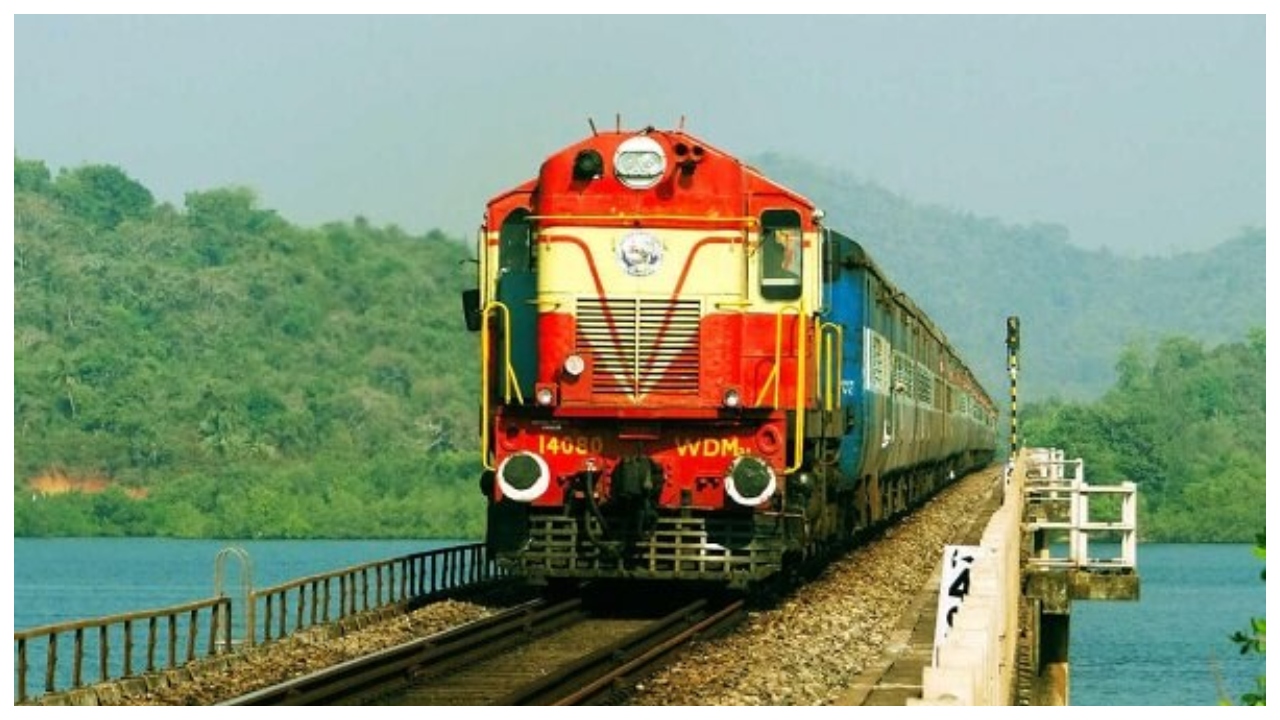
IRCTC Tatkal Ticket Rule- Every day Indian Railways operates a large number of trains and millions of passengers travel from one place to another. From non-AC to AC class, trains have facilities like comfortable seats, toilet facilities and catering arrangements. If you want to travel by train, then for this you have to book a train ticket.
But it is seen that there are many routes where it is very difficult to get train tickets around the date of travel. This is especially seen on the routes of UP and Bihar. The same happens on the occasion of festivals. Therefore, Indian Railways made arrangements for Tatkal train under which you can book train tickets a day before the journey, but do you know that now the way of booking Tatkal train tickets has been changed.
What has changed?
As everyone knows that from July 1, 2025, only those people can book Tatkal train tickets from IRCTC’s app or portal, whose Aadhaar is linked to IRCTC account. At the same time, from today i.e. July 15, 2025, Aadhaar based OTP verification will be necessary to book Tatkal tickets online. For this, an OTP will be sent to the passenger’s mobile number, which can be booked only after entering the Tatkal train ticket.
Keep these in mind
The time for booking Tatkal train tickets for AC is from 10 to 11 am, but now the agents will not be able to book these tickets for the first half hour i.e. from 10 to 10:30 am.
For non-AC, Tatkal train tickets can be booked between 11 am and 12 noon. Agents will not be able to book Tatkal train tickets between 11 am and 11:30 am.
During the first half an hour, only the general public will be able to book Tatkal train tickets, due to which the chances of getting a confirmed Tatkal train ticket will increase.
Now this is how Tatkal train tickets will be booked:
If you want to book tatkal train ticket then first you have to visit IRCTC official app or you can visit official website https://www.irctc.co.in/nget/train-search
Here you have to first click on ‘Login’ and enter your ID and password and then login.
After logging in, you have to select the station and the date of travel.
Now go to the quota section below and drop down and select the option of Tatkal train ticket
After this the complete list of trains comes in front of you.
Now choose your preferred train and select your preferred class either AC or Non AC
Then you have to click on ‘Book Now’ and after that you have to fill the details like name of the passengers etc.
After this an OTP will be sent to your mobile number, enter it
After this make the payment and your Tatkal train ticket is booked
Latest News
- PM Kisan Samman Nidhi Yojana: नहीं मिल रही 2000 रुपये की किस्त तो किसान तुरंत करवा लें यह काम

- Aadhaar Card Update Rules – How Many Times Can You Change Address, DOB & Number?

- Train Ticket: How to book a confirmed train ticket without an agent? Learn the Easy Steps

- Indian Railways– 155 Trains Express Declared High-Speed, Thousands of Railway Staff to Benefit

- Monsoon Alert – Warning Heavy to Very Heavy Rain alert & thunderstorms in 22 States Over Next 4 Days

- America-Iran War: मिडिल ईस्ट में तनाव होगा खत्म! ईरान ने होर्मुज रास्ते पर कही बड़ी बात

- PM Surya Ghar Yojana 2026: Get Up to Rs 78,000 Subsidy within 6 Easy Steps, Know Here

- Cheapest Available 5G Smartphones in India Under 10000

- UPSC Prelims Answer Key 2026 – How to Download UPSC Prelims Answer Key at upsc.gov.in

- 8th Pay Commission: एनपीएस और पुरानी पेंशन में कौन सी बेहतर, जानिए बड़ा अपडेट

