

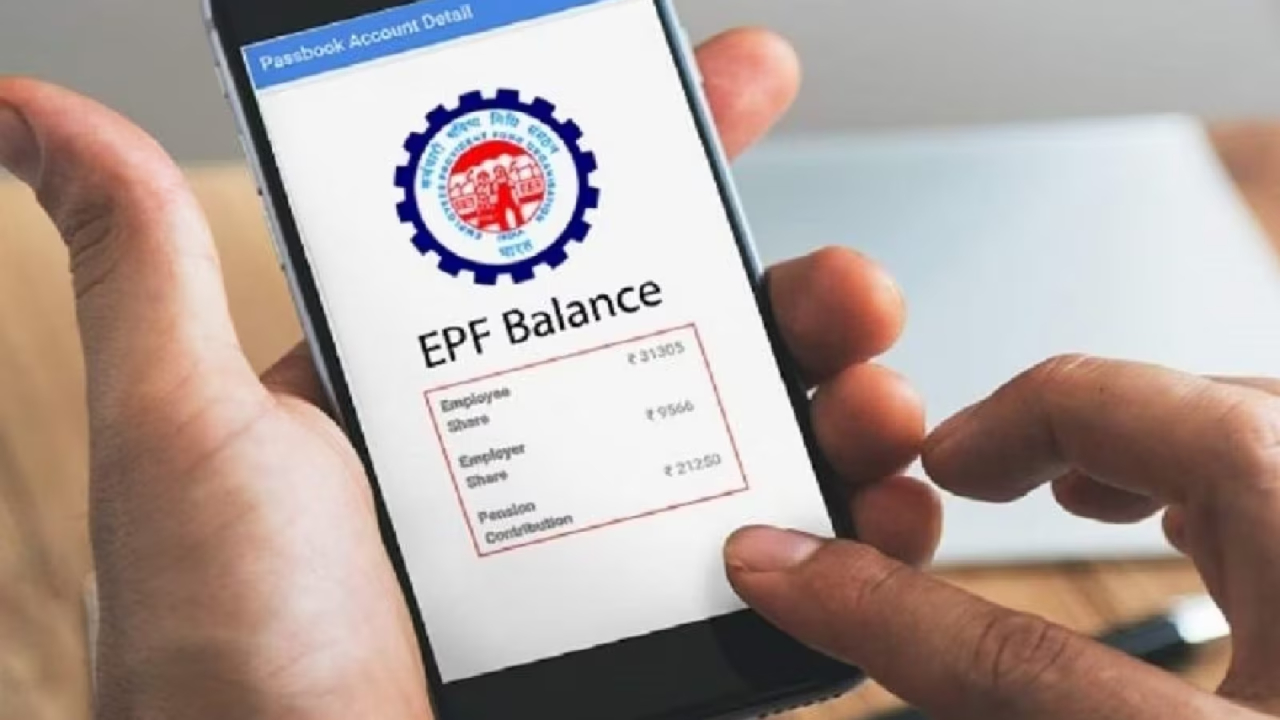
EPFO Update: Big update for EPFO members. If you want to know how much money is in your PF account, there are four easy ways for this. With these you can check your balance instantly and also know whether your company is depositing money every month or not.
1. Check by missed call
If your mobile number is linked with UAN (Universal Account Number), then just one missed call will tell you the balance.
Dial the number 9966044425
The call will be disconnected automatically and within a few seconds you will receive an SMS regarding PF balance on your mobile.
2. Find out by sending an SMS
Send an SMS from your UAN linked mobile:
Text EPFOHO UAN ENG to 7738299899.
If you want the information in Hindi, replace “ENG” with “HIN.” You’ll then receive your PF account balance and other details.
3. Check from EPFO website
To get complete details of PF passbook and interest, visit the EPFO website:
https://www.epfindia.gov.in
Then go to the “Employees” section and click on “Member Passbook”.
Login by entering UAN and password, and you can view your complete passbook.
4. Check through UMANG app
Download UMANG app and register with mobile number.
By going to EPFO section you can view your PF passbook, claim status and service history.
With these four easy methods you can check your PF account balance anywhere, anytime in minutes.
Latest News
- PM Kisan Samman Nidhi Yojana: नहीं मिल रही 2000 रुपये की किस्त तो किसान तुरंत करवा लें यह काम

- Aadhaar Card Update Rules – How Many Times Can You Change Address, DOB & Number?

- Train Ticket: How to book a confirmed train ticket without an agent? Learn the Easy Steps

- Indian Railways– 155 Trains Express Declared High-Speed, Thousands of Railway Staff to Benefit

- Monsoon Alert – Warning Heavy to Very Heavy Rain alert & thunderstorms in 22 States Over Next 4 Days

- America-Iran War: मिडिल ईस्ट में तनाव होगा खत्म! ईरान ने होर्मुज रास्ते पर कही बड़ी बात

- PM Surya Ghar Yojana 2026: Get Up to Rs 78,000 Subsidy within 6 Easy Steps, Know Here

- Cheapest Available 5G Smartphones in India Under 10000

- UPSC Prelims Answer Key 2026 – How to Download UPSC Prelims Answer Key at upsc.gov.in

- 8th Pay Commission: एनपीएस और पुरानी पेंशन में कौन सी बेहतर, जानिए बड़ा अपडेट

