

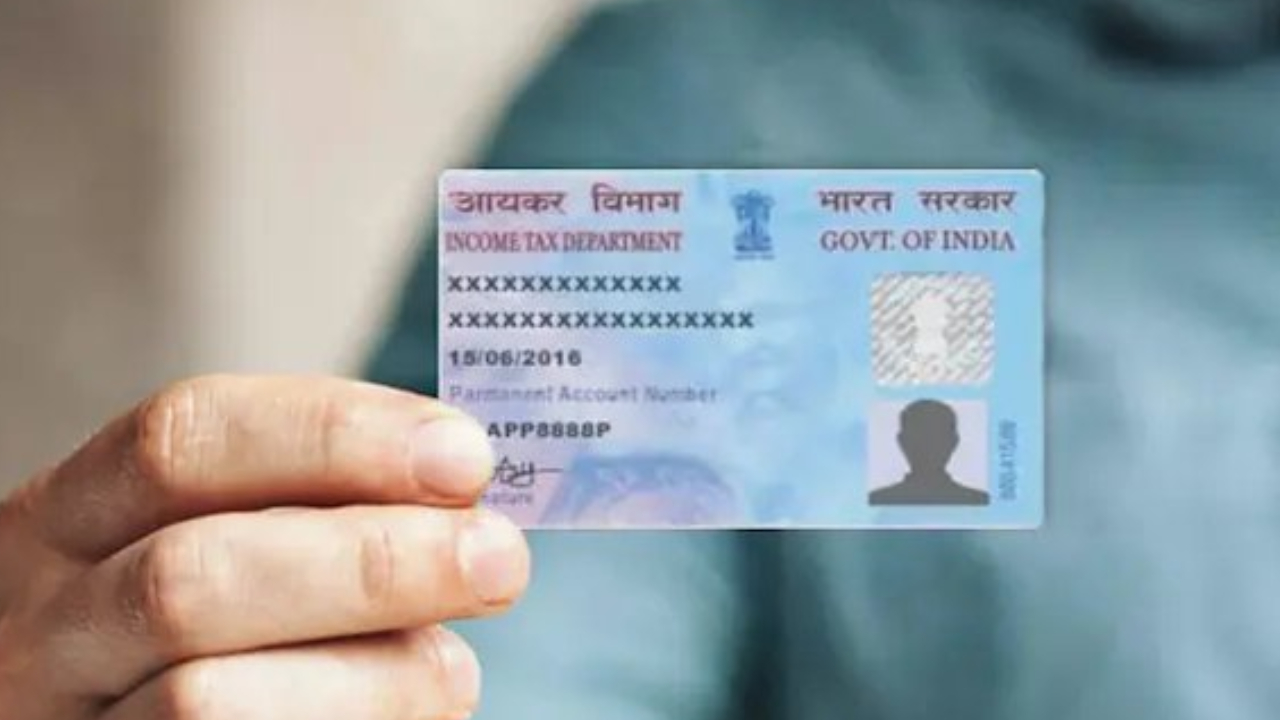
PAN Card Address- Want to change an address in PAN Card? But dont know how to do it? Then this article is made for you. PAN card (Permanent Account Number) is a very important document like Aadhaar. It is used for tax filing, banking, KYC and other financial transactions.
It is a 10-digit alphanumeric identification number issued by the Income Tax Department. In such a situation, if there is any mistake in the information on your PAN card or you have taken a new address, then it is necessary to update it. Even if the address is not printed on the PAN card.
Why is it necessary to update the address?
Your address is not written on the PAN card, but your registered address is used in many important places. Such as government notices, bank communication, tax refunds, and KYC verification. If you have changed your house or the address has changed due to any reason, then it becomes necessary to update the information related to PAN so that there is no problem in future.
Process to update address online
The address linked to the PAN card can be easily changed online. This facility is available on the website of Protean eGov Technologies (formerly NSDL). The entire process can be divided into three parts. Filling the form, submitting the document and verification.
Filling the form
Go to www.tin-nsdl.com.
Click on “Apply Now” in the “Changes or Correction in existing PAN Data” section.
Select the option ‘PAN Change/Reprinting’ and fill in the details.
Upon submitting the form you will get a token number, note it down.
Document Submission
You have three options for this:
Completely online (through Aadhaar OTP and eSign).
By uploading the scanned images.
By posting the physical document.
If you want to send physical documents, send them to this address:
Income Tax PAN Services Unit,
Protean eGov Technologies Limited,
4th Floor, Sapphire Chambers, Baner Road, Baner, Pune – 411045
Update the information.
Enter the last four digits of Aadhaar.
Select the information you want to change and fill in the correct details.
Enter the new address, mobile number, and email address.
Upload scanned copy of address proof and PAN card.
Verification and payment
Submit your declaration and verify the form.
Upload photo and signature (as per format).
Do OTP verification through Aadhaar number.
Make online payment and download the transaction receipt.
Finally complete the process with eSign option.
Download the acknowledgment slip.
Password: Your date of birth in DD/MM/YYYY format).
Latest News
- PM Kisan Samman Nidhi Yojana: नहीं मिल रही 2000 रुपये की किस्त तो किसान तुरंत करवा लें यह काम

- Aadhaar Card Update Rules – How Many Times Can You Change Address, DOB & Number?

- Train Ticket: How to book a confirmed train ticket without an agent? Learn the Easy Steps

- Indian Railways– 155 Trains Express Declared High-Speed, Thousands of Railway Staff to Benefit

- Monsoon Alert – Warning Heavy to Very Heavy Rain alert & thunderstorms in 22 States Over Next 4 Days

- America-Iran War: मिडिल ईस्ट में तनाव होगा खत्म! ईरान ने होर्मुज रास्ते पर कही बड़ी बात

- PM Surya Ghar Yojana 2026: Get Up to Rs 78,000 Subsidy within 6 Easy Steps, Know Here

- Cheapest Available 5G Smartphones in India Under 10000

- UPSC Prelims Answer Key 2026 – How to Download UPSC Prelims Answer Key at upsc.gov.in

- 8th Pay Commission: एनपीएस और पुरानी पेंशन में कौन सी बेहतर, जानिए बड़ा अपडेट

