

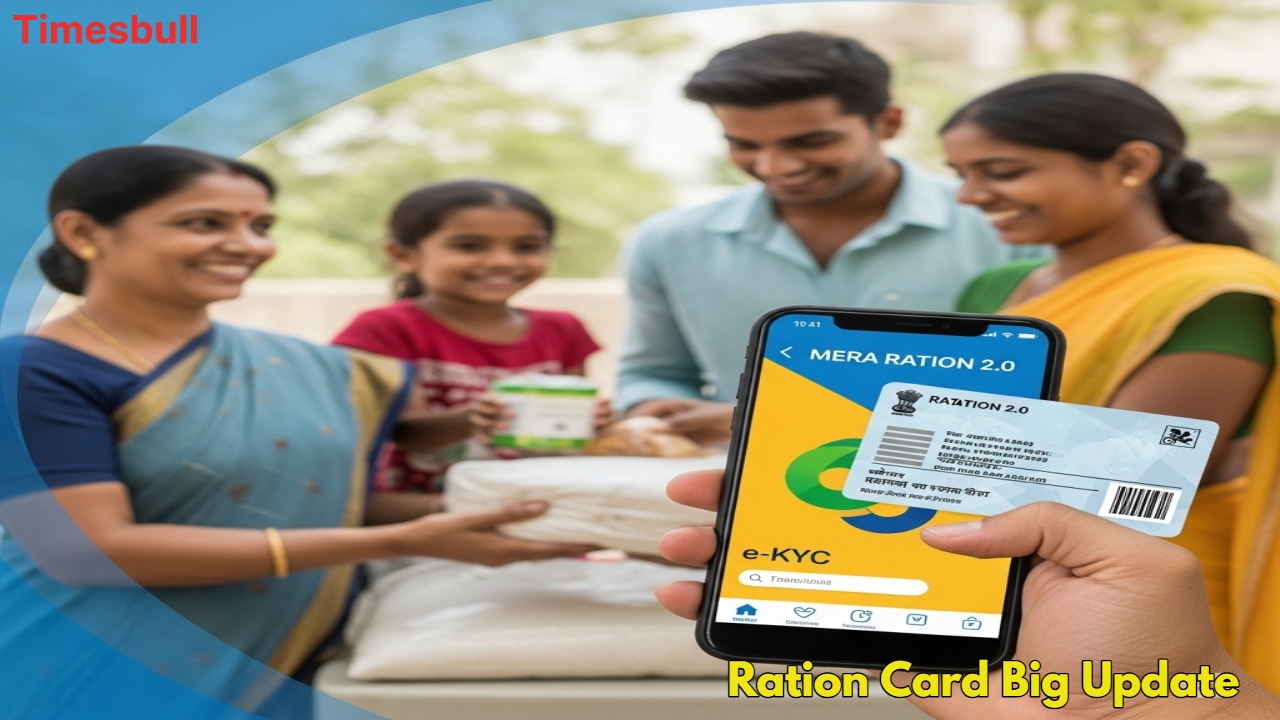
If you have a ration card and rely on government-subsidized food supplies,here’s some useful news for you! The Department of Food and Public Distribution,Government of India,has introduced the Mera Ration 2.0 app,allowing ration cardholders to update or modify their details with just a few clicks—no more endless visits to government offices.
Key Benefits of Mera Ration 2.0 App
✅ Update Ration Card Details – Change your address,mobile number,or add/remove family members directly through the app.
✅ Locate Nearest Ration Shops – Find nearby Fair Price Shops (FPS) with ease.
✅ Real-Time Notifications – Get instant updates on new schemes or policy changes.
✅ Paperless e-KYC – Complete or verify your ration card’s e-KYC from home.
How to Update Ration Card Details via Mera Ration 2.0 App
Download the App – Available on the Google Play Store.
Register – Enter your Aadhaar number and registered mobile number for OTP verification.
Make Changes – Update required details (name,address,etc.).
Submit for Approval – Your request will be sent to concerned officials; once approved,your card will be updated.
How to Check Ration Card e-KYC Status
Install “Mera KYC” App from the Play Store.
Select Your State & Location.
Enter Aadhaar Number & OTP (sent to your registered mobile).
Check Status – If e-KYC is complete,it will show “Y”; if not,complete the process.
Complete e-KYC for Ration Card at Home
Install “Mera KYC” and “Aadhaar Face RD” apps.
Open the app,select your state,and enter Aadhaar details.
Verify via OTP and perform face authentication using your phone’s selfie camera.
Once scanned,your e-KYC will be successfully updated.
Fact Check: The Mera Ration 2.0 app is an official initiative by the Indian government to digitize ration card services,ensuring transparency and convenience for beneficiaries.
By using this app,ration cardholders can save time,avoid middlemen,and manage their entitlements digitally. Download it today and simplify your ration card updates!