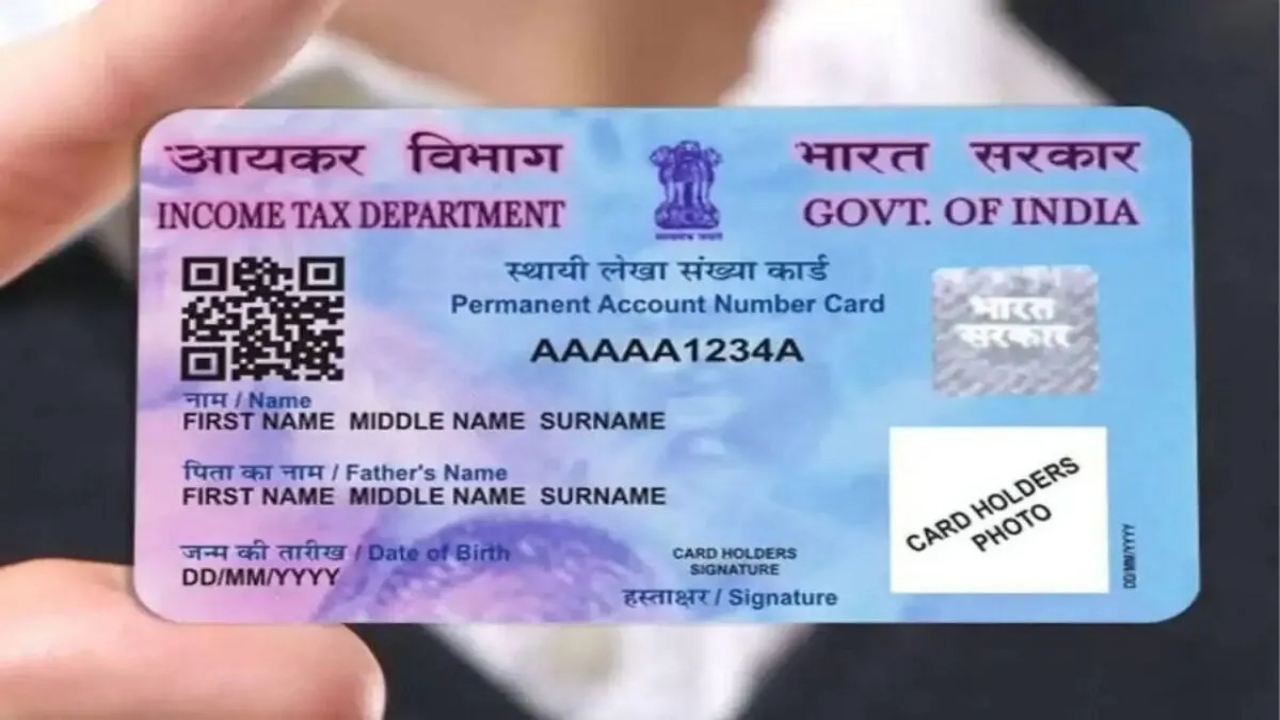
How to Make a Duplicate PAN Card: Nowadays, a PAN card is required for both small and large tasks. Whether opening a bank account or paying taxes, filling out any government form, filing government forms, or filing taxes requires a PAN card. If you’ve lost your PAN card for some reason, there’s no need to worry. You can replace your lost PAN card from the comfort of your home. You can even download a duplicate e-PAN card. This digital PAN card is completely valid in all government and private institutions.
Who Issues PAN Cards?
Two main agencies issue PAN cards in the country: NSDL and UTIITSL. Alternatively, you can get a PAN card made instantly by visiting the Income Tax Department’s website. If you know the PAN card holder’s ID, you can view the old card. Or you can find out from the information received in the message.
How to get a PAN card from NSDL?
First, click on the link and enter your PAN number, Aadhaar number, and date of birth.
Follow this, verify the OTP.
After this, make a payment of ₹8.26.
After the payment is made, your e-PAN card will be downloaded.
Read Here: Video of stunning sixes by Dinesh Karthik and Morgan goes viral
Download PAN card from UTIITSL
To do this, first search for UTI PAN Download on Google.
After this, enter your PAN number, date of birth, and Aadhaar number.
After this, go to the website and select the Download e-PAN option.
Verify the OTP, and your e-PAN card will be downloaded.
Get a PAN card from the Income Tax website
If you made an instant PAN card using Aadhaar, go to the Instant e-PAN section on the Income Tax website. Enter your PAN and Aadhaar number there, verify the OTP, and download your e-PAN instantly.