

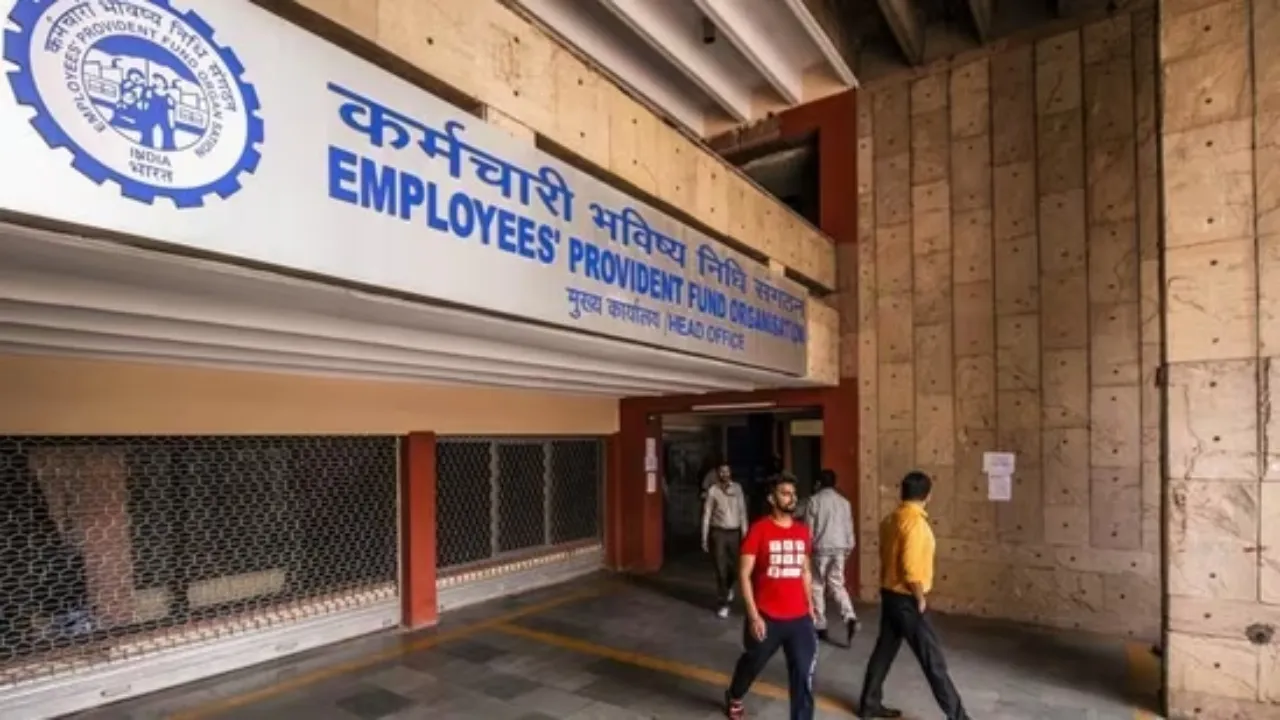
EPFO Update- Big relief for EPFO Members. For EPF subscribers, their passbook keeps track of their account. It contains the details of your account and also tells how much balance has been deposited in your PF account till now. EPF passbook (EPFO e-Statement) shows how much amount has been deposited in the account from the contributions made by you and your company.
EPF passbook contains EPF account number, pension scheme details, name and ID of the organization, details of EPFO office. To get EPF passbook, it is necessary to register on the EPFO website. But if ever the EPFO website is down or the server is not working due to maintenance work, then how can you check your PF balance? Let us know what options you have?
Know your PF balance with just one missed call
If your mobile number is registered with Universal Account Number (UAN), you can check your PF account balance by giving a missed call to 9966044425.
After giving a missed call, you will get a message from EPFO (Employees Provident Fund Organization).
This message will contain information about your PF account balance and the recent contributions made.
This service is completely free, but to use it, UAN must be active.
Information will also be available through SMS
If you want to get information about your PF account through SMS, you can send an SMS to 7738299899.
To send the message, type EPFOHO UAN ENG from your registered mobile number and send it to the given number.
Here ENG means English language. If you want information in Hindi, then write HIN instead of ENG.
This facility is available in 10 languages, including Hindi, Tamil, Telugu, Punjabi, Bengali, Gujarati, Marathi etc.
You can also check balance from Umang app
The government has launched the UMANG app to make digital services easier.
Download Umang app and register your mobile number.
Go to the EPFO section inside the app and select the ‘View Passbook’ option.
Here you can view your PF passbook, check claim status and also submit claim online.
Latest News
- America Update: व्हाइट हाउस के दरवाजे पर 25 राउंड फायरिंग से मची खलबली, संदिग्ध हमलावर की मौत

- Tata Tiago Facelift Launching Soon – Aggressive Design And High-Tech Cabin Revealed

- LPG Gas Connection Transfer Made Easy, Learn the Complete Process

- New Honda City Facelift 2026 Launched – Sporty Coupe Look And ADAS Safety Revealed

- 8th Pay Commission: केंद्रीय कर्मचारियों की बढ़ेगी बंपर सैलरी! आयोग ने उठाया यह बड़ा कदम

- China: चीन के कोयला खदान में भयंकर विस्फोट, 90 लोगों की गई जान, पीएम मोदी ने भी जताया दुख

- Weather warning – Heavy Rain, thunderstorms, lightning Alerts for 13 States Over Next 3 Days

- UP TGT Exam City Slip 2026 Released – Download at upessc.up.gov.in, Exam June 3-4

- ATM Alert: एटीएम में फंस जाए डेबिट कार्ड तो घबराएं नहीं, फटाफट यह काम करने से होगा समाधान

- Post Office Scheme – 7.5% Interest Rate, ₹5 Lakh Becomes ₹7,24,974 in 5 Years, Start with Just ₹1,000

