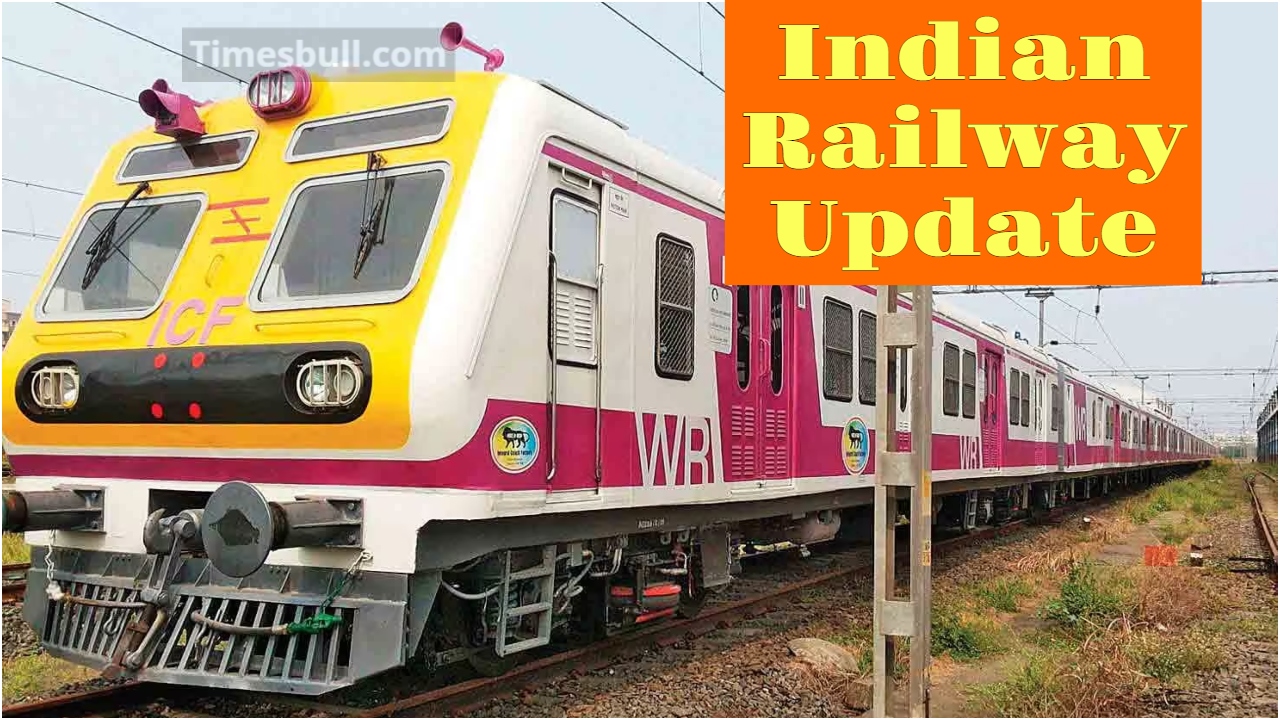
New Delhi: Indian Railways is implementing new rules and regulations to facilitate passengers, and the results are already visible. To make train ticket booking even more transparent and secure, it has decided to implement a new Aadhaar-based OTP system.
Under this, Aadhaar OTP has been made mandatory on ticket booking sites or apps. This will ensure that only genuine users can access the ticketing system. We will also explain a method by which you can easily book Tatkal or General tickets. Understanding the essential information below will eliminate any confusion.
Read More: Bajaj Pulsar NS500 2025 Review – Aggressive Streetfighter Power, Performance & Everyday Usability
Aadhaar-OTP Verification Now Mandatory
Under the new rules, the OTP sent to the mobile number linked to Aadhaar will be mandatory when booking Tatkal or General tickets. Without confirmation, the booking process will not proceed. This rule is initially implemented on 322 trains and is now being gradually implemented across the rest of the network.
Read More: Gold Price Weekly – Check 22 Carat & 24 Carat Gold Updated Rate in City–Wise
Additionally, thanks to the Aadhaar OTP, the system now verifies each user’s identity. This has reduced the impact of bots and fake users. The time taken to receive a confirmed ticket has also improved significantly for genuine travellers.
According to the Railway Minister’s statement, approximately 30.2 million suspicious/fake IRCTC accounts have been deactivated. This database cleanup is considered a major step in the history of the ticketing system.
Learn how to protect your account.t
Did you know that booking tickets on IRCTC has now become much easier? Your personal security and account integrity are equally important. The following steps require you to follow these steps.
How to Link Aadhaar and Verify OTP
Linking and OTP verification are mandatory. If this is not set, you may face difficulties during Tatkal or normal bookings. Linking your IRCTC account with Aadhaar is quite easy. The entire process takes about 2 minutes. First, you need to log in to your IRCTC account.
Then go to the ‘My Account’ section. Here, you’ll find the option to ‘Aadhaar KYC’ or ‘Link Aadhaar’. After clicking this option, the website will ask you for your Aadhaar number. Furthermore, upon entering the number, an OTP will be sent to your registered mobile number. Submitting this OTP completes your Aadhaar verification.