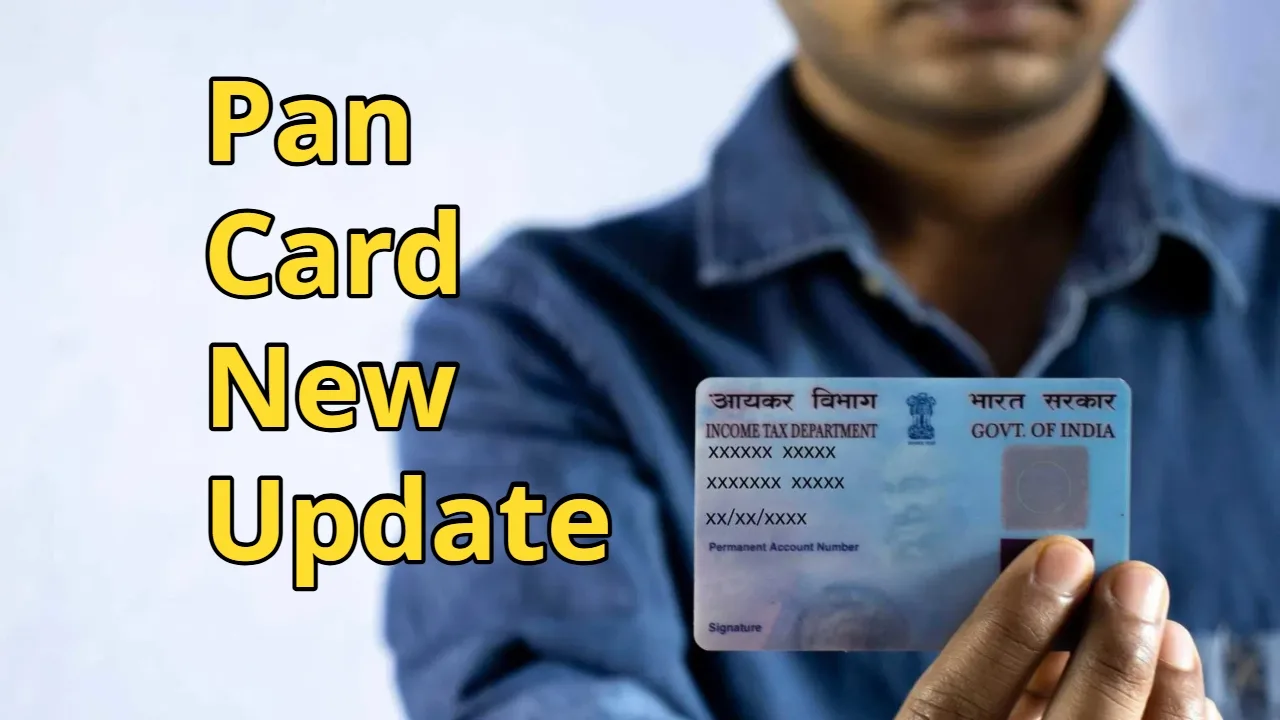
Pan Card Update: In today’s time, a PAN card is a very important document. The PAN card is issued by the Income Tax Department. It is useful for filing income tax, filing tax returns, or taking out loans. The PAN card is used to validate tax records. It also keeps track of your personal contribution to the country’s economy.
If you don’t have a PAN card, you don’t need to worry. Earlier, people had to go to a PAN center to get a new PAN card. But the Income Tax Department has made this process easier. You can learn about both online and offline methods.
Read Here: Nanda Gaura Yojana: Get Rs 62,000 for Daughters from Birth to Class 12 – Full Details
Most employers require you to submit a copy of your PAN card during the initial onboarding process. But even if you haven’t started earning yet, you can still apply for it. There is no minimum age requirement for this.
Having a PAN card has become very important in the country. Considering this, we have prepared a step-by-step guide so that you can get a PAN card online through the Income Tax Department.
Get a PAN card online
- First, visit the Income Tax Department portal.
- Then, you will see a links menu on the left side of the screen. Tap on the Instant e-PAN button and click on it.
- After that, click on the Get New e-PAN button and enter your 12-digit Aadhaar number.
- Then, click on the checkbox to provide the necessary information and click on Continue.
- After that, give your consent to receive an OTP on your registered phone number and enter the OTP.
- Then, check your personal details and if everything is correct, tap on Continue.
- Now you will receive a confirmation message on your registered phone number. You will also receive an acknowledgment number.
- Your PAN card will be generated in a short time, and you can access it by entering the acknowledgment number on the Income Tax website.
Read Here: Find out the price of 1 litre petrol‑diesel in these cities on 20 December
How to Update Your PAN Card
- You can update your PAN card online through NSDL (Protean eGov) and UTIITSL.
- First, visit the official website of NSDL (Protean eGov) or UTIITSL.
- Then, click on the “Change/Correction in PAN” option.
- After that, enter your PAN number, name, date of birth, email address, etc.
- A 15-digit token number will then be generated.
- Now, select the information you want to update and fill in the correct details.
- Upload the necessary documents such as identity proof, address proof, date of birth certificate, photograph, and signature.
- After that, pay the fee online and submit the form.
- Now you need to download the acknowledgment slip. You can use this to track the status of your update later.
How to Update Offline
- First, fill out the form titled “Request for New PAN Card and/or Changes or Correction in PAN Data”.
- Then, submit it to a nearby PAN center. You must also attach proof of address and date of birth, along with your old PAN card.
- After paying the fee, you will receive an acknowledgment slip, which you can use to track your PAN card update.
Latest News
- ITR Filing Before May 31? You May Get Notice

- Women Free Bus Travel Scheme – How to Get Free Bus Travel From June 1, 2026? How to Apply

- LSG Vs PBKS Video: ऋषभ पंत पर भड़के अर्जुन तेंदुलकर! वीडियो देखकर आप भी रह जाएंगे हैरान

- Apple MacBook Neo Deal Alert: Get It For Under ₹58,000 on Amazon Right Now

- Pakistan Attack: आत्मघाती हमले से दहला पाकिस्तान, 23 लोगों की मौत, 50 से ज्यादा घायल, जानें

- Honor Magic 9 Series Leaks: Flagship Upgrades with Massive 8,000mAh Battery and 200MP Cameras

- Motorola Edge 60 Fusion Review: Mid-Range King or Outdated?

- FD Update– Breaking Your FD Early? Know the consequences

- Bank Holiday–RBI Announces Closure of SBI, HDFC and All Banks Next Week, Save the Dates

- Samsung Galaxy S26 Ultra Amazon Deal – Get ₹23,509+ Discount with Bank Offers and Exchange Benefits