
Forgot Your UPI PIN? Here’s How to Reset or Create a New One in BHIM, PhonePe & GPay
The Unified Payments Interface (UPI) has revolutionized the digital payments landscape in India. Sending and receiving money is now faster, safer, and easier than ever before. But to ensure the security of your bank account, creating a strong UPI PIN is crucial. If you want

 Join Us
 Add as a preferred
Upi Payment
The Unified Payments Interface (UPI) has revolutionized the digital payments landscape in India. Sending and receiving money is now faster, safer, and easier than ever before. But to ensure the security of your bank account, creating a strong UPI PIN is crucial. If you want to set or change a UPI PIN, this detailed guide is for you. Learn what a UPI PIN is and how to create or change it securely.
What is a UPI PIN
The full form of a UPI PIN is ‘Unified Payments Interface Personal Identification Number.’ It is a 4- or 6-digit secret code that you set in the UPI app linked to your bank account. This PIN protects your hard-earned money from unauthorized transactions.
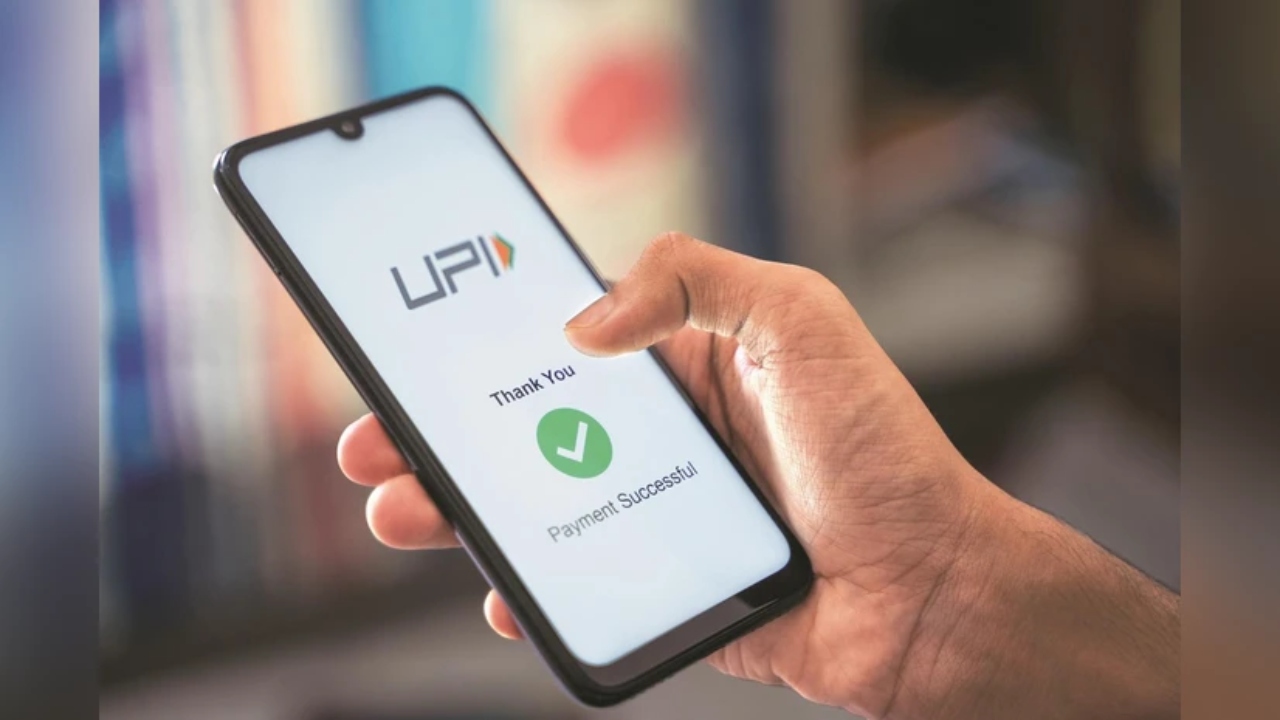
This PIN acts as a security shield for you. Whenever you make a UPI transaction, such as sending money or making a payment by scanning a QR code, you must enter this PIN to confirm the payment. This ensures that only you can make payments from your bank account. This PIN is your digital identity, and sharing it with anyone can be a major mistake.
How to set a new UPI PIN
Setting a UPI PIN is a simple process. You can create one in BHIM, Google Pay, PhonePe, or any bank’s UPI-supported app.
First, download and open any UPI-supported app (such as Google Pay, PhonePe, or BHIM). Link your bank account in the app. In this process, you’ll need to enter the last 6 digits of your debit card (ATM card) and its expiry date.
Now, go to the ‘UPI PIN’ or ‘Payment Settings’ section within the app.
A one-time password (OTP) will be sent by the bank to your registered mobile number. After entering the OTP, you’ll get the option to create your new UPI PIN. Set a secret 4- or 6-digit PIN.
For security, you’ll need to confirm it by re-entering the same PIN.
Your UPI PIN has now been successfully set, and you’re ready to make payments immediately.
How to Change Your Old UPI PIN

If you want to change your old UPI PIN or think someone has learned it, it’s crucial to change it immediately.
Open your UPI app (such as PhonePe or Google Pay). Go to the ‘UPI Settings’ or ‘Send Money’ section in the app and select the bank account whose PIN you want to change.
Now, select the ‘Change PIN’ option.
Here, you’ll need to enter the last 6 digits of your debit card, the expiration date, and your current (old) UPI PIN.
Next, enter your new and strong UPI PIN. For security, confirm the new PIN by re-entering it.
Your new UPI PIN will be updated successfully, and you will also receive a confirmation message instantly.

Vikram Singh
Next Article
PM Kisan Yojana: इन किसानों को नहीं मिलेगी 2000 रुपये की किस्त! लिस्ट से कटा नाम, कैसे करें चेक
पीएम किसान सम्मान निधि योजना (pm kisan samman nidhi yojana) बहुत ही खास है, जो कृषकों को आर्थिक उन्नति व प्रगति प्रदान करती है. केंद्र सरकार (central government) अभी तक इस योजना के अंतर्गत 2,000 रुपये की 22 किस्तें जारी की जा चुकी हैं.


PM Kisan Yojana 23rd Installment: पीएम किसान सम्मान निधि योजना (pm kisan samman nidhi yojana) बहुत ही खास है, जो कृषकों को आर्थिक उन्नति व प्रगति प्रदान करती है. केंद्र सरकार (central government) अभी तक इस योजना के अंतर्गत 2,000 रुपये की 22 किस्तें जारी की जा चुकी हैं. योजना से जुड़े सभी किसानों को अब 23वीं किस्त (23rd installment) का इंतजार बड़ी ही बेसब्री से है. लेकिन अगली किस्त का फायदा उन्हीं किसानों को मिलेगा जो सभी शर्तों को पूरा करेंगे.
अगर जरूरी काम नहीं करवाए तो फिर किस्त की राशि से वंचित रह जाएंगे. इसलिए किस्त जारी होने से पहले कुछ जरूरी कार्यों को पूरा कर लें, जिससे किसी तरह की परेशानी नहीं होगी. अगली किस्त कब आएगी, अभी तारीख का ऐलान आधिकारिक रूप से नहीं किया गया है.
Write a Comment