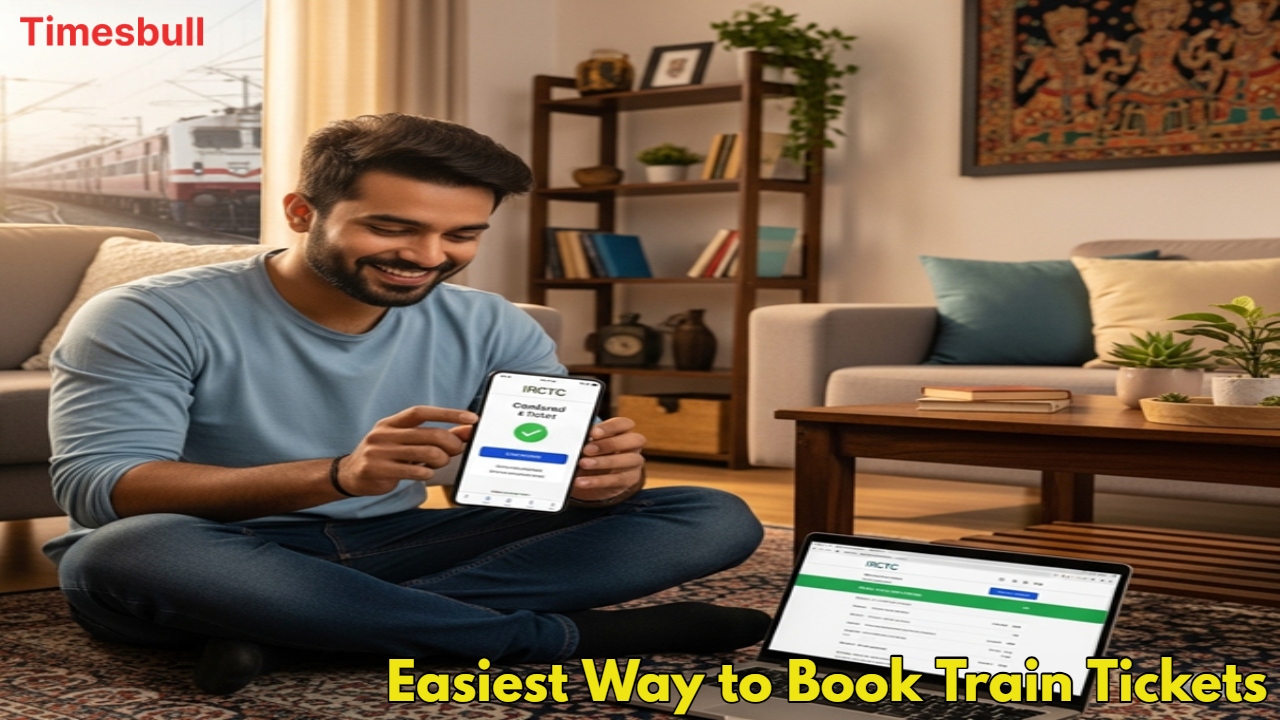
Now there is no need to stand in long lines; train ticket online booking has made traveling very easy. If you also want to book railway tickets from your mobile or computer sitting at home, then first of all, you have to create an IRCTC account. In this easy guide, learn how to do a new IRCTC registration and the easiest way to book railway tickets.
The easiest way to create a new IRCTC account
To book tickets on the IRCTC website and app, first of all, you have to create your account. This is a one-time process, which is very easy. Just follow these steps:
First of all, go to the official website of IRCTC (www.irctc.co.in) or open the IRCTC Rail Connect app.
Click on the ‘Register’ button given on the top right of the homepage.
Now, a registration form will open in front of you. Carefully fill in all the information like your username, password, name, date of birth, email ID, and mobile number.
Select a security question and write its answer. This will come in handy when you forget your password.
Fill in the captcha code that appears on the screen correctly.
After filling in all the information, click on the ‘Submit’ button.
After this, an OTP (One-Time Password) will come to your given mobile number and email ID. Verify your information by entering it in the correct place. After verification, your IRCTC account will be ready.
How to book train tickets online
Once your account is created, you can book IRCTC tickets.
Log in to the IRCTC website or app with your created username and password.
Now on the homepage, enter the name of your starting station in ‘From’, the name of your destination station in ‘To’, and the date of your journey in ‘Date’. Also, select your travel class (eg, Sleeper, 3A, 2A).
After searching, you will get a list of all available trains. Select the train and class of your choice.
Now click on ‘Add New Passenger’ and fill in the name, age, gender, and ID proof of all the passengers.
After this, you will reach the payment page. Choose any online payment method (such as UPI, debit card, credit card, or net banking) as per your convenience and complete the payment.
After the payment is successful, you will receive an e-ticket confirmation message on your mobile number and email ID. If you want, you can download the ticket and save it on your phone or take a printout of it. Now you can travel without any hassle by showing this e-ticket on your phone.
Latest News
- Motorola Edge 60 Fusion Review: Mid-Range King or Outdated?

- FD Update– Breaking Your FD Early? Know the consequences

- Bank Holiday–RBI Announces Closure of SBI, HDFC and All Banks Next Week, Save the Dates

- Samsung Galaxy S26 Ultra Amazon Deal – Get ₹23,509+ Discount with Bank Offers and Exchange Benefits

- Best Scooters For College Girls 2026 – Perfect Mix Of Mileage, Style And Lightweight Design

- Kodak Matrix QLED Google TV 2026 Series Launched in India Just Under 10,999

- Senior Citizen FD Rates: सीनियर सिटीजन को यहां से मिल रहा बंपर ब्याज, जल्द करें निवेश

- UGC NET 2026 – How to Apply for UGC NET June 2026? Last Date May 24 Till 11:50 PM at ugcnet.nta.nic.in

- Mahindra Thar New Version Leaked – Powerful Engine And Advanced Features Coming

- Jio 5G Unexpected Speed Drop: Network Slowdowns Frustrate Users