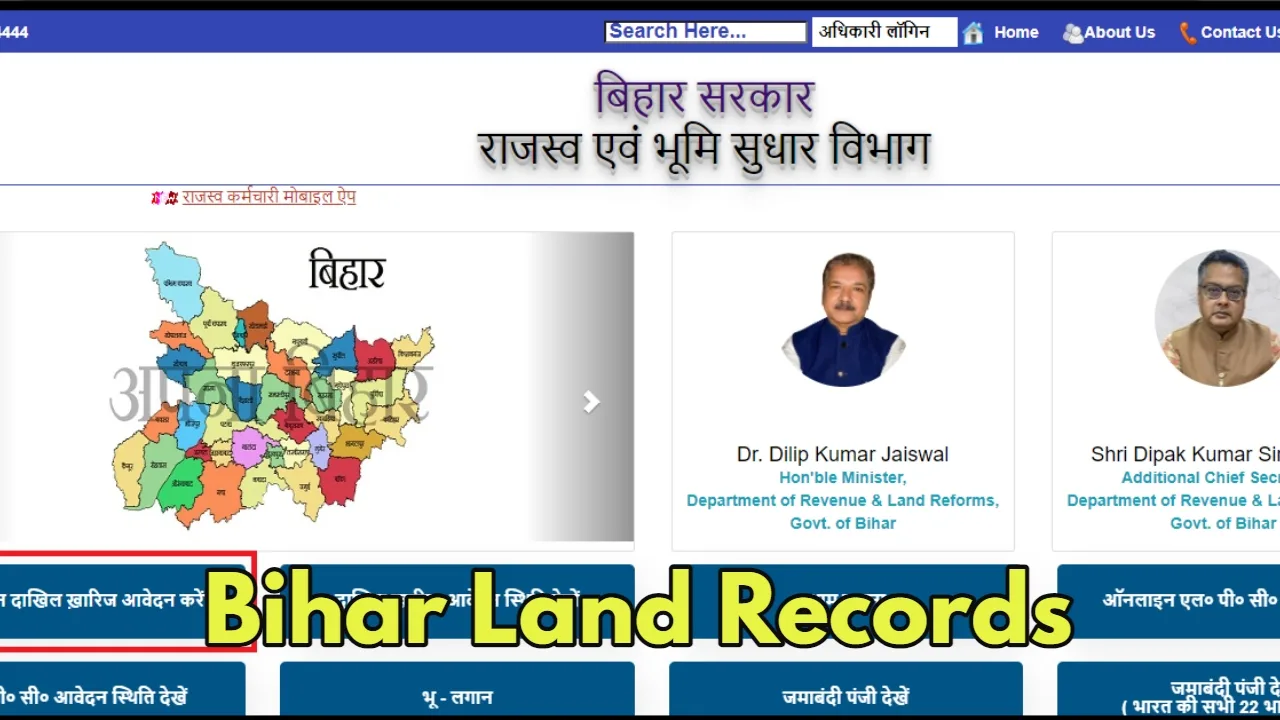
Whether it is a map of the land or a copy of the land record, now you will not have to visit government offices in Bihar.
Through the Bihar Land Records Portal launched by the Revenue and Land Reforms Department of the Government of Bihar.
You can view the scanned copies of many important documents related to the land from your mobile or computer and can also download their digitally signed copy. Let us know in detail how to use this portal.
How to use the Bihar Land Records Portal
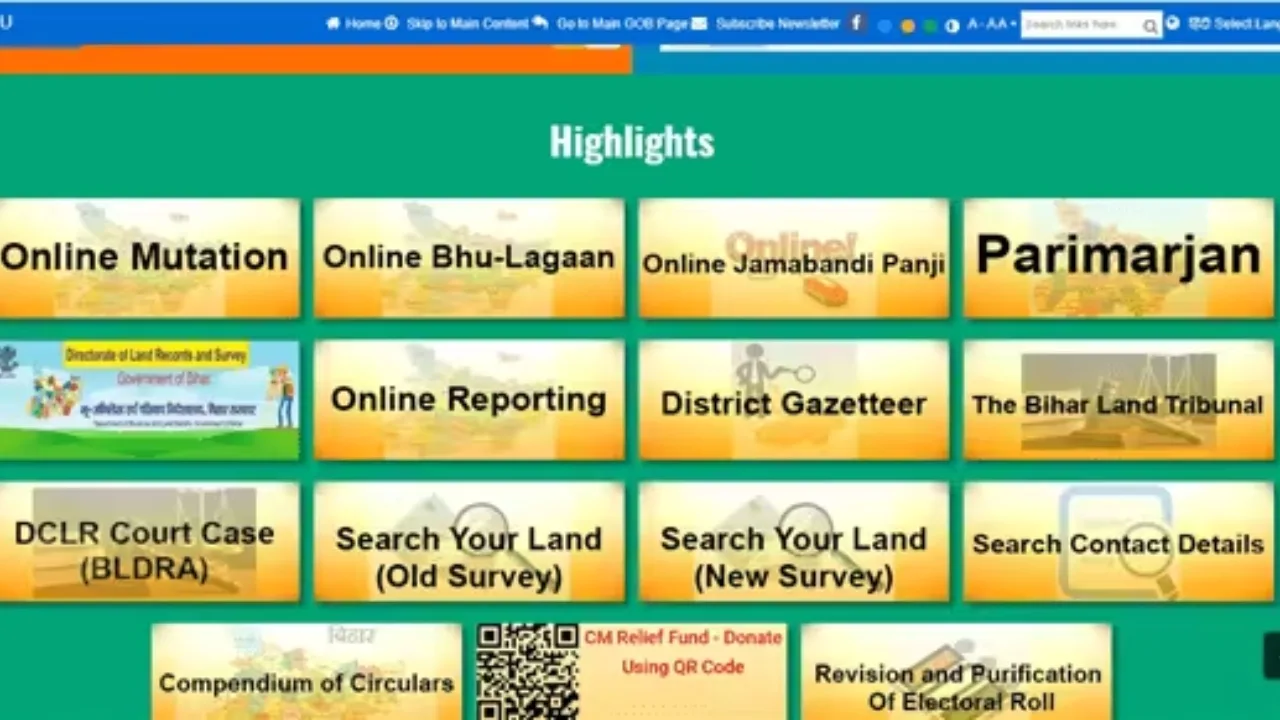
Access the portal: First of all, open the web browser on your mobile or computer and visit the website https://bhuabhilekh.bihar.gov.in/.
Login: After the website opens, you will see the option of “Public Login”.
Registered Users: If you are already registered on this portal, log in with the help of your mobile number and password.
New Users: If you are using this portal for the first time, you will have to register first. For this, choose the “New Registration” option and complete your registration by filling in the required information.
Search records: After logging in, you will see the option “Search records”. Click on it.
Fill in the details: Now select the type of document you want to view (eg. Revenue records, Khatauni, etc.). After this, fill in the remaining details like district, zone, mouza, Khatauni number, account number, etc.
Search: After filling in all the required details, click on the “Search” button.
View and download documents: A list of relevant records will appear. You can view the scanned copy of any record by clicking on the “View” button. Click on the “Apply for Download Copy” button to download a digitally signed copy.
Apply for a digitally signed copy: On the next page, you have to specify which pages you want to get digitally signed copies of. After this, click on the “Send Application” button.
Make payment: Now check all the details carefully as shown on the screen. If everything is correct, click on the “Make Payment” button and pay the prescribed fee.
Acknowledgment slip: After making the payment, you will get an acknowledgment slip. Keep it safe for future reference.

Check application status: To know the status of the application, click on the “Track Application” option under the profile icon and view the status of the respective application.
What documents are available on the Bihar Land Records Portal
Apart from land records, you can also view and download the following documents on this portal:
Cadastral Khatian
Revenue Map
Land Acquisition Records
Revisional Khatian