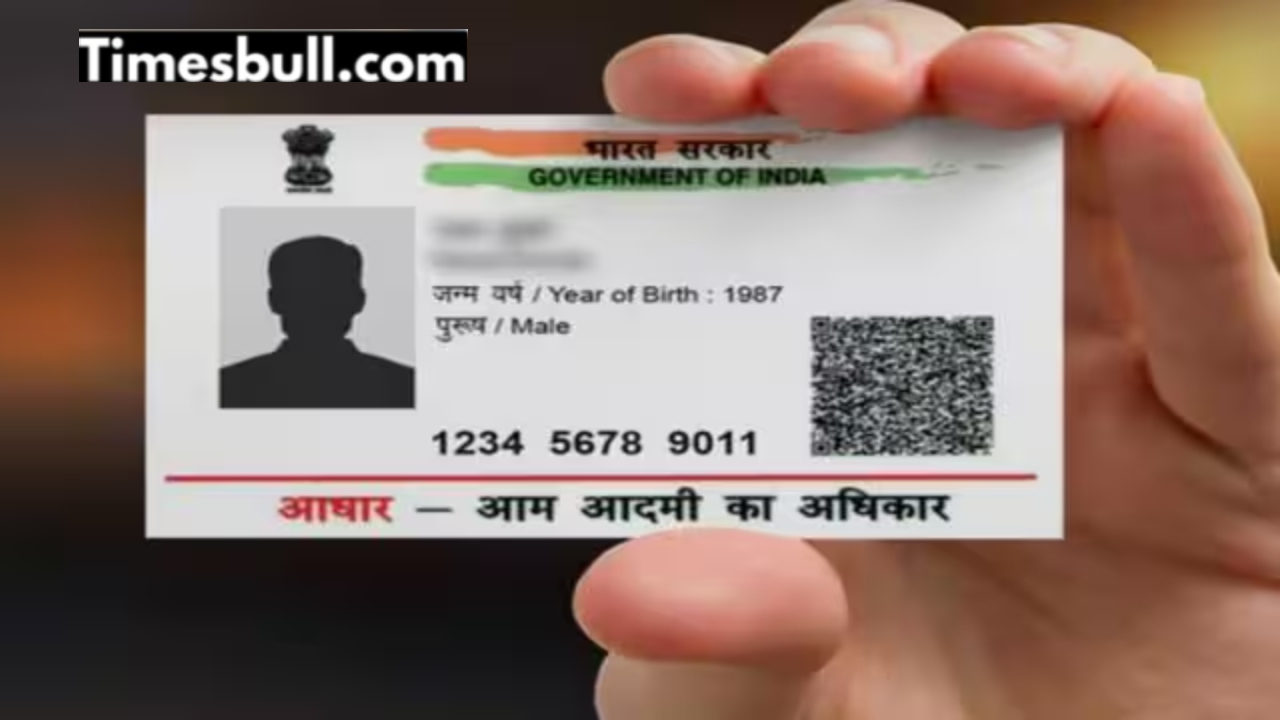
Aadhaar Card– In today’s digital age, Aadhaar card is not just an identity card; it has many uses like banking, government schemes, subsidy, mobile number OTP verification etc. For all these, it is necessary that the mobile number registered in your Aadhaar is active, correct and is with you. But many people do not know whether their mobile number is linked to Aadhaar or not.
If you want to avoid fraud, then definitely know which number is linked to your Aadhaar, check it in just 2 minutes. Now you can easily check whether your mobile number is linked or not. Often banks, mobile services or digital apps try to send OTP and the OTP does not come to your number because the number is not linked. To deal with this problem, UIDAI has provided a simple online tool where you can know whether your mobile number is linked to Aadhaar or not.
If the number is linked then this message comes
The process is simple. You will need to enter your Aadhaar number, your mobile number and a verification OTP. If the number is linked, you will receive a WELCOME message; if not, you will need to update it.
Why is it necessary to check the mobile number linked to Aadhaar?
Linking mobile number to Aadhaar is important for many reasons. Banking services like net-banking, UPI, e-wallet, OTP verification sent by the government etc. are possible only when the mobile number is registered and activated in Aadhaar. If not, OTP will not come, the service will be stuck. That is why it is very important to ensure that your mobile number is properly linked.
How to check if Aadhaar and mobile number are linked with UIDAI?
You can check whether your mobile number is linked to Aadhaar or not by visiting UIDAI (Unique Identification Authority of India) website or MyAadhaar portal.
For this: Step 1: Open UIDAI’s official website or MyAadhaar portal. Go to “Aadhaar Services” and select “Verify Email/Mobile Number” option there.
Step 2: Type your 12-digit Aadhaar number, enter the mobile number you want to check, and fill the captcha. Enter the OTP that will come on your number. After OTP verification, you will know on the screen whether the mobile number is linked or not. If it is not linked, you can get it updated.
If you find out that your number is not linked, you can update the number. Step 1- Go to Aadhaar Enrolment/Seva Kendra: Update it by filling the Aadhaar Correction Form there, providing your new number information and necessary documents and getting biometric verification done.
Step 2: Through Self-Service Update Portal (SSUP) (if you already have a mobile number registered in Aadhaar and want to change other details) upload the required documents and confirm the new number through OTP.
Step 3: Note that biometry verification is often required for mobile number update, so that security is maintained. Verify or update only from UIDAI’s official website or MyAadhaar app. Do not give OTP, Aadhaar number etc. information to any unknown person. If you have ever changed your mobile number, the update process should not stop due to UIDAI not receiving OTP from the old number.
Latest News
- Motorola Edge 60 Fusion Review: Mid-Range King or Outdated?

- FD Update– Breaking Your FD Early? Know the consequences

- Bank Holiday–RBI Announces Closure of SBI, HDFC and All Banks Next Week, Save the Dates

- Samsung Galaxy S26 Ultra Amazon Deal – Get ₹23,509+ Discount with Bank Offers and Exchange Benefits

- Best Scooters For College Girls 2026 – Perfect Mix Of Mileage, Style And Lightweight Design

- Kodak Matrix QLED Google TV 2026 Series Launched in India Just Under 10,999

- Senior Citizen FD Rates: सीनियर सिटीजन को यहां से मिल रहा बंपर ब्याज, जल्द करें निवेश

- UGC NET 2026 – How to Apply for UGC NET June 2026? Last Date May 24 Till 11:50 PM at ugcnet.nta.nic.in

- Mahindra Thar New Version Leaked – Powerful Engine And Advanced Features Coming

- Jio 5G Unexpected Speed Drop: Network Slowdowns Frustrate Users