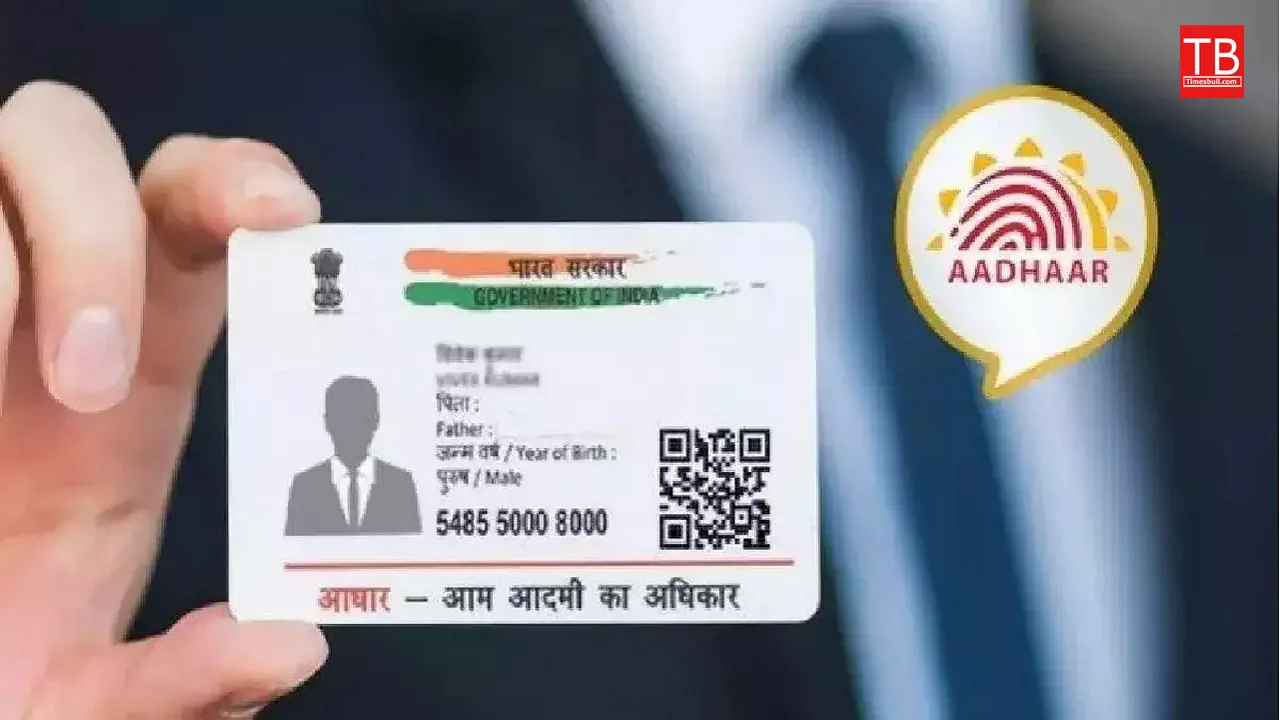
This news regarding Aadhaar card is very necessary for you at this time. This information is very important especially for those who want to update their details or photo in Aadhaar. If you want to change/update your name, address and date of birth in your Aadhaar card, then now is the right time to do it.
The Unique Identification Authority of India has provided the facility of free online Aadhaar update till June 14. Usually, a charge of Rs 50 is charged for updating Aadhaar details. Aadhaar details can be updated completely free of cost through the official website of UIDAI till June 14. So you have only 3 days left. Within this time, you have to complete the Aadhaar update.
Read Also –Big SBI Rate Cut: Home Loan EMIs Cheaper, FD Returns Reduced from December 15
This free facility of updating Aadhaar details is available only on the myAadhaar portal. A charge of Rs 50 will be charged for Aadhaar update at any Aadhaar center. So missing this opportunity will cost you money.
In fact, UIDAI has asked to update Aadhaar cards that are about 10 years or more old. UIDAI wants this to provide better services to Aadhaar cardholders.
Also Read –Special EMI Update – Get a Car on Bike EMI, Know How to Claim December Dhamaka Offer
How to update Aadhaar for free?
- The Aadhaar card holder first needs to log in to https://myaadhaar.uidai.gov.in/ with his Aadhaar card number.
- In the next step, click on the Proceed to update address option.
- An OTP (One Time Password) will be sent to the mobile number registered for Aadhaar card.
- After this, click on Update Document, where the current details of the Aadhaar card holder will be displayed.
- The Aadhaar card holder needs to check whether these details are correct or not. If all the details are correct, click on the next hyperlink.
- On the next screen, the Aadhaar card holder needs to select the identity card and residential address proof from the dropdown list.
- In the next step, upload the scanned copies of the selected documents and click on Submit.
- After completing this process, the Aadhaar update request will be accepted and a 14-digit Update Request Number (URN) will be generated.
- This update of Aadhaar can be checked with the help of URN. You can download and print it after it is updated.
Latest News
- PM Kisan Samman Nidhi Yojana: नहीं मिल रही 2000 रुपये की किस्त तो किसान तुरंत करवा लें यह काम

- Aadhaar Card Update Rules – How Many Times Can You Change Address, DOB & Number?

- Train Ticket: How to book a confirmed train ticket without an agent? Learn the Easy Steps

- Indian Railways– 155 Trains Express Declared High-Speed, Thousands of Railway Staff to Benefit

- Monsoon Alert – Warning Heavy to Very Heavy Rain alert & thunderstorms in 22 States Over Next 4 Days

- America-Iran War: मिडिल ईस्ट में तनाव होगा खत्म! ईरान ने होर्मुज रास्ते पर कही बड़ी बात

- PM Surya Ghar Yojana 2026: Get Up to Rs 78,000 Subsidy within 6 Easy Steps, Know Here

- Cheapest Available 5G Smartphones in India Under 10000

- UPSC Prelims Answer Key 2026 – How to Download UPSC Prelims Answer Key at upsc.gov.in

- 8th Pay Commission: एनपीएस और पुरानी पेंशन में कौन सी बेहतर, जानिए बड़ा अपडेट