

Aadhaar Card Identification 2026: In this era of Digital India, the Aadhaar card has become the most reliable document of our identity. It is required everywhere, from opening a bank account to availing government schemes. However, with this increasing use, gangs producing fake Aadhaar cards have also become active.
Fraudsters are committing financial fraud by creating cards that look exactly like the original. According to the latest guidelines of February 4, 2026, verifying the authenticity of an Aadhaar card has become extremely easy, so that you do not fall victim to any kind of scam.
The Easiest Way to Verify

Every genuine Aadhaar card has a secure QR code printed on it, which can be scanned to verify the authenticity of the card. To do this, you can download the UIDAI’s official ‘Aadhaar QR Scanner’ app on your smartphone. When you scan the code on the card, the person’s name, gender, date of birth, and photo appear on the screen. If the scan doesn’t match the data or the QR code doesn’t work, the card is fake. This method also works offline, so it’s considered the fastest way to verify.
Online Verification
If you want to check the validity of someone’s Aadhaar number, you can use the UIDAI portal (myaadhaar.uidai.gov.in). Visit the website, click on the ‘Check Aadhaar Validity’ option, and enter the person’s 12-digit Aadhaar number. If the Aadhaar number is genuine, the screen will display “Aadhaar Verification Completed,” along with the person’s age, gender, and state details. If the Aadhaar number shows invalid on the portal, be immediately alert, as the person is using a fake identity.
Physical Features and Mobile Verification
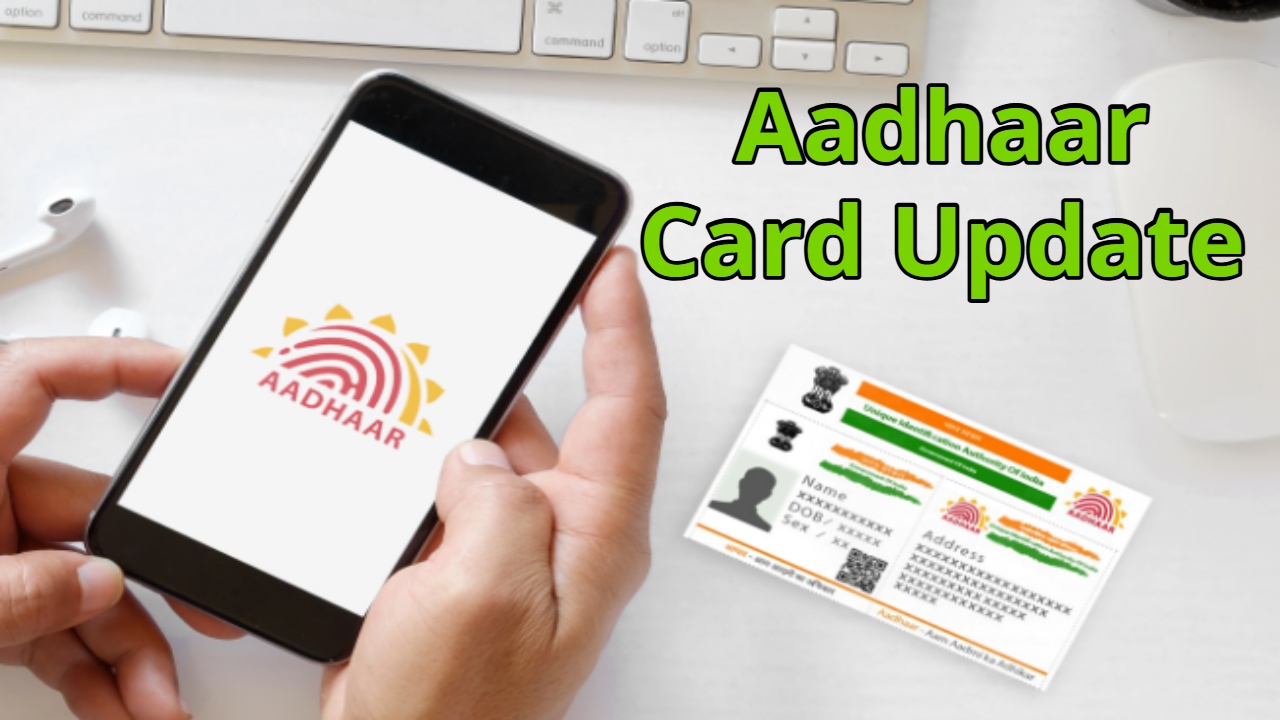
In addition to digital verification, pay attention to the Aadhaar card’s printing and paper quality. A genuine Aadhaar card should have clear printing and no blurring. Additionally, you can check if the mobile number linked to your card is correct by using the ‘Verify Email/Mobile Number’ feature on the UIDAI website. For security reasons, experts recommend using ‘Masked Aadhaar,’ which only shows the last four digits of your Aadhaar number, rather than sharing your full Aadhaar number with strangers.
Latest News
- LSG Vs PBKS Video: ऋषभ पंत पर भड़के अर्जुन तेंदुलकर! वीडियो देखकर आप भी रह जाएंगे हैरान

- Apple MacBook Neo Deal Alert: Get It For Under ₹58,000 on Amazon Right Now

- Pakistan Attack: आत्मघाती हमले से दहला पाकिस्तान, 23 लोगों की मौत, 50 से ज्यादा घायल, जानें

- Honor Magic 9 Series Leaks: Flagship Upgrades with Massive 8,000mAh Battery and 200MP Cameras

- Motorola Edge 60 Fusion Review: Mid-Range King or Outdated?

- FD Update– Breaking Your FD Early? Know the consequences

- Bank Holiday–RBI Announces Closure of SBI, HDFC and All Banks Next Week, Save the Dates

- Samsung Galaxy S26 Ultra Amazon Deal – Get ₹23,509+ Discount with Bank Offers and Exchange Benefits

- Best Scooters For College Girls 2026 – Perfect Mix Of Mileage, Style And Lightweight Design

- Kodak Matrix QLED Google TV 2026 Series Launched in India Just Under 10,999

