


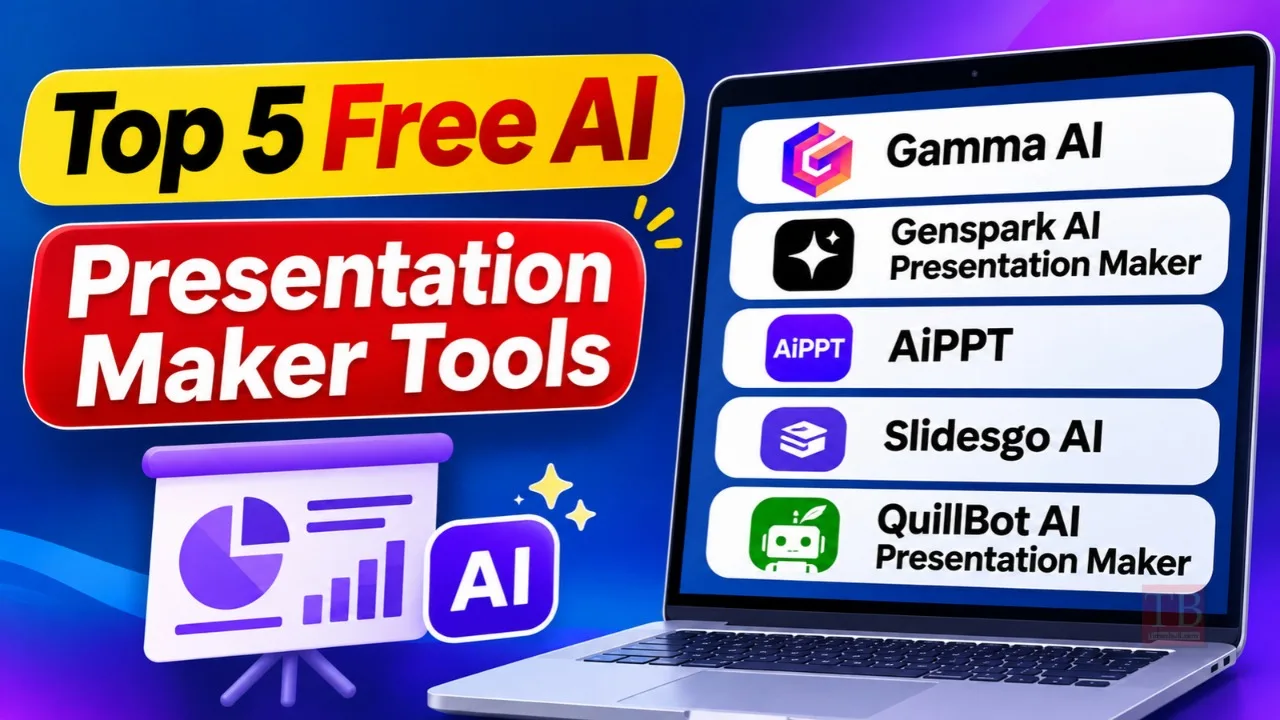
Top 5 Free AI Presentation Maker Tools: Making a presentation is not an effortless task for everyone. Choosing a design and making beautiful slides can require significant effort. A PowerPoint presentation is an extremely important task for students, teachers, office workers and content creators. But thanks to AI tools, you can complete the task easily. We’ve selected 5 free AI presentation maker tools to help you create your slides with minimal design skills.
Gamma AI
Gamma AI can be used to quickly create a presentation with a beautiful modern design. This tool is extremely easy to use. Simply type your topic or presentation idea into the AI and let it generate beautiful slides for you. You can also upload your notes and documents to create your presentation.
This creates web-based cards rather than regular PowerPoint slides. It has many features, including personalised themes and interactive cards. You can make any changes to the presentation by interacting with the AI. The free plan does have some restrictions.
Genspark AI Presentation Maker
If you want your presentation to include the details and research, then Genspark AI Presentation Maker is the best choice for you. Using this tool you can gather information about your topic and turn it into organised slides.
This tool has a unique feature called Guide Mode. This means that the AI sets out an outline for your presentation. You can introduce changes to any sections by editing them. Genspark can also convert Word documents, PDFs and Excel files into a presentation. s.
AiPPT
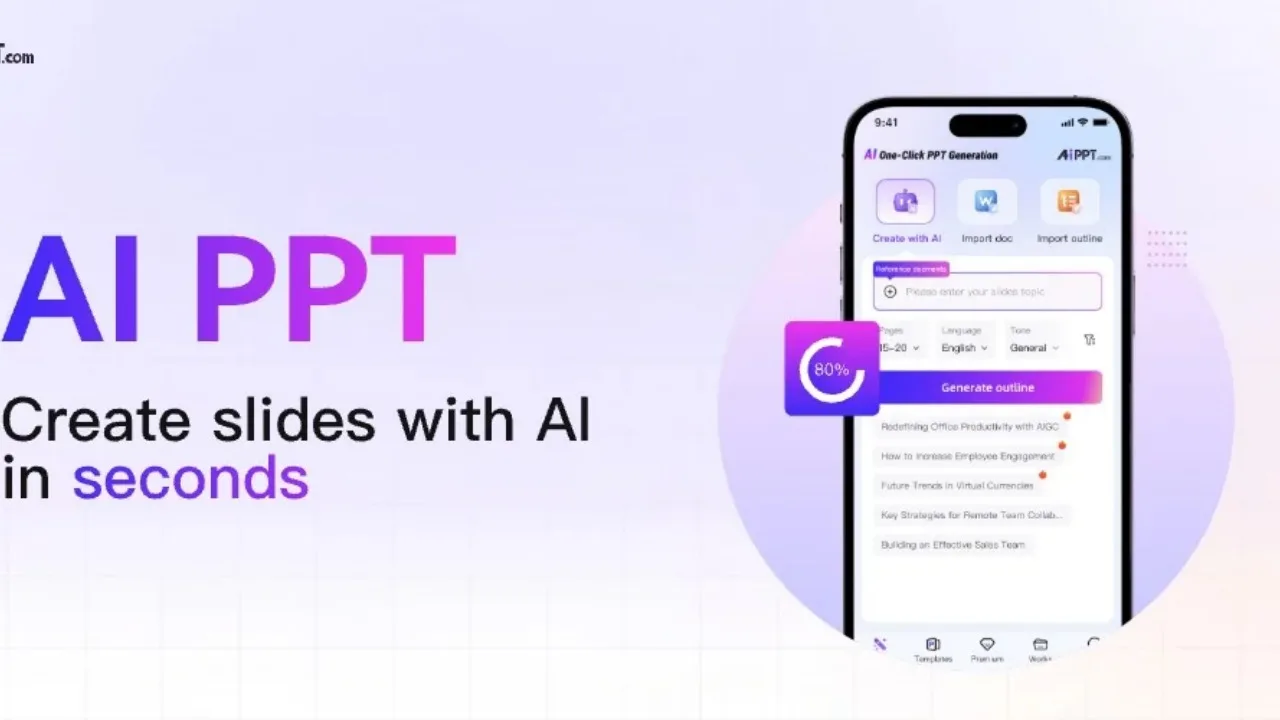
AiPPT is particularly useful for those who want to convert the content of a prepared document, PDF or website into a PowerPoint presentation. Sometimes complete information is present in the text. It becomes difficult to design it in different slides. AiPPT makes this task easier. It supports more than 43 languages.
While creating a presentation, you can choose the tone, slide count and target audience according to your needs. It also supports AI models to create visuals. The facility to edit the finished slides in PPTX format is better for those who want to work on their presentations.
Slidesgo AI
Slidesgo AI can help students and teachers in schools and colleges. Slidesgo AI Presentation Maker provides templates to help you create slides on your topic. You can then alter the design. Slidesgo AI allows you to create presentations by uploading documents such as PDF, DOCX and TXT or writing from scratch.
The main benefit of using Slidesgo AI is that you can export your presentation. You can export your presentation in PowerPoint PPTX, Google Slides or Figma. The number of templates and downloads is limited.
Quillbot AI Presentation Maker
Quillbot AI Presentation Maker is great for creating a presentation without setting any settings. This tool is very easy to use. You can simply write your topic, paste an outline or upload a document.
Once you have provided your content, Quillbot AI Presentation Maker will help you create your presentation. This can be used for class presentations, business pitches, project updates, etc. The main thing is that it will save you time, as there is no need to select a design or template. Once it has created your slides, you can then edit the text and other information as needed.