


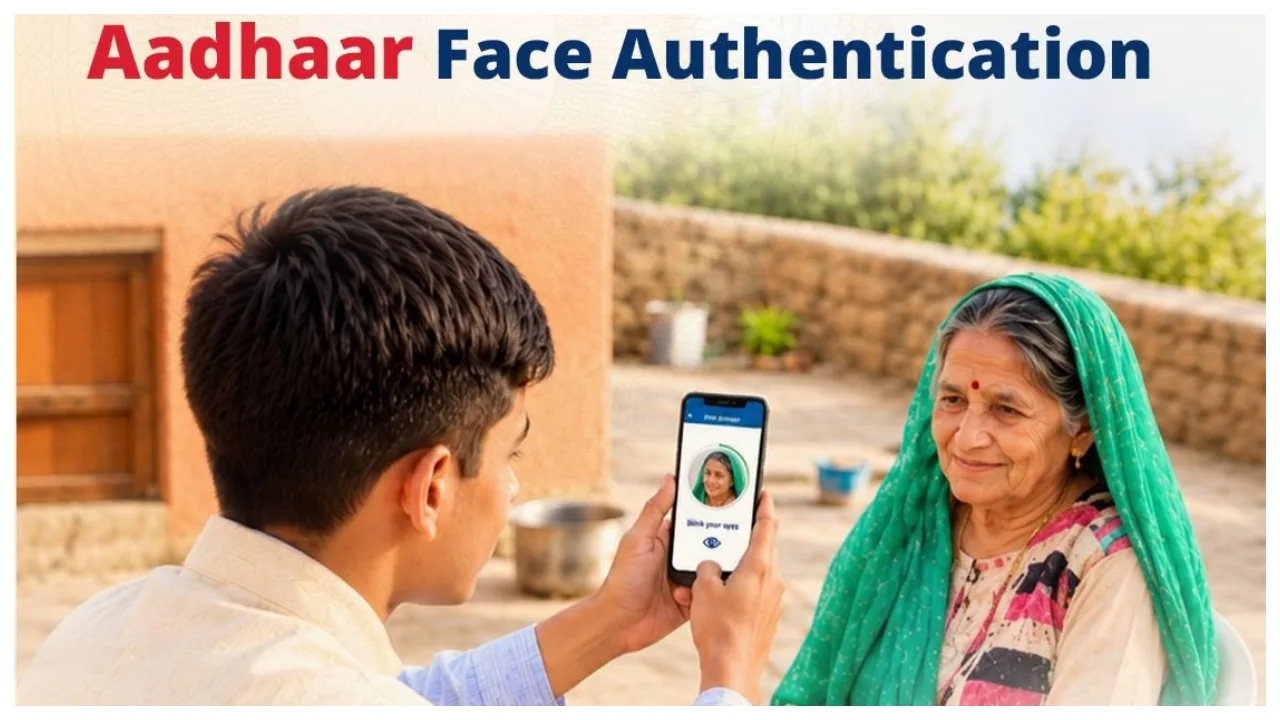
Digital Life Certificate: If you are a pensioner, it is mandatory to submit a life certificate every year. Previously, the process required a visit to a government office; however, the government has now digitised this facility, allowing you to complete the process from the comfort of your home. Under this digital life certificate facility, pensioners can submit their life certificate by verifying their identity through ‘Aadhaar Face Authentication’.
This process does not require a fingerprint scanner or any other biometric device—all you need is a smartphone, and the process can be completed using its camera. Let’s explore the process in detail.
What is a Digital Life Certificate?
A digital life certificate serves as proof that a pensioner is alive, ensuring the continued disbursement of their pension. This facility allows pensioners to complete the verification process online, eliminating the need for repeated visits to a bank or a pension office.
Face Authentication Facility
Through face authentication technology, a pensioner’s identity is verified using a mobile camera. The pensioner simply needs to position their face in front of the camera. The application scans the face and generates a digital certificate to verify the individual’s identity. A key advantage is that no separate fingerprint scanner is required.

How to generate a life certificate using a mobile phone?
You can generate a life certificate via your mobile phone by following these simple steps:
First, visit the Google Play Store and download the ‘Aadhaar Face RD’ and ‘Jeevan Pramaan’ applications.
Open the ‘Jeevan Pramaan’ app, enter the required details, and complete the registration process.
The pensioner must provide their Aadhaar number, mobile number, and email ID.
Fill in all the other necessary information as requested.
Finally, use your mobile phone’s front camera to scan your face. According to the app, the face authentication process must be completed by blinking your eyes.
After your identity has been verified, the app will generate your certificate.
Seek assistance from a family member.
If an elderly family member is unable to use a smartphone, another family member or a friend can assist them using their own mobile phone. In such a case, the pensioner can appear in front of the camera for face verification, with another family member providing the necessary help.