


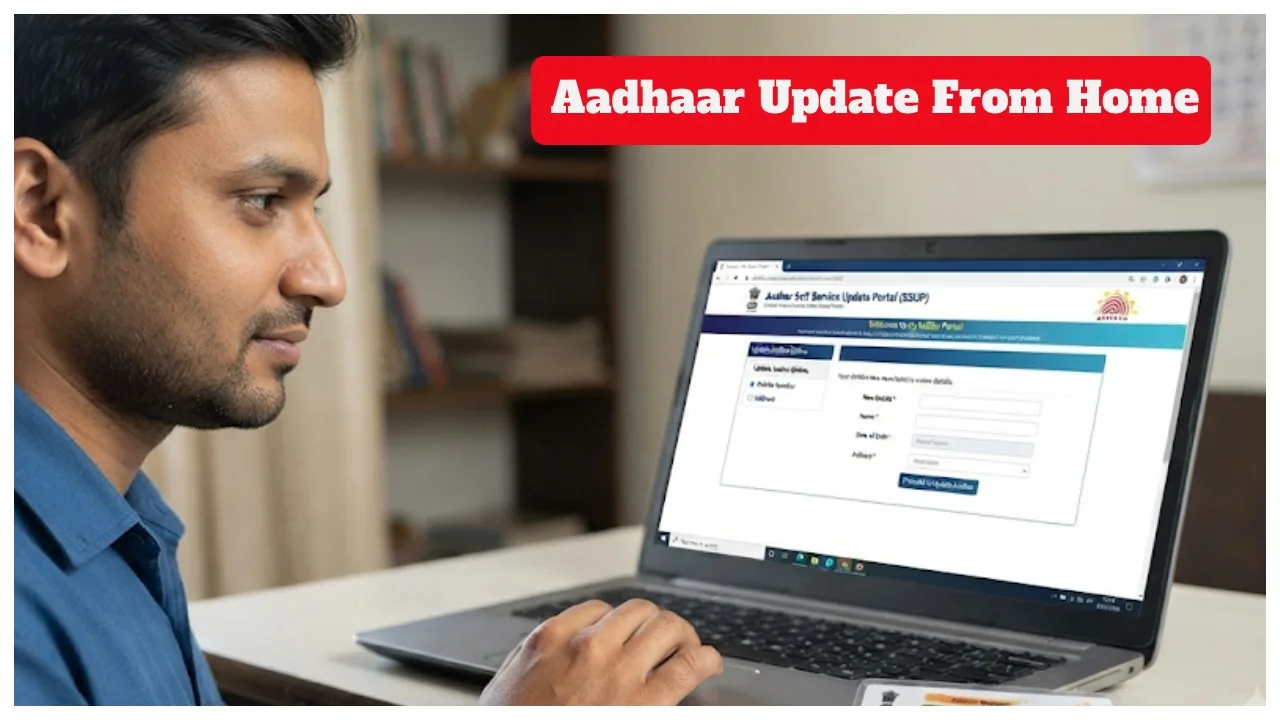
Aadhaar: Previously, people had to make multiple trips to government offices just to update minor details in their Aadhaar, which consumed a significant amount of time. However, things have changed. Now, you can easily update your mobile number and address in your Aadhaar from the comfort of your home, using only your smartphone. This saves time and reduces paperwork. The process is straightforward and can be completed entirely via a smartphone. Notably, the service is a great help to those living in remote areas. Let’s look at how you can update your mobile number and address.
Read More:- LPG Cylinder Shortage Ends? Govt Oil Companies Announce Major Move
Read More:- Indian Railways: 162 Special Trains Running to Delhi, Mumbai and Howrah, 33,479 Seats Still Vacant
Read More:- Mukhyamantri Majhi Ladki Bahin Yojana – Who Is Eligible for ₹1,500 Monthly?
How to update your mobile number:
Download the Aadhaar app from the Google Play Store or Apple App Store.
Open the app and select the ‘Update Mobile Number’ option.
Enter your new mobile number.
Enter the OTP received on the new mobile number.
Complete the face verification process.
Submit the update request.
Wait for verification by the UIDAI.
Check the status in the app after some time.
Please note that it may take at least 15 days for the new mobile number to be updated.
How to update your address in Aadhaar:
Step 1: Open the Aadhaar app on your phone.
Step 2: Log in using your registered mobile number and Aadhaar number. Step 3: Authenticate using your MPIN, biometrics, or face recognition.
Step 4: You must click on ‘Services’ within the app.
Step 5: Now, Click on ‘Update Address’.
Step 6: Select the ‘Family Aadhaar’ option.
Step 7: Carefully verify the required proof of address.
Step 8: Now, enter the new address in the ‘New Address’ field.
Step 9: Review the information and submit it.
Step 10: Pay the fee of ₹75.
Step 11: Submit the request for verification.
Step 12: Wait for approval from UIDAI.
Step 13: Monitor the application status until the update is complete.
Step 14: Keep the necessary documents ready, as verification may be required.