


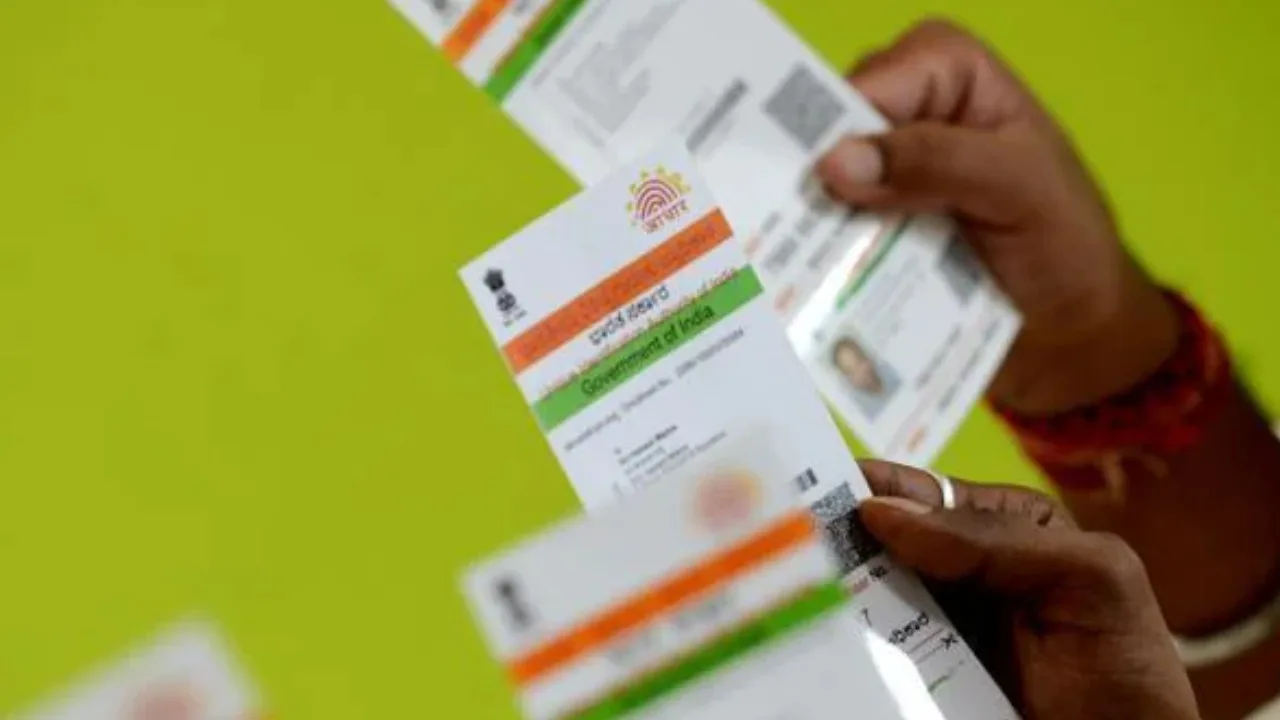
Aadhaar Card Update: Big update for Aadhaar card holders. Updating your address on Aadhaar has become easier and more convenient with the Aadhaar App. You no longer need to visit an Aadhaar Seva Kendra to apply for an address update. Instead, you can complete the application process from the comfort of your home by downloading the Aadhaar App and uploading the required valid documents.
This digital facility helps save time and effort while making Aadhaar-related services more accessible. Ensure that you submit the correct documents and follow the instructions provided in the app to complete your request. Download the Aadhaar App and enjoy the convenience of accessing Aadhaar services online.
How to change address in Aadhaar card?
To update your Aadhaar card address, you can use the official myAadhaar portal of UIDAI. A mobile number linked to your Aadhaar is required, as an OTP is required during login and verification.
1. First, go to UIDAI’s myAadhaar portal.
2. Enter your Aadhaar number and log in using the OTP received on your registered mobile number.
3. Select the address update option.
4. Fill in your new address carefully.
5. Upload a valid address proof in the required format.
6. Submit the application after verifying all the information.
7. Keep the request number you receive upon completing the application. This will allow you to check the status of the update.
पता अपडेट करना अब और भी आसान!
अब आधार में पता अपडेट करने के लिए आधार सेवा केंद्र जाने की ज़रूरत नहीं। Aadhaar App पर घर बैठे, सही दस्तावेज़ अपलोड करें और आसानी से आवेदन करें।
Aadhaar App डाउनलोड करें। डिजिटल सुविधा अपनाएँ!
#AadhaarApp #AadhaarServices #Aadhaar #UIDAI #EaseofLiving
@GoI_MeitY @AshwiniVaishnaw @JitinPrasada @SecretaryMEITY @NeGD_GoI @mygovindia @PIB_India @_DigitalIndia
“>October 22, 2026
Keep in mind that submitting an application doesn’t mean the address will change immediately. UIDAI approves updates only after verifying the documents and information.