


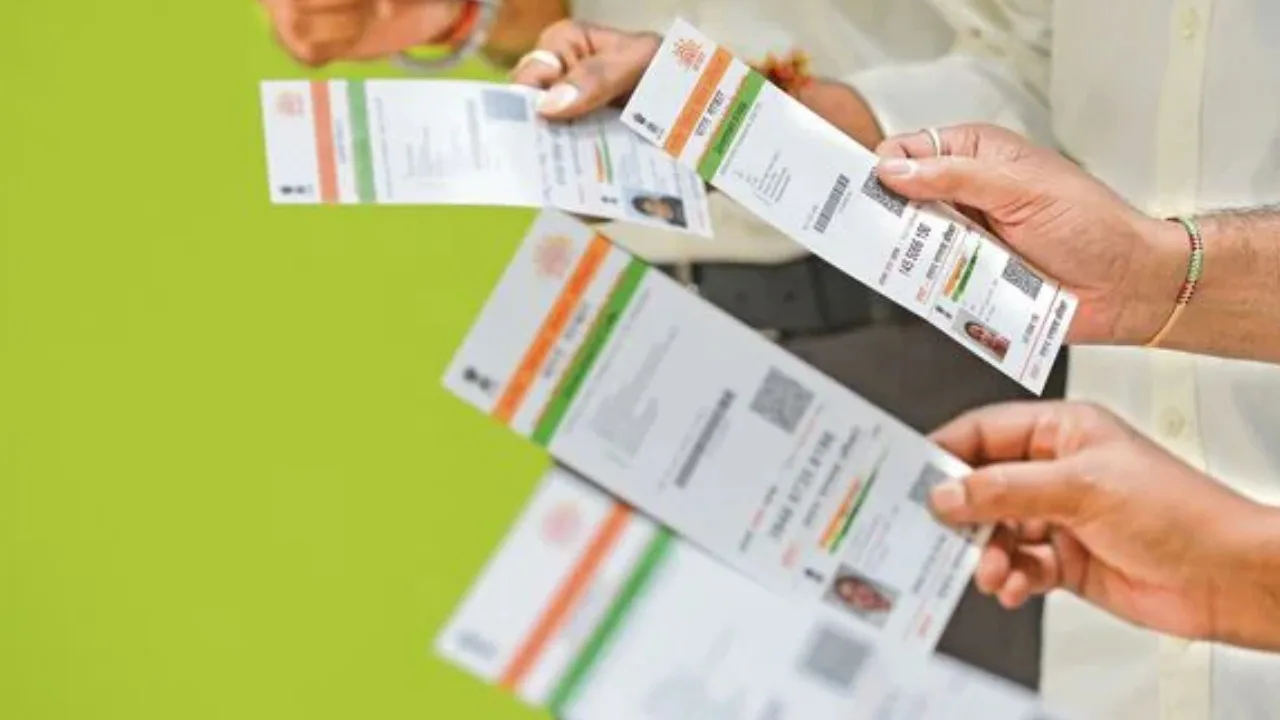
Aadhaar Update: Big news for Aadhaar Card holders. Aadhaar Card… is a very inportant document to have right now. No work will be done without this. In today’s article will discuss how you can update your phone number, address, and date of birth on your Aadhaar card.
Aadhaar Card DOB Update
The Unique Identification Authority of India (UIDAI) has clarified that there is no fixed limit on updating the Date of Birth (DoB) in Aadhaar. However, if the Date of Birth has already been updated once, any further change is subject to a strict verification process.
GUIDE TO FINISHING THE UPDATE PROCEDURE
You have the option to update your Birth Date in Aadhaar by:
1. Going to an Aadhaar Enrolment/Update Centre
2. Presenting the necessary paperwork
3. Completing biometric verification
Online requests may be possible in certain situations, but confirming documents is a must.
Got a DoB update query?
Here’s what you need to know about updating your Date of Birth in Aadhaar.
Visit this link to read the SOP for updating the DoB: https://t.co/Oa0A4jHyUw#Aadhaar #UIDAI #FAQOfTheWeek pic.twitter.com/ptAaiMyzHs
“>August 31, 2026
REVIEW THE FULL DOCUMENTATION
Although the commonly used documents are mentioned earlier, the Unique Identification Authority of India offers an extensive list of approved documents and standard operating procedures (SoP). It is recommended to go through the official instructions before proceeding to prevent any rejections or delays.
Aadhaar Address Change
Aadhaar holders can also update their address through the Aadhaar App using a valid Proof of Address (PoA) document. The process involves selecting Address Update, uploading the address proof, verifying the details through face authentication, paying the Rs 75 processing fee, and submitting the request.
Updating your Aadhaar address is now easier!
Use the Aadhaar App to update your address either with a valid Proof of Address document or through the Head of Family (HoF) process—all from your phone.#Aadhaar #UIDAI #AadhaarApp #AddressUpdate #EaseofLiving pic.twitter.com/xXFOBxhB6V
“>August 30, 2026
Go to the authorized myAadhaar website and sign in by providing your Aadhaar number and the one-time password sent to your registered phone number. After logging in, opt for the “Update Aadhaar” feature and indicate that you wish to modify your address. Input your new address accurately as shown on your supporting document, and then attach a scanned image of a valid address proof, for instance, a utility bill, bank statement, passport, or rental agreement. Upon submission, you will be given an Update Request Number (URN) that enables you to monitor the progress of your request via the internet.
Aadhaar Mobile Number Change
If you’ve changed your mobile number and the old one is still registered in your bank account, you should update it as soon as possible. A registered mobile number is crucial for banking OTPs, transaction alerts, net banking, and many digital services. Many banks offer the option to update your number online, through net banking, mobile apps, or ATMs, although the method may vary by bank.
First of all, users will have to download the Aadhaar app.
Here users will have to login by entering their Aadhaar number.
OTP will be sent to the registered mobile number, verification will have to be done.
A 6-digit login PIN will need to be set for further use.
How will the mobile number be updated in the app?
Login to Aadhaar App by entering 6 digit PIN.
Scroll down, click on ‘Update My Aadhaar’ under Services.
First of all, the option of mobile number update will come, click on it.
Read the necessary details here, click on continue.
Enter existing mobile number, verify OTP.
Enter new mobile number and verify OTP.
Face authentication will happen, look into the camera, close your eyes once and then open them.
The option to make payment will appear, after depositing Rs 75 the process will be completed.
अब मोबाइल नंबर अपडेट करना हुआ और भी आसान!
आधार ऐप के माध्यम से घर बैठे अपने आधार में मोबाइल नंबर अपडेट करें।आज ही आधार ऐप डाउनलोड करें: https://t.co/CBGE88H4Ve#Aadhaar #UIDAI #AadhaarApp #MobileUpdate #EaseofLiving@GoI_MeitY @AshwiniVaishnaw @JitinPrasada @SecretaryMEITY… pic.twitter.com/PxTqHnQ9wc
“>August 30, 2026