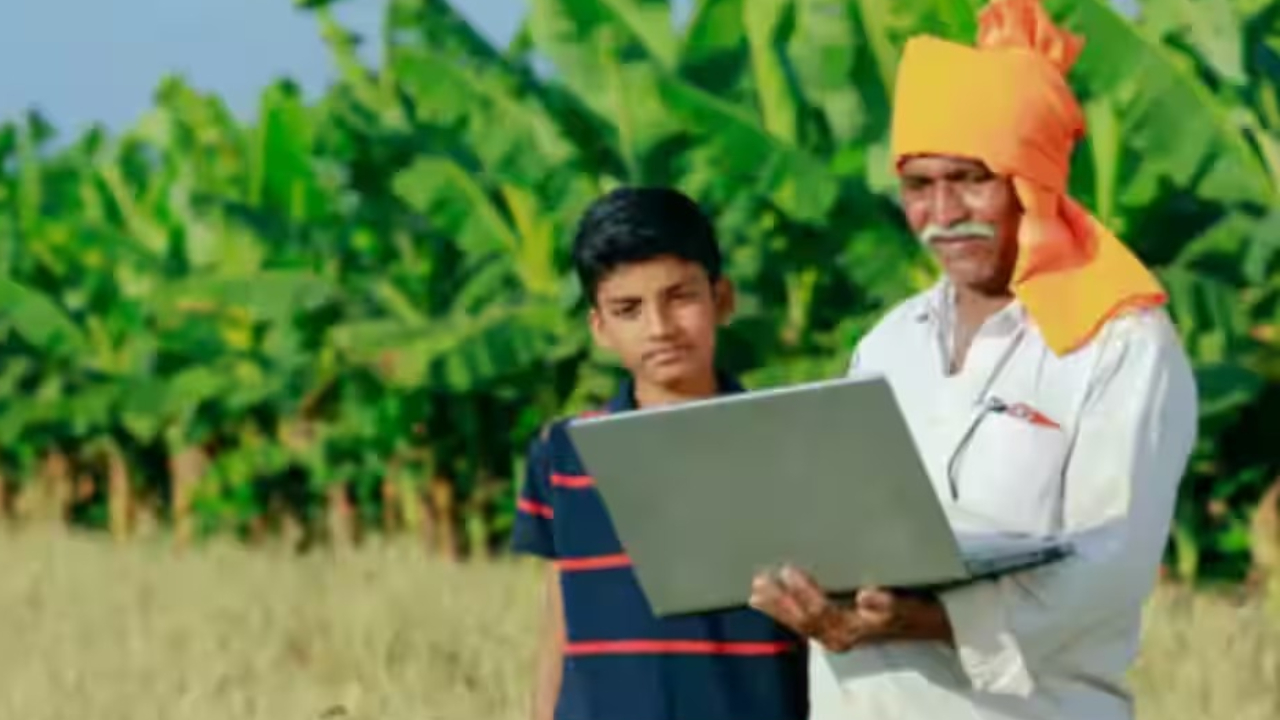
PM Kisan Yojana 22nd installment: We all know that our country India is an agricultural country and farmers play a vital role in its development. In recognition of this role, the central government runs numerous schemes for the country’s farmers. One of these schemes is the Pradhan Mantri Kisan Samman Nidhi Yojana (PM-KISAN Samman Nidhi Yojana). Under this scheme, installments of Rs 2,000 each are sent to the accounts of eligible farmers three times a year.
So far, the government has sent 21 installments, and now farmers are awaiting the 22nd installment. Let’s find out when this installment can arrive in your account in the new year. It’s crucial to follow some important steps. If you don’t, your money could be stuck, meaning you won’t receive the Rs 2,000. But before that, the central government has imposed a condition. Accordingly, farmers will not be able to take advantage of this scheme without adding a Farmer ID, how to create a Farmer ID? Find out.
What is Farmer ID Details?
The bogus beneficiaries in the farmers’ scheme should be curbed. To reveal the information about how many farmers are getting the benefits of these schemes being implemented, a farmer’s identity card is being prepared. It is called Farmer ID. This is the digital profile of the farmers. All the information of the farmers is saved in this. Where and how much land the farmer has. What crop is currently in his field along with other information is saved in this.
How to make Farmer ID?
- To create a Farmer ID, you first need to go to the AgriStack Portal and create a user ID. Here, click on the ‘Create New User’ option. Submit the terms and conditions form. After this, an OTP will be sent to the mobile number linked to the Aadhaar card. Complete the verification process. Complete the same process once again. Verify with OTP.
- Now create a new password and save it.
- Now login with this new ID and password.
- After logging in, select ‘Owner’ in ‘Farmer Type’
- After this click on ‘Fetch Land Detail’
- Now enter the land’s unique number and other land information.
- Verify now. Then open the ‘Social Registry Tab’
- Here the farmer will have to provide family ID or ration card information.
- Then select Revenue Department in ‘Department Approval’
- After this process, you will have to tick ‘Consent’ and sign digitally.
- After all these processes, the Farmer ID will be created.

Sweta Mitra
Working in the media for last 7 years. The journey started in the year 2018. For the past few years, my working experience has been in Bengali media. Currently working at Timesbull.com. Here I write like Business, National, and Utility News. My favorite hobbies are listening to music, traveling, food,...
Related Stories
 Business
 Business
 Business
 Business
 Business
 Business
 Business
 Business
 Business
 Business