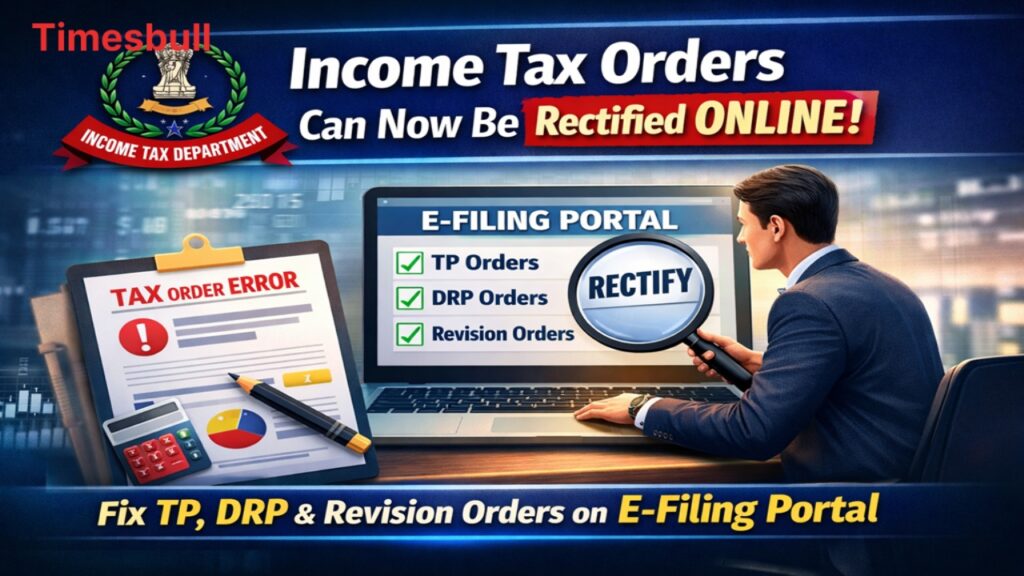
The Income Tax Department has shared a significant relief for taxpayers. Now, you don’t need to run around government offices or chase officials to correct minor or major errors in your income tax orders. The department has further expanded the online rectification facility, allowing you to submit objections against Transfer Pricing (TP), DRP, and Revision Orders directly on the e-filing portal. This significant step will not only save taxpayers valuable time but also make the entire process transparent and digital.
What is this new feature
Strengthening its digital services, the Income Tax Department has now made the rectification process completely online. Previously, if a clear error was noticed in an assessment order, a manual application had to be submitted to correct it, or the file had to be forwarded through the Assessing Officer (AO). Under the new system, taxpayers can now directly submit their requests to the relevant authority through the e-filing portal.
This feature is specifically designed for complex cases where there is a clear error in calculation or processing. Chartered accountant experts believe this change will be very helpful in cases where an assessment order contains a clear mathematical or factual error.
Which orders can now be rectified online
With this significant update from the Income Tax Department, online applications can now be filed against three main types of orders. The first is Transfer Pricing (TP) orders, which are issued in cases involving international transactions. The second is Dispute Resolution Panel (DRP) orders, which are issued to resolve disputes involving foreign companies or large taxpayers.
The third is Revision Orders, which are issued by senior officials under Sections 263 or 264. Taxpayers can now submit rectification requests directly to the authority that had the power to enforce or modify the original order.
How to Apply Online
If you notice a glaring error in your tax order, you can submit a rectification request by following a few simple steps. First, you need to log in to the Income Tax Department’s official e-filing portal with your ID and password. Once on the dashboard, click on the ‘Services’ tab at the top, where the ‘Rectification’ option will appear in the dropdown menu.
After clicking on it, you need to select the ‘Request to AO seeking rectification’ option. Next, you need to select the relevant assessment year and the specific order containing the error, provide complete details of the correction, and submit the form.

Understanding Sections 263 and 264
Revision orders are crucial in the Income Tax Department because they empower senior officers to review the decision of the Assessing Officer. Orders issued under Section 263 are often in the interest of the department, allowing the senior officer to overturn the AO’s decision if they believe it is incorrect.
Orders issued under Section 264 provide taxpayers with substantial relief, allowing them to file applications claiming injustice. Previously, there was no uniform online system for correcting these orders, causing significant inconvenience to taxpayers. However, now everything has been digitalized.