


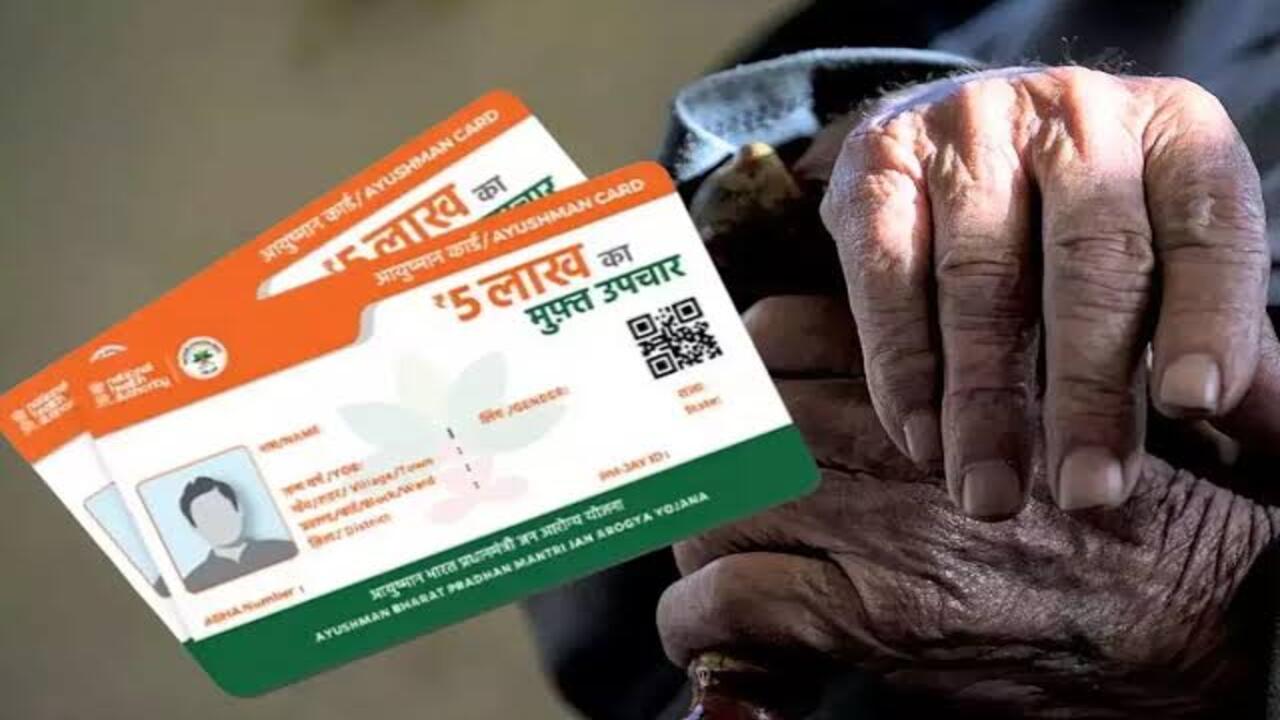
The central government launched the Ayushman Bharat scheme to provide free medical treatment to the poor. The Ayushman card is the most important document for free medical treatment, but even a small error in the information may result in your card being rejected. All information entered during the Ayushman card process must match the Aadhaar data and the source data exactly. Any mismatch at any stage may result in the application being rejected.
What is the Ayushman card and its significance
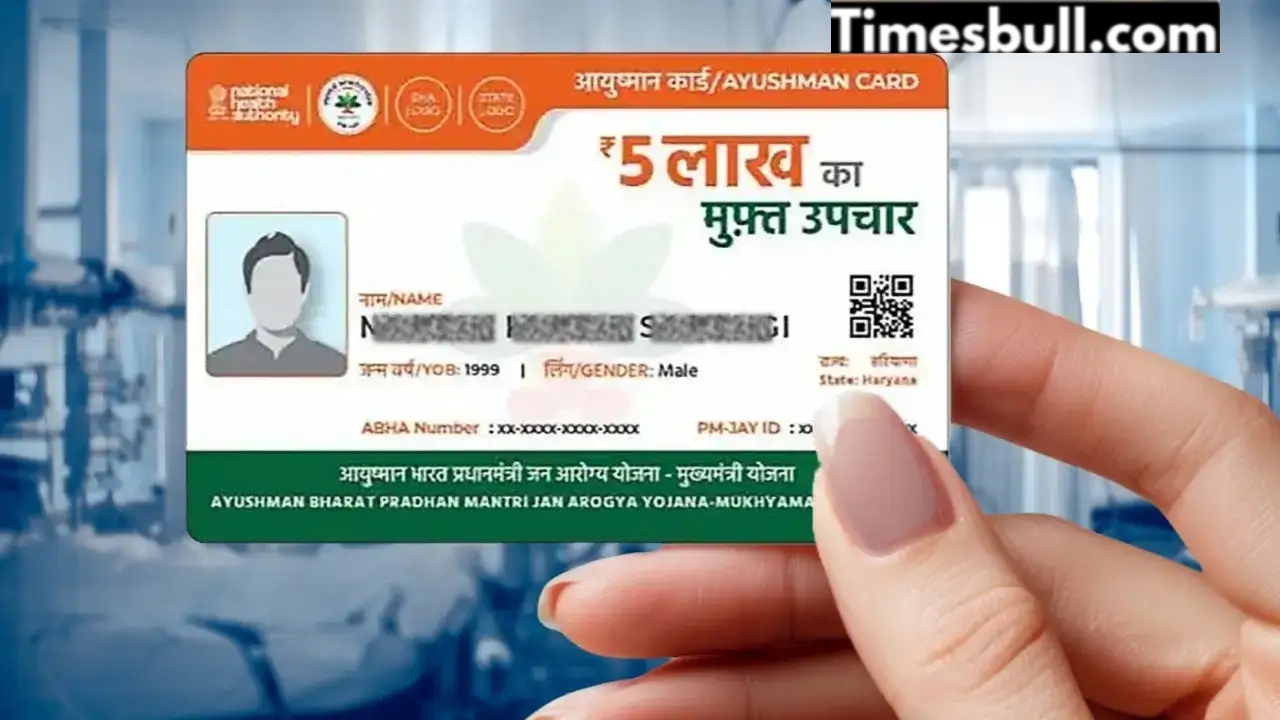
The Ayushman card is a health card issued by the Government of India in 2018 under the Ayushman Bharat Pradhan Mantri Jan Arogya Yojana (PMJAY). This card provides free treatment up to ₹5 lakh annually at thousands of government and private hospitals across the country.
Its unique feature is that it requires no agents or long queues. The government has made this process completely digital. This card has been launched for economically weaker sections, allowing them to receive treatment for serious illnesses without any financial burden.
Also Read-Income Tax Alert: Check PAN-Aadhaar Link Status or Pay Fine, Know Process
Ayushman Cards May Be Rejected in These 6 Key Situations
The main reason for Ayushman Card rejection is data mismatch. Your card may be rejected in the following situations, so be sure to consider these points before applying:
If the Aadhaar data available on the National Health Authority (NHA) portal and the source data do not agree, the card may be rejected.
A card may also be rejected if the father’s name on the Aadhaar card and the source data are different.
A discrepancy in the gender information between the Aadhaar and the source data.
An error or inconsistency in the date of birth record.
The address recorded in the Aadhaar and source data is different.
If your photo does not match the Aadhaar data or is unclear.
Diseases covered under the Ayushman Bharat Scheme
The Ayushman Bharat Scheme not only provides free medical care during hospitalization, but also covers tests performed 7 days before hospitalization, check-ups, and medications up to 10 days after discharge. The scheme provides free treatment for COVID-19, cancer, kidney disease, heart disease, dengue, chikungunya, malaria, dialysis, cataracts, and other serious illnesses that require hospitalization.
According to information provided by the Ministry of Health, more than 60 million senior citizens have received free treatment so far. More than 30,000 hospitals across the country are included under the Ayushman Scheme.
Simple Process to Make an Ayushman Card Online
You can get your Ayushman Card from home by following these simple steps:
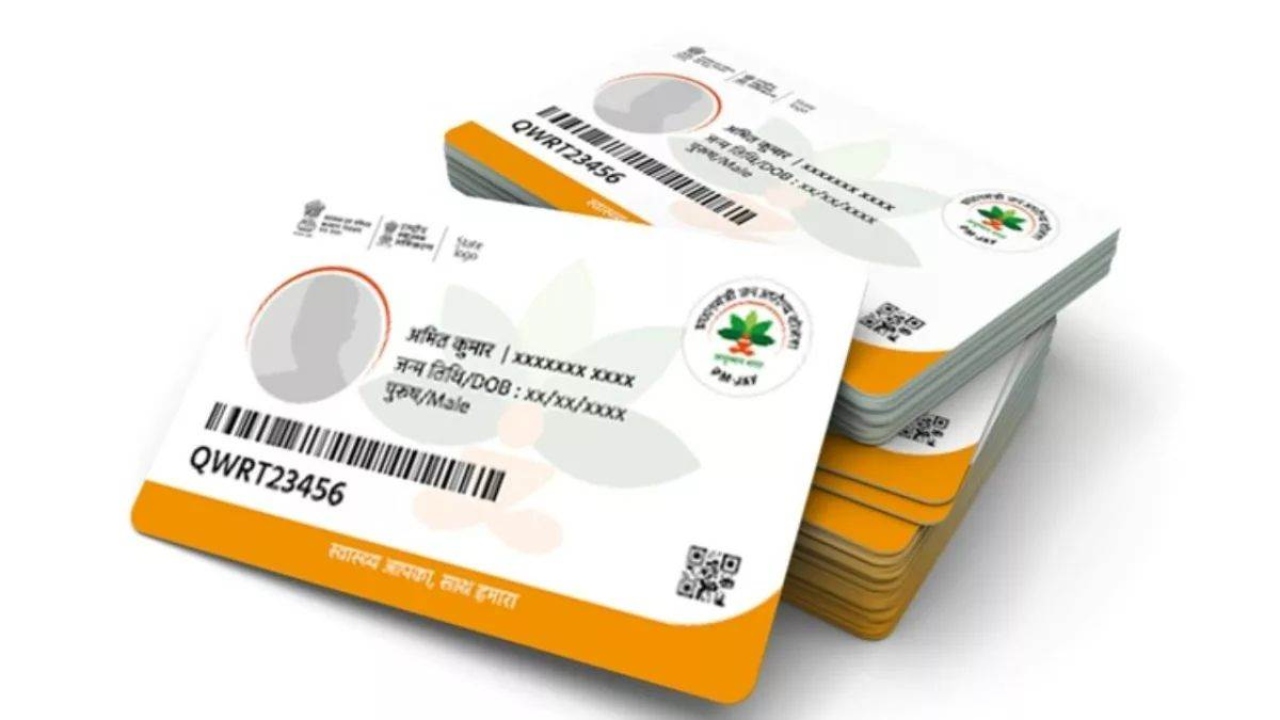
First, install the Ayushman app (a government-approved app) on your phone and select your preferred language.
After clicking Login, click on Beneficiary. Next, enter the mobile number and the captcha.
The ‘Search for Beneficiary’ page will open. Here, select PM-JAY as the scheme. Next, you’ll need to select your state and district and enter your Aadhaar number to log in to the app.
The app will display the Ayushman cards of your family members. Those who don’t have a card will see “Authenticate” written next to their name.
Tap on the member whose name says “Authenticate” and enter their Aadhaar number. You’ll then receive an OTP. After entering the OTP, that member’s photo will be clicked.
Next, you’ll need to enter the member’s mobile number and their relationship to you. Once e-KYC is complete, you’ll need to submit the form.
Once all information is verified within a week, you can download that member’s card from the app.
Also Read-Railway Travel Trick-Travel on 8 Trains with Just One Ticket, Senior Citizens Will Get 30% Discount