


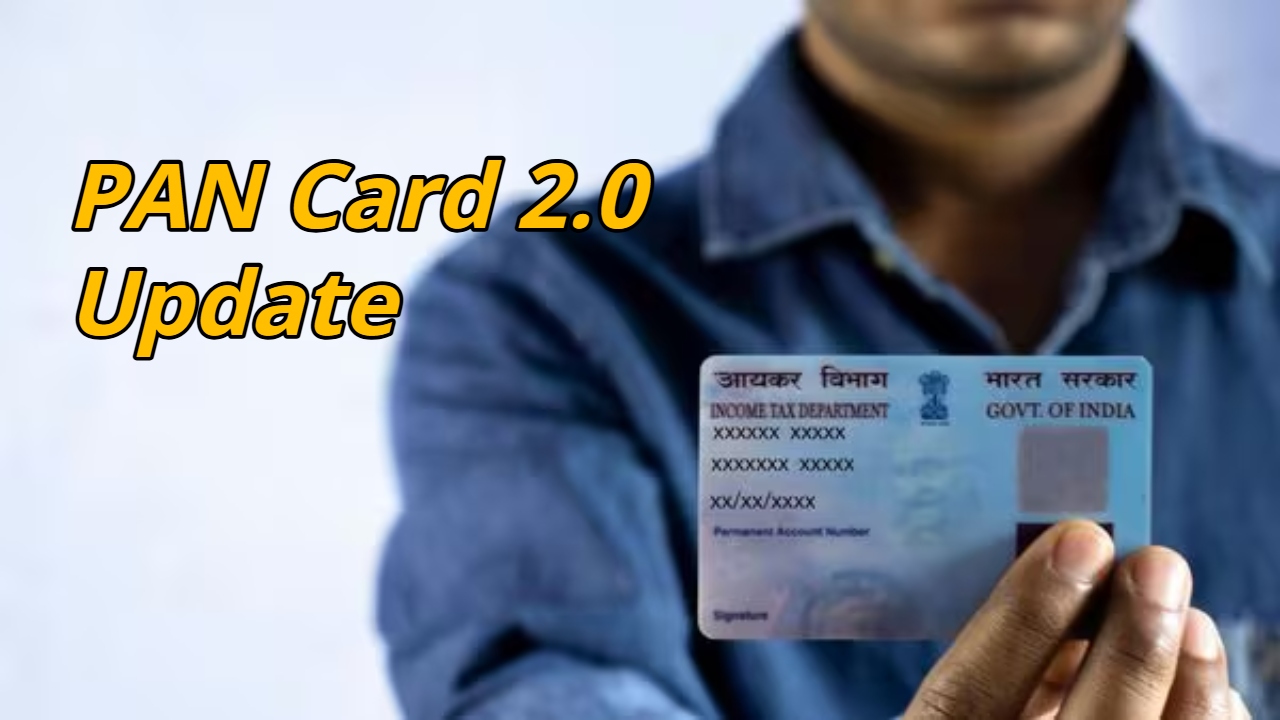
PAN Card 2.0 Update: The PAN card is a crucial document in India, used for tax purposes, banking transactions, and various government services. To make it even more secure and digital, the government has launched PAN 2.0. Under this new system, a QR code has been added to the PAN card, ensuring secure digital access to your personal information. Significantly, you can update your old PAN card to PAN 2.0 for a nominal fee of just ₹50.
What’s changed in PAN 2.0?
PAN 2.0 is an upgraded version of the PAN card, incorporating a QR code. This QR code stores the cardholder’s name, date of birth, and PAN number in encrypted form. When this code is scanned, the required information is instantly displayed. This not only simplifies verification but also significantly reduces the possibility of fraud.
Read Here: 8th Pay Commission – Central government employees’ salary to increase by Rs 28,280! Know
Why is a QR code important?
QR codes are a modern technology that securely stores information. This data is encrypted, making it difficult to tamper with. Adding a QR code to your PAN card keeps your identity information more secure and increases trust in digital transactions.
Who issues PAN cards?
Two organizations are responsible for issuing PAN cards in India. The first is Protean e-Governance, formerly known as NSDL, and the second is UTI Infrastructure Technology and Services Limited (UTIITSL). The information on the back of your PAN card indicates which organization issued your card. You need to visit the relevant website and complete the update process accordingly.
How to update a PAN card issued by Protean
If your PAN card was issued by Protean e-Governance, updating it is quite easy. First, visit Protean’s official website and enter your PAN number, date of birth, and Aadhaar number. Confirm the information displayed. An OTP will then be sent to your registered mobile number or email address. After OTP verification, you’ll need to make an online payment of ₹50. Within 24 hours of completing the payment, you’ll receive an option to download your new PAN 2.0 card via email.
Read Here: Samsung Galaxy Z Flip Up to 37% Off on Amazon, Huge Demand for Purchase
How to Update a PAN Card Issued by UTIITSL
If your PAN card is issued by UTIITSL, the process is slightly different, but just as simple. You’ll need to visit the UTIITSL website and enter your PAN number, date of birth, and captcha code. The OTP will then be verified, and a fee of ₹50 will need to be deposited online. Once the payment is successful, your new PAN 2.0 card will be delivered via email.