


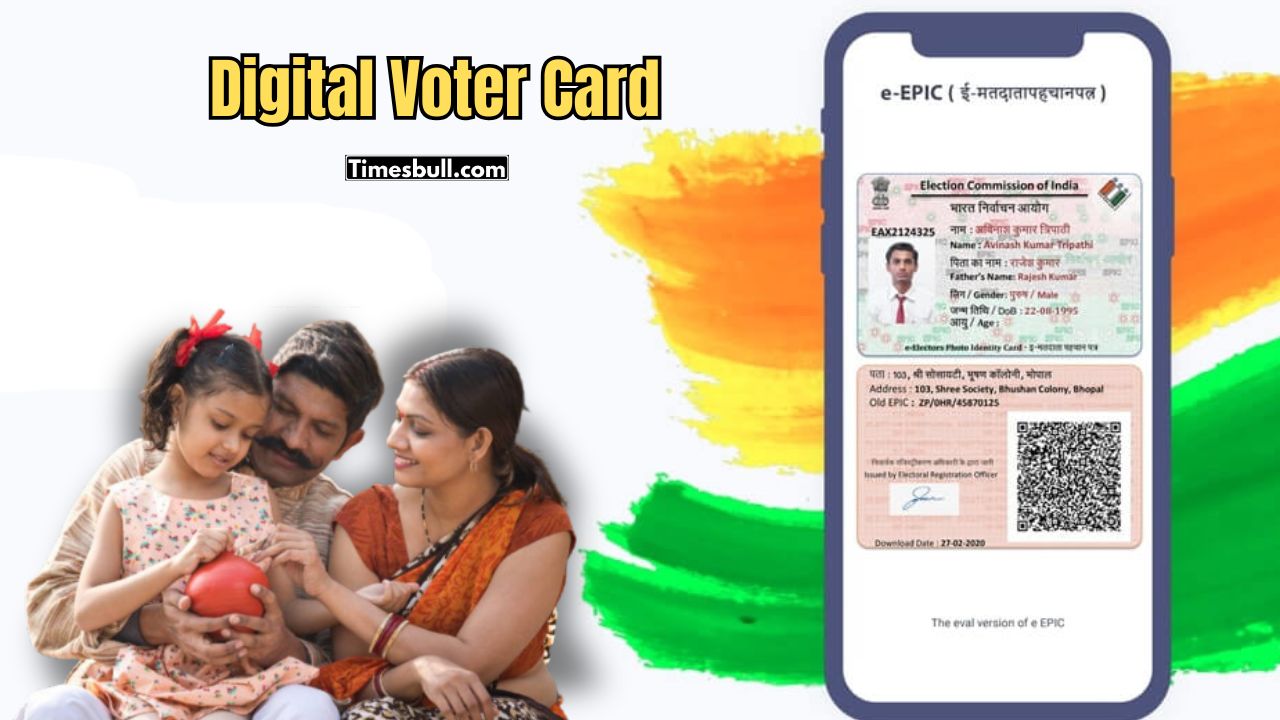
If you’re at least 18 years old but haven’t yet registered to vote, you can register online from home. You can also print your digital EPIC card which is now available online and they are also sending out PVC smart voter cards through the post.
Here’s how to apply for your new Voter Card from home.
After the start of SIR (Special Intensive Revision) in the state, many rules and options have changed in the voter card application form. What new options have been added online while creating a new voter card and how to use those options – everything has been told step by step in today’s report.
How to apply for a new voter card online
1) First of all, you have to come to the official website of Voter Service Portal. You can also go directly to the official portal by clicking on the link below.
2) Register by clicking on Sign Up on the home page of Voter Service Portal and mentioning your mobile number and name. Then click on Login and mention your registered mobile number and login.
3) Then click on Fill Form 6 under Voter Form 6 on the dashboard.
4) The online application form for creating a new voter card will appear in front of you. Here you have to complete a few steps. Let’s take a look –
A) Mention the name of the state, district name and assembly here.
B – Personal Details) Upload your name and passport size photo here and click Next.
C – Relative Name) Mention your guardian’s name here.
D – Contact Details) Mention your mobile number and Gmail ID here by ticking the Self box. Then click Next.
E – Aadhaar Details) Here you can mention your Aadhaar card number if you want.
F – Gender) Here you mention your gender.
G – Date Of Birth) Here mention your date of birth and upload a document as proof of birth below within 2MB.
H – Present Address Details) Here mention your current address. Then upload a document as proof of current address within 2MB.
I – Category Of Disability) In this step, if you are physically disabled, mention that information or click Next.
J) In this step, if any member of your family is living at the current address you mentioned and has a voter card, then mention his name, relationship and voter card number or click Next.
5) Then fill the Declaration Form, here mention the name of the father, mother’s name and if married, the name of the husband or wife and their voter card number if any.
6) Then the new option added below is –
a) If the name of the father/mother/grandmother/grandfather of the family – someone’s name is in the 2002 or last voter SIR, then select My Parents Name exist in the electoral roll of the last SIR. Then mention the SIR information below.
b) And if the name of anyone in the family is not in the list of the last voter SIR, then – Neither my name nor my parents name exists in the electoral roll of last SIR, select it. Then click Next.
Also Read –CSIR NET 2025 Exam City Slip Declared – Direct Link Active at csirnet.nta.nic.in
c-Declaration- In this step, mention the place where you were born and the address where you are currently living,. How long you have been living there, mention the month and year and click Next.
L – Captcha) Mention the capture code mentioned here and click on Send OTP. Then verify the OTP and click on Preview & Submit.
7) Then you can see the preview of the application, if everything is fine, click on eSign & Submit.
8) On the next page, mention the Aadhaar card number and click on Get OTP. After that, the application will be completed by entering the OTP and submitting it. Once the application is completed, you will receive an Acknowledgement Slip and a reference number, with which you can check the status of the application later.
Read More –How to Link Aadhaar With Voter ID – Full Offline & Online Process Explained
Voter Card Status Check Online Method –
1) First of all, come to the official website of the Voter Service Portal. You can also go directly to the official website by clicking on the link below.
2) Then click on Track Application Status on the home page.
3) On the next page, after applying, mention the reference number and click on search.
4) Now check whether the application has been approved or pending, etc. If the application is approved, you can see the new voter card number there. You can also see the Tracking Number if your voter card has been sent. You can also download the e-Epic Card (Voter Card) online.
Voter Card Online Download
1) First of all, come to the official home page of the Voter Service Portal, you can also go directly to the official portal by clicking on the link below.
2) Then click on the e-Epic Download text on the home page.
3) On the next page, mention the voter card number or reference number. Then select the state name and click on search.
4) The voter information will appear below and you can see which mobile number or Gmail ID is linked. Then click on Send OTP below.
5) Verify by entering the OTP that comes to the mobile number linked to your voter card. Then click on Download e-EPIC and download the voter card.