
UP SIR Voter List Update Live. The work of updating the voter list is progressing rapidly under the ongoing Special Intensive Revision (SIR) campaign in Uttar Pradesh. The SIR process is underway in the districts of the state. Meanwhile, the biggest question is how to fill out the SIR online form, what documents are required, and where to find the old voter list details. Many citizens do not even have an EPIC number or voter card, making it even more important to understand the process.

Let us tell you that the Special Intensive Revision (SIR) campaign is essential for every voter. We are telling you how you can do the Special Intensive Revision (SIR) from home.
Read More:- Oppo Find X9 and X9 Pro go on sale in deals like a 24-month free EMI with many offer
What details will need to be provided?
- Date of Birth (DD/MM/YYYY)
- Aadhaar Number (Optional)
- Mobile Number
- Father’s/Guardian’s Name
- Mother’s Name and EPIC Number
- Father’s or Guardian’s EPIC Number, if available
- Spouse’s Name and EPIC Number
How to Fill Out the Form and Required Documents
- The SIR form is available at voters.eci.gov.in.
- You can submit the form by entering your EPIC number, uploading a photo, and filling in other necessary details, including an e-signature.
- Required documents include your Aadhaar card, age and address proof, a photo, and your voter ID.
- Enter your EPIC number (Voter Identification Number). If you already have a voter ID card, your information will automatically be displayed upon entering the EPIC number.
- If you are a new voter or were not previously registered, you will have the option to fill out a new form.
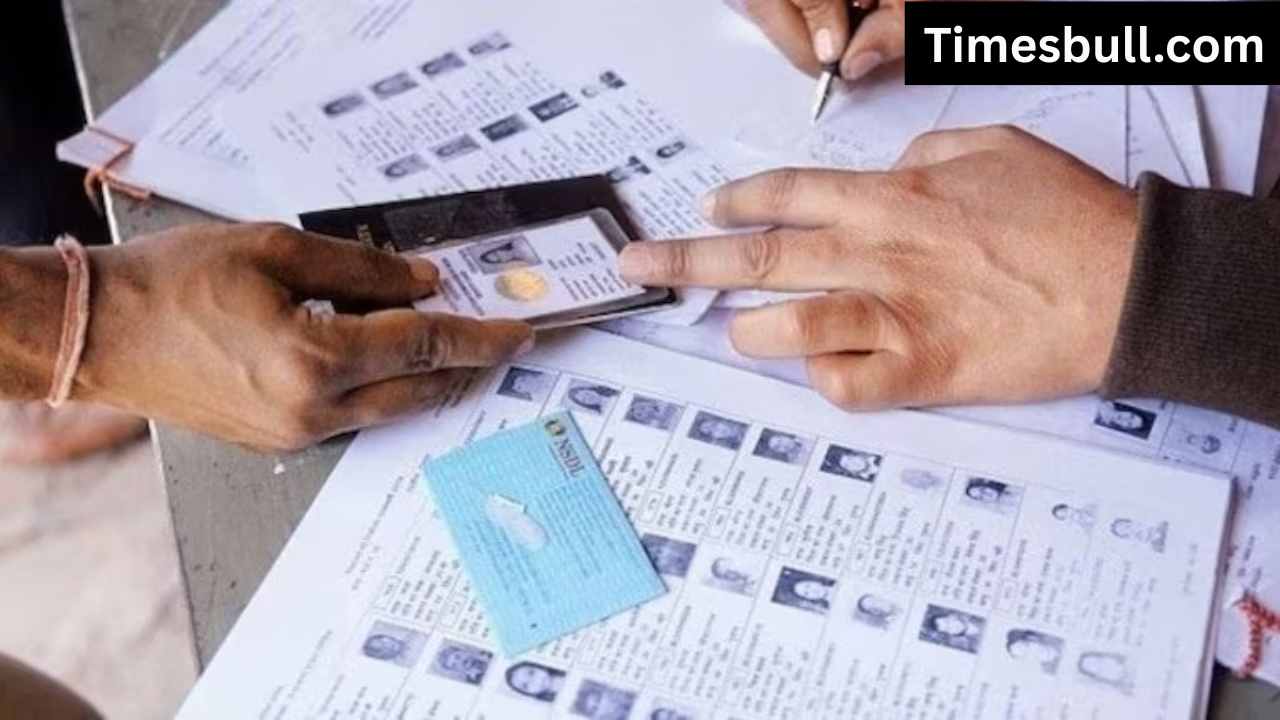
Verify Personal Details
- Verify pre-filled information such as name, age, gender, and address. Make corrections or amendments as needed.
- Upload a recent passport-sized colour photo. The face should be clear and the eyes should be open.
- After filling in all the details, e-sign in the designated space. Attach the required documents (if required):
- Age proof (birth certificate, matriculation certificate, Aadhaar, passport).
- Address, if the address has changed.
- Submit the form online after verifying all the information.
Read More:- Realme 15T 5G Phone Is Available at ₹10,000 Discount On Amazon – Check How To Grab It?
Get a receipt
Upon successful submission of the form, you will receive an Acknowledgement Slip and Reference Number, which you can use to track the status of your application.