Skip to content
Times Bull
  • Latest news
  • Auto
  • Business
  • Gadgets
  • Sports
  • India
  • Entertainment
  • Education
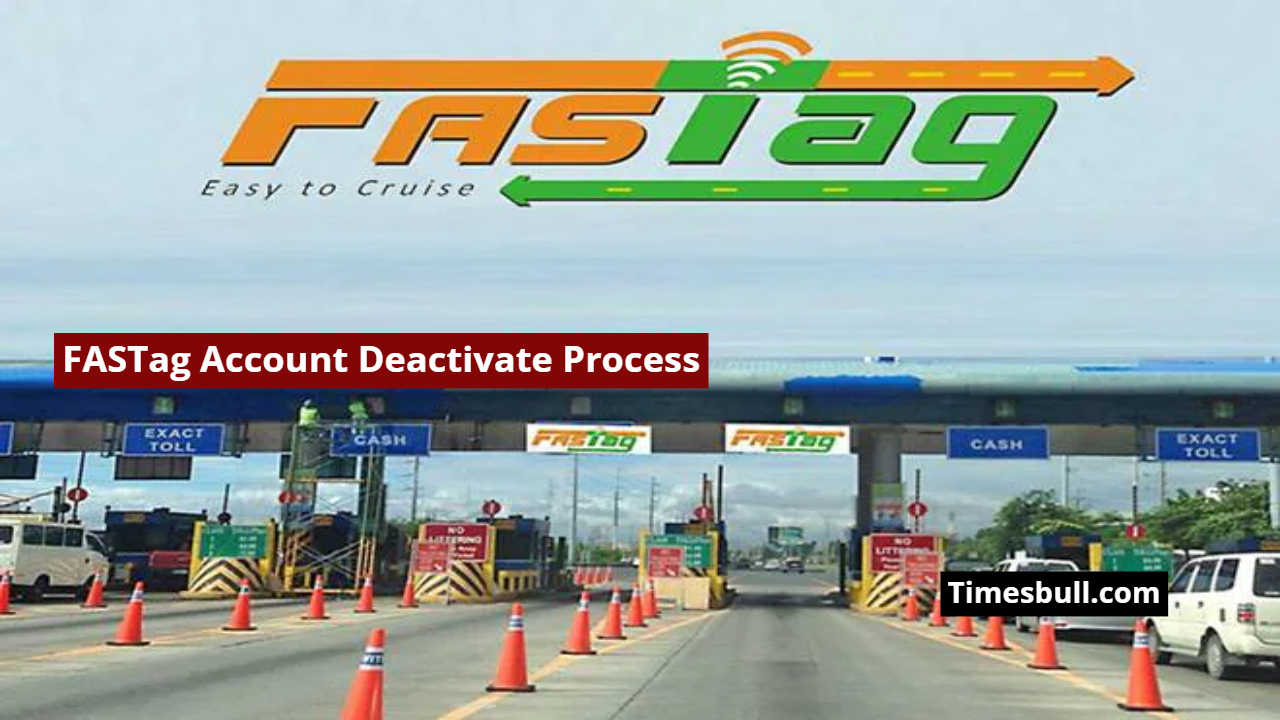
FASTag Account Deactivate Process

How to Deactivate Your FASTag Account And Get a Full Refund Easily from Your Home, Know Details

November 14, 2025 - 1:30 PM by Pal Rohit

Highway travel in India was previously fraught with long toll lines and slow processing. Traffic congestion at toll plazas and intermittent payment times wasted both time and fuel for travelers. However, with the introduction of FASTag, this entire system has changed drastically. The RFID-based FASTag sticker affixed to vehicles automatically deducts the toll, eliminating the need for drivers to stop. Many people want to close their FASTag account for various reasons, but they are often unsure about the correct method. Here’s a detailed description of the complete FASTag account closure and refund process.

Read More- Bihar Election Results 2025: Chirag Paswan’s LJP Surges Leading in 21 Seats

RECOMMENDED: Budget 2026 Brings Major Relief for Senior Citizens, Repeated Form 15H Submission Scrapped
RECOMMENDED: Gold Price Update - Know the rate of 22 to 24 carat 1 tola gold in these cities after the price drop

Why FASTag Accounts Need to Be Closed

People often want to close their old FASTag due to selling their vehicle, purchasing a new FASTag, being linked to the wrong bank, or for security reasons. If the vehicle is sold to another person and the FASTag hasn’t been deactivated, there’s a risk of toll deductions. Therefore, it’s important to close the account at the right time.

RECOMMENDED: Bank Lockers: Here Is the Complete List of What Can and Cannot Be Kept After Budget 2026
RECOMMENDED: Retirement Financial Plan: Become a Millionaire After 60 by Saving This Money in Bank from 30

Completely online process for deactivating a FASTag account

  1. To close a FASTag account, users must log in to their FASTag-issuing bank or the NETC portal.
  2. After logging in, the Settings or Manage Account option appears in the account dashboard.
  3. The account closure or deactivation option is available here, where the user must enter the reason for closing the account.
  4. Then, upload the required documents and submit the form.
  5. After submission, the user receives a confirmation of the account closure via email or SMS shortly afterward.

How to get a refund after closing a FASTag

RECOMMENDED: Mahatma Gandhi Gram Swaraj Yojana 2026: What Will Happen, How to Apply and Complete Scheme Details
RECOMMENDED: Priced Below ₹50, This Multibagger Stock Delivered 13,500% Returns After Budget 2026—Check Details

After the account is closed, the remaining balance in the FASTag is automatically refunded to the user’s bank account. This does not require any additional process. The refund is usually received within a few working days. The amount is credited to the account linked to the FASTag.

Read More- Top Bluetooth Calling Smartwatches under 2000 on Amazon: Don’t Miss This Deal

RECOMMENDED: Budget 2026 Update - Budget Highlights for Taxpayers, Key Points Explained
RECOMMENDED: Credit Card Limit Not Increasing? Follow These 5 Simple Rules to Boost Your Limit

Things to keep in mind when deactivating a FASTag

If the FASTag is installed on an old vehicle and has been sold, it is crucial to deactivate the account immediately. Before installing a new FASTag, completely deactivate the old one to avoid any charges or toll deductions. Upload all documents correctly and verify the account closure confirmation.

RECOMMENDED: Union Budget 2026: New Opportunities for MSME Sector, Entrepreneurs to Get These Direct Benefits
RECOMMENDED: Income Tax Update in Budget 2026: No Jail for Tax Evasion, Big Announcement by Nirmala

Related Stories

Latest
1
Budget 2026 Brings Major Relief for Senior Citizens, Repeated Form 15H Submission ScrappedBusiness

Budget 2026 Brings Major Relief for Senior Citizens, Repeated Form 15H Submission Scrapped

🕐 7 minutes ago
2
Gold Price Update - Know the rate of 22 to 24 carat 1 tola gold in these cities after the price dropBusiness

Gold Price Update - Know the rate of 22 to 24 carat 1 tola gold in these cities after the price drop

🕐 57 minutes ago
3
Bank Lockers: Here Is the Complete List of What Can and Cannot Be Kept After Budget 2026Business

Bank Lockers: Here Is the Complete List of What Can and Cannot Be Kept After Budget 2026

🕐 1 hour ago
4
Retirement Financial Plan: Become a Millionaire After 60 by Saving This Money in Bank from 30Business

Retirement Financial Plan: Become a Millionaire After 60 by Saving This Money in Bank from 30

🕐 1 hour ago
5
Mahatma Gandhi Gram Swaraj Yojana 2026: What Will Happen, How to Apply and Complete Scheme DetailsBusiness

Mahatma Gandhi Gram Swaraj Yojana 2026: What Will Happen, How to Apply and Complete Scheme Details

🕐 1 hour ago
6
Priced Below ₹50, This Multibagger Stock Delivered 13,500% Returns After Budget 2026—Check DetailsBusiness

Priced Below ₹50, This Multibagger Stock Delivered 13,500% Returns After Budget 2026—Check Details

🕐 1 hour ago
7
Budget 2026 Update - Budget Highlights for Taxpayers, Key Points ExplainedBusiness

Budget 2026 Update - Budget Highlights for Taxpayers, Key Points Explained

🕐 12 hours ago
8
Credit Card Limit Not Increasing? Follow These 5 Simple Rules to Boost Your LimitBusiness

Credit Card Limit Not Increasing? Follow These 5 Simple Rules to Boost Your Limit

🕐 13 hours ago
9
Union Budget 2026: New Opportunities for MSME Sector, Entrepreneurs to Get These Direct BenefitsBusiness

Union Budget 2026: New Opportunities for MSME Sector, Entrepreneurs to Get These Direct Benefits

🕐 13 hours ago
10
Income Tax Update in Budget 2026: No Jail for Tax Evasion, Big Announcement by NirmalaBusiness

Income Tax Update in Budget 2026: No Jail for Tax Evasion, Big Announcement by Nirmala

🕐 13 hours ago

Categories Business Tags Business News, business news in english, FASTag account closure, FASTag closure process, FASTag closure steps, FASTag deactivate, FASTag Refund, FASTag refund process, Google news, how to close FASTag, latest business news
2026 © Timesbull
  • Latest news
  • Auto
  • Business
  • Gadgets
  • Sports
  • India
  • Entertainment
  • Education