5 Pro Tips and Tricks to Shoot Like a Boss with Your New iPhone 17: Finally, if you have got your hands on the new iPhone 17, then congrats! But wait, are your photos still looking average while others are dropping cinematic shots straight from their iPhones? Don’t worry, you are not alone. Most people never unlock even half of what the iPhone 17 camera can actually do. Here I have shared 5 powerful tips and tricks to help you shoot like a true pro — from mastering focus and exposure to using manual controls.
1. Master Focus and Exposure
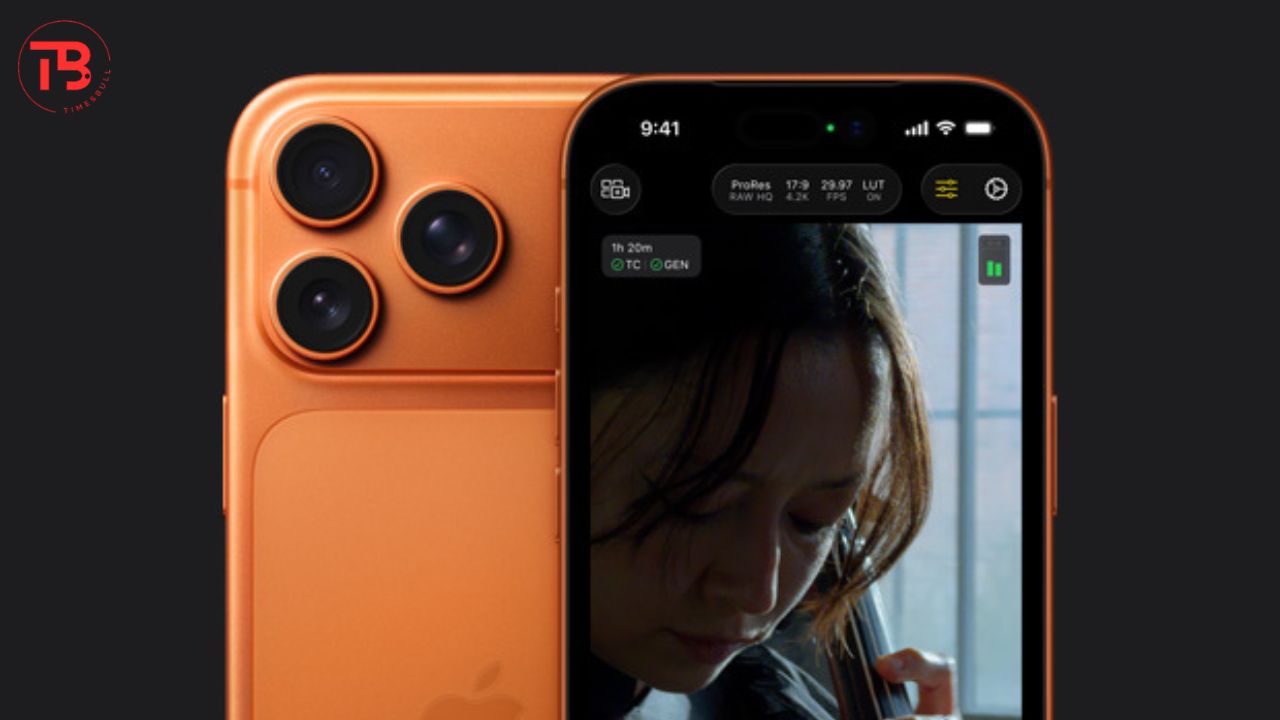
If you don’t know, your iPhone 17 camera automatically sets the focus and exposure, but for pro-level results, you need manual control, right? So you have to tap the screen where you want to focus. This will bring up a yellow focus box and a sun icon. Now if you are clicking photos, then slide the sun icon up or down to adjust the exposure.
You can swipe down to protect bright highlights like a sunny sky. Along with that, if you are recording video, then you can tap and hold the focus box to lock the focus and exposure. This will prevent your iPhone from hunting for focus while recording.
Read More: iQOO 15 vs Samsung Galaxy S25 Ultra: 5 Things You Must Know
2. Highest Quality Footage
If you want the highest quality footage, then you have to just go to Settings → Camera → Formats and enable ProRAW and Resolution Control. It will allow you to shoot in 48-megapixel ProRAW, and it will capture a huge amount of detail in your images.
Now when it comes to videos, then you have to navigate to Settings → Camera → Record Video, and now you have to choose 4K at 60fps for the best balance of resolution and smooth motion. Sometimes you get overexposed or washed-out clips, right? So to prevent this, you have to disable HDR video in your video settings.
3. Using Grid
See, composition is the main key to creating visually appealing photos, and the simple grid overlay can help you create more balanced and professional shots. So to enable it, you have to go to Settings → Camera, then toggle on the Grid option. You can also align your horizon to ensure your horizon is perfectly straight in landscape photos.
4. Video Stabilization Maximization Tips

Your new iPhone 17 Action Mode offers excellent in-camera stabilization, but an accessory will provide you the smoothest possible video. You can simply enable the Action Mode for very active scenes, and the iPhone crops in slightly to help stabilize the shot, and it will provide you buttery-smooth video.
For the best results, I would suggest you use it in bright light. You can also use a gimbal for truly cinematic free movements, and you can try the Cinematic Mode for storytelling. It will provide you a beautiful shallow depth-of-field effect.
Read More: Beat Delhi-NCR Pollution with These 5 Best Air Purifiers Under ₹5,000
5. Use Manual Controls
See, you do not need to be afraid of manual controls because this is the only thing that provides professional photography. You have to tap the RAW button in the camera app to shoot with minimal compression. It will provide you maximum flexibility for editing later in an app like Adobe Lightroom.
Secondly, before shooting, you should use Photographic Styles to set a base tone and colour. You can easily find these controls by swiping up in the camera app. And most importantly, use the Photos app to adjust exposure, contrast, and highlights of your shots.