Spotting Fake Or Refurbished Phones Sold As New: Nowadays, scam of refurbished phones are on peak in India. Many unofficial sellers in offline marketplace are selling refurbished, fake or old phones as new, and normal people don’t understand how they can identify which phone is new in condition. They just think that phone should be packed in the box when they are purchasing, but that’s not the case. Here I have mentioned each and everything you should keep in mind and what you need to check before and after purchasing a phone to identify whether it is fake, refurbished or new phone.
Read More: Best Phones For Food Photography Under 12,000
Check The Packaging
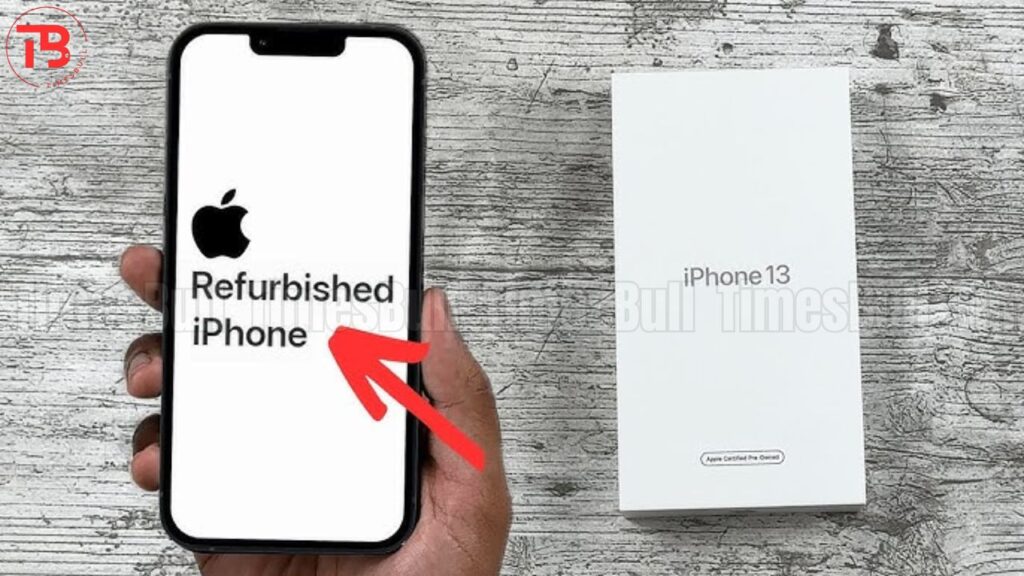
Firstly, you should check the packaging of the phone. The box of the phone should be sealed packed and should have in-text manufacturer’s packing with no tears or signs of tampering. You should also check any mismatched or resealed stickers. Along with that, you should also ensure the authenticity of packaging. It should be of high quality printing and lastly, you should also match the IMEI on the box with the IMEI on the phone settings. If they are mismatching, then you should not purchase that kind of phone.
Physical Condition Of The Phone
You should not neglect the physical condition of the phone because Grade A refurbished phone may appear flawless, but a close inspection can sometimes reveal signs of use. You should definitely check loose parts like buttons, ports and camera lenses. They should be perfectly aligned and feel solid. Some manufacturers also include a water damage sticker inside the device, often in the SIM tray slot. If this sticker is red, then it means prior liquid damage even if the phone appears to work, so you should not purchase this kind of phone.
Read More: Best Alternatives To The Redmi Note 13 Phone In 2025
Inside The Phone
After opening the box, you should also check inside the phone. Firstly, you need to check the IMEI of the phone. You can check it by dialling *#06#, and you can also check it by referring to settings and then About Phone menu. It should match with the box.
In case you are purchasing an iPhone, then you should go to Settings > General > About > Model Number, and if the model number starts with M, then it means the phone is completely new, and if it starts with F, that indicates it was refurbished by Apple. Lastly, you should also test all the features like Wi-Fi, Bluetooth and GPS, along with camera, speakers and touchscreen.
Battery Life

If you are purchasing an iPhone, then you need to go to Settings > Battery > Battery Health and Charging. A new iPhone should have a maximum capacity of 100%. If it is showing lower than that, then it means your phone is refurbished. You should definitely not purchase it. On the other hand, if you are purchasing an Android phone, then you can check it by installing AccuBattery app that gives you a detailed battery health report. If it is showing low battery health, then this is a sign that this phone has been used previously.