Smartphones have become an important part of our lives today, but with time, many technical problems start appearing in them. The most common problem among these is overheating of the phone. Interestingly, this problem is not only seen in old smartphones but also in new handsets. When the phone starts heating up continuously, it can have a bad effect on the health, performance, and security of the battery. In such a situation, there is a need for some easy setting changes so that overheating can be reduced.
Turn off Wi-Fi and Bluetooth scanning

First of all, go to the settings of the smartphone and search for the Wi-Fi scanning option and turn off the toggle there. Along with this, it is also important to turn off Bluetooth scanning. Actually, when these features are on, the phone continuously searches networks and devices in the background, which puts additional load on the processor and increases the problem of heating.
Change the display settings
Go to the phone’s display settings and turn on auto brightness or adaptive brightness. This will automatically adjust the screen brightness according to the need and reduce battery consumption. If the phone heats up too much, set the display refresh rate to 60Hz. This option can be found with different names on different smartphones.
Control the background process from the developer options
If you can change a little advanced setting, then go to the developer options and set the background process limit to 3. This will not allow more apps to run in the background, and the load on the phone will be reduced. This setting can reduce the problem of heating to a great extent.
Turn on power saving mode in battery settings
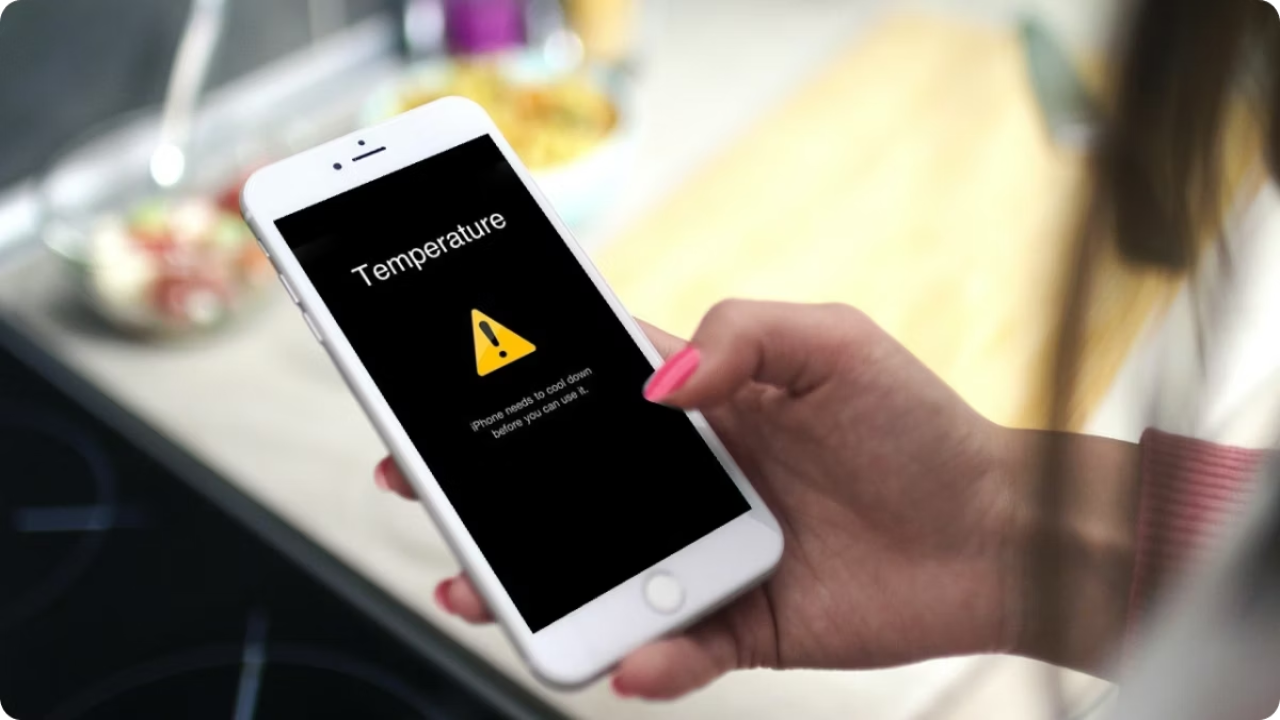
Turning on power saving mode by going to battery settings is also a better solution. This limits background activity and keeps the phone temperature balanced. Especially in summer, this option is very important for the safety of the phone.
Read Here- Nissan Magnite Vs Renault Kiger: Which Twin to Buy? which is Better
Avoid these habits too
The heating problem of the phone can be reduced not only by the settings but also by your habits. Always use the original charger and do not use the phone while charging. Remove the phone from the cover while charging so that it can cool down easily. Apart from this, avoid keeping the phone in direct sunlight and always charge it in a place with a normal temperature. These small precautions can reduce the problem of overheating to a great extent.