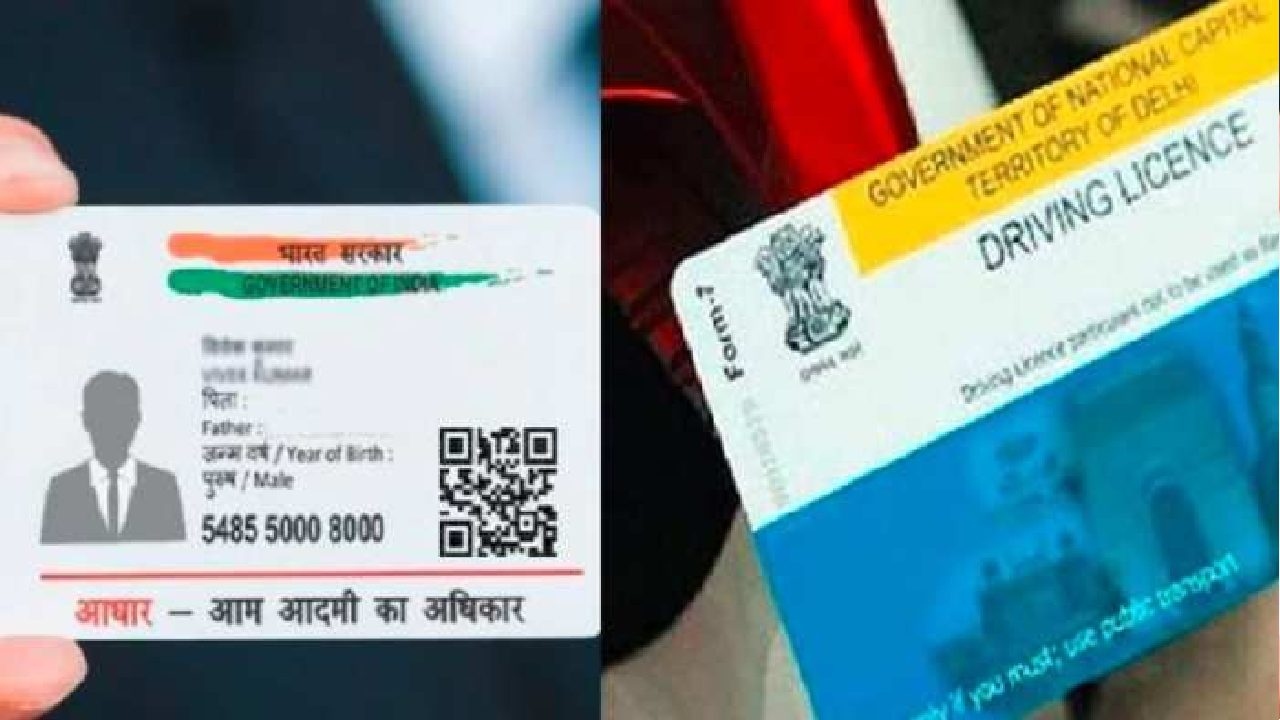
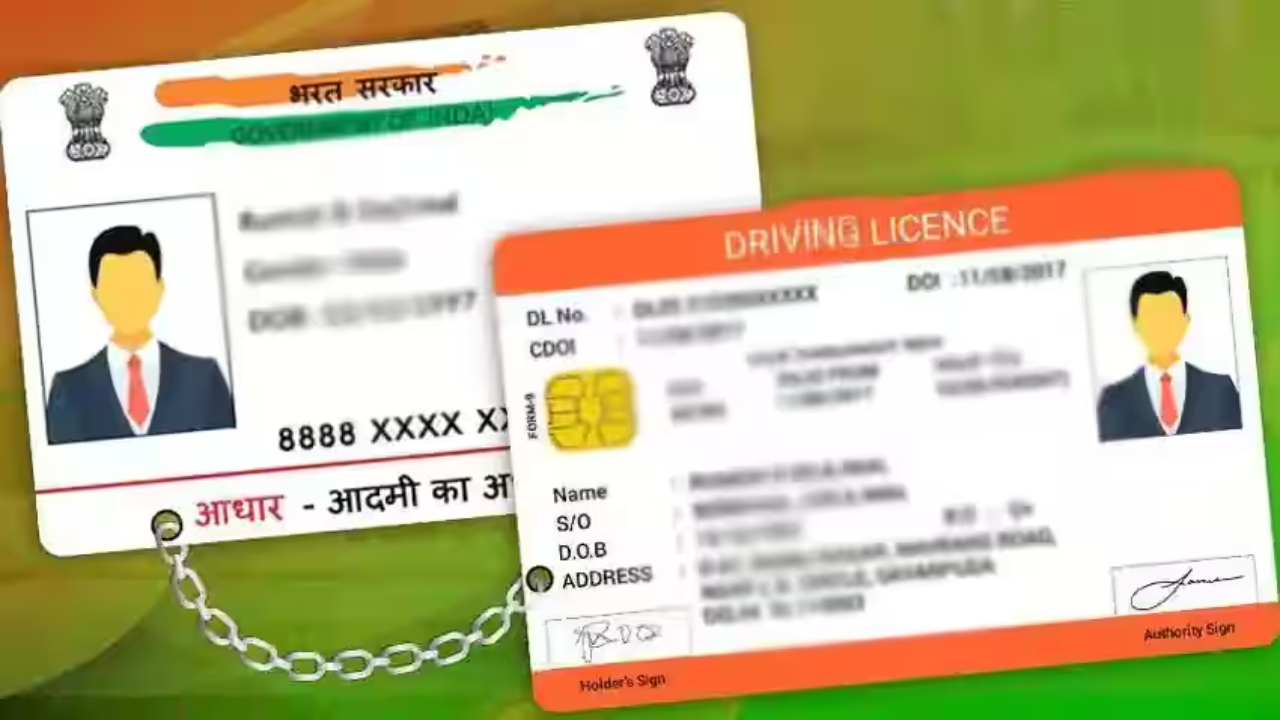
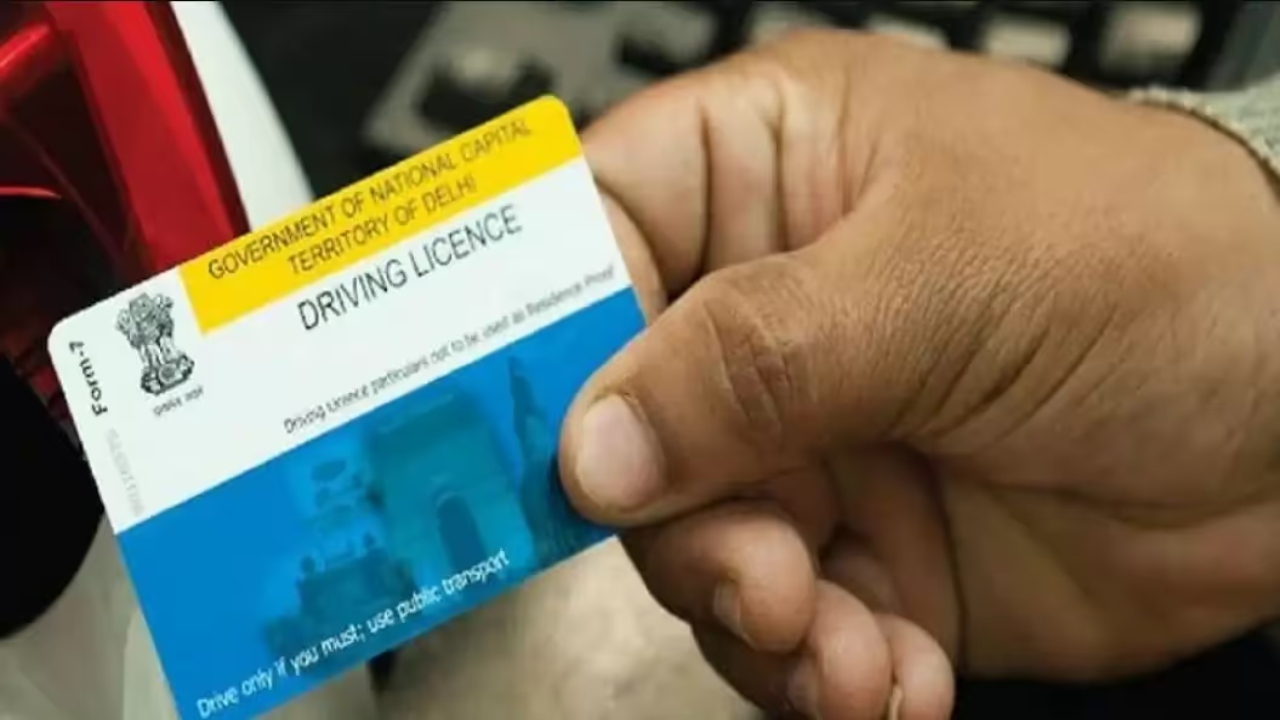
How to link Driving License with Aadhaar online: If you drive a two-wheeler or four-wheeler, then you must have a driving license. If not, then get it made quickly. If you have a driving license, then you may have also received a message recently, in which it is said that people should verify the mobile number in their licenses through Aadhaar and update it by visiting the transport portal.
Let us tell you that recently, a message was sent by the Ministry of Transport, in which it has been said that all driving license holders are requested to add their mobile number to their driving license through the Aadhaar registration process and confirm it. You can do this process online by knowing it on the portal of parivahan.gov.in. Do not ignore this message at all.
Read Here: After Jio, Airtel Discontinued The Popular Prepaid Plan of Rs 249, Know What is The Option Now
Message sent to all license holders
Let us tell you that this message has been sent to license holders and vehicle owners across the country so that they can authenticate their mobile number through Aadhaar and avail the transport service without any interruption. This will not only make the service easier, but will also curb fraud. By linking the mobile number to Aadhaar, information about the e-challan, vehicle transfer service will reach your phone directly.
How to update your mobile number
To update the mobile number, first visit the parivahan.gov.in portal. After this, you will get the option to update your mobile number. You will have to fill in the information of your vehicle or driving license, such as registration number, date of birth, chassis number, etc. After this, you can update your mobile number by verifying OTP from Aadhaar.
Tejashwi Yadav’s Song Against Nitish Kumar and BJP Goes Viral Ahead of Bihar Polls
How to link to DL
First of all, scan the Sarathi QR code given on the portal or go to the page related to it. After this, fill in the driving license number, date of birth, state name, and captcha code. Verify with Aadhaar OTP. After this, click on the submit button and complete the process.
If you have already completed this process, then you do not need to do anything, but if you have not done it, then complete it as soon as possible. So that there is no problem in the future. If the mobile number is not updated, then important notices or information will not reach you. This may cause a delay in challan registration renewal or other services. In such a situation, the government has appealed to all vehicle owners and license holders to complete this process as soon as possible.
Related Stories





 Business
 Business
 Business