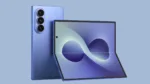

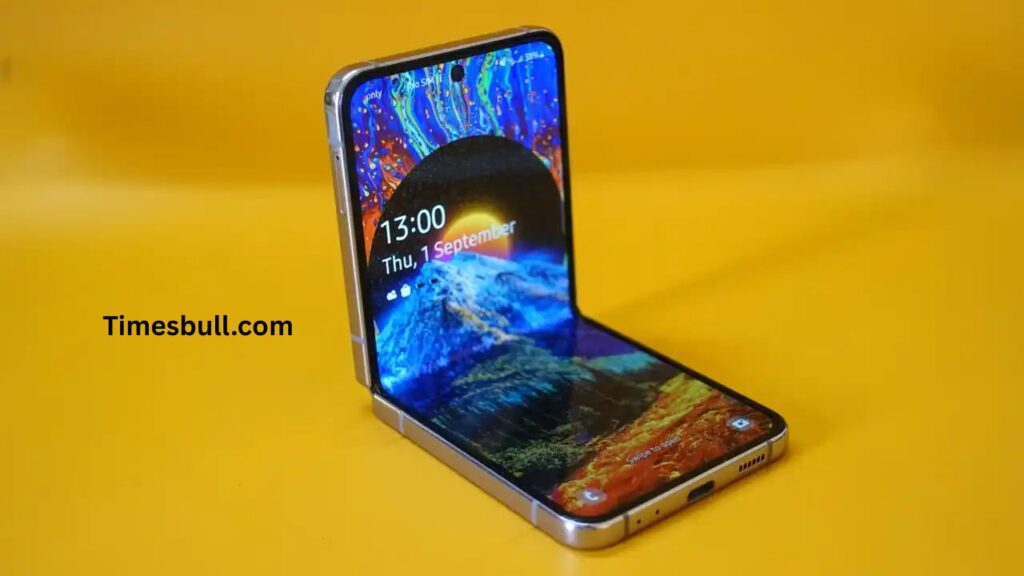
Galaxy Z Flip display issue: Samsung’s new One UI 7 update is full of enhancements, but some users of the Galaxy Z Flip have been experiencing an unusual bug. When they use Smart View and fold the phone, for a temporary period, a black line shows up on the display. Samsung has finally realized that this is a problem and is already preparing a patch to enhance the user experience.
Read More: Is Samsung Galaxy S24 5G Worth Upgrading From Samsung Galaxy S23 5G?
Read More: Which One Should You Choose? – vivo V40 VS vivo V40 Pro
Black Line Shows Up After Using Smart View
Based on user reports, the black line appears when the screen ratio setting is “Full screen on connected device” while using Smart View. The black line becomes visible when users disconnect from Smart View and fold their phone. While the black line vanishes after a while, it can be annoying and distracting when in use, particularly for those utilizing the 6.7-inch AMOLED screen of Galaxy Z Flip devices.
Primarily Affects Galaxy Z Flip Models
A Samsung forum moderator affirmed that this bug primarily affects Galaxy Z Flip models. As of now, no identical complaints have been lodged by Galaxy Z Fold7 or Galaxy S25 series users. This indicates the bug could be specific to the folding mechanism or display software behavior in the Flip series.
Samsung Provides an Easy Fix
Until a permanent solution arrives, Samsung has offered a workaround. A user can access Quick Settings, tap on the Smart View icon, connect to a device, and then access the floating Smart View button. Then, head to More Options > Settings and toggle to “Full screen on phone.” This adjustment prevents triggering the black line glitch when folding the phone.
Performance Not Impacted, But Visual Experience Is
Although this bug does not impact the performance of the phone as a whole, it does impact the visual experience. The Galaxy Z Flip’s foldable display is one of its major selling points, and any display problem, however minor, can impact satisfaction. Samsung does not want to destroy the premium feel, particularly in such premium-handled products.
Fix Expected Through Software Update
Samsung has assured that they are working on a software update to completely address this issue. When ready, the solution will be made available through the normal software update procedure. Users may monitor for the update by opening Settings > Software update > Download and install.
Contact Support If Issue Persists
For users who continue to experience the issue despite the workaround, Samsung recommends contacting customer support. In the meantime, the adjustment to shared settings should prevent the black line from appearing in everyday use.