


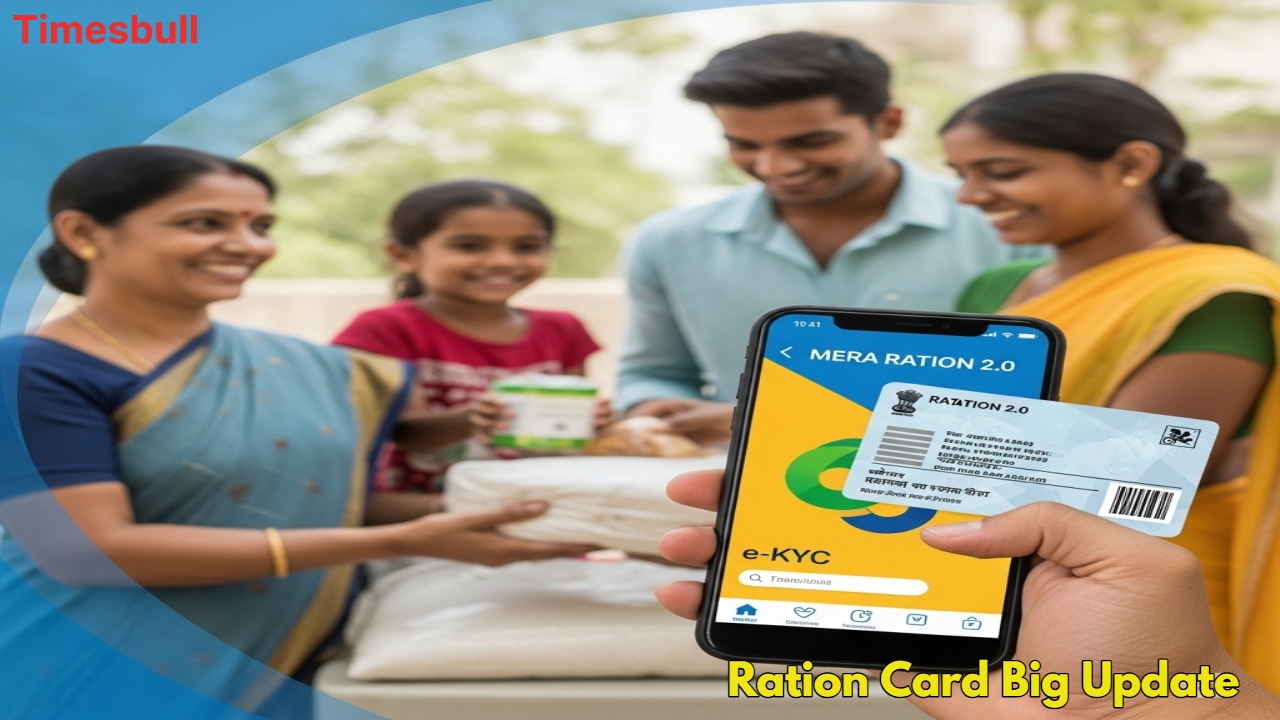
Ration Card Update: If you have a ration card and you avail of the government ration, then this news is very useful for you. The Department of Food and Public Distribution of the Government of India has started the facility of the ‘Mera Ration 2.0’ app. Through this app, ration card holders can update or change all the details of their ration card in one click. For this, now you will not have to visit the officials again and again. This app will not only save your time, but will also give you an opportunity to avail yourself yourself of many facilities sitting at home.
Do all these tasks with the ‘Mera Ration 2.0’ app
Through the ‘Mera Ration 2.0’ app, beneficiaries can do many important tasks easily. You can remove someone’s name from the ration card or add a new name. For this, Aadhaar number and registered mobile number will be required. An OTP (One Time Password) will be sent to log in to this app, and after that, verification will be done. Whenever you update something through the app, this request will go to the concerned authorities, and after getting approval, your ration card will be updated.
You can do all these tasks with ‘Mera Ration 2.0’
This app makes many tasks related to the ration card very easy. Through the app, you can update the details related to your ration card like new address, changing mobile number, adding name of new member, etc.,, yourself. If you are in a new area and want to know about the ration shop, then through the app,, you can easily see the location and other information of the nearest government ration shops. This makes the ‘One Nation One Ration Card’ scheme even more effective. Through notifications in the app, you will keep getting information about any new updatesupdates or new facilitiesfacilities introduced.
E-KYC done or not
Follow these steps to check the status of your your ration card e-KYC (Electronic Know Your Customer). To check the the ration card e-KYC, you first have to download the ‘Mera KYC’ app from the Play Store. After downloading the app, first select your location. Now register by entering your personal information such as Aadhaar number, captcha code,, and OTP. After this, you will see the ration card e-KYC status on the screen. If KYC is completed, it will have ‘Y’ written in it. If you have not yet completed your ration card e-KYC, then complete it as soon as possible.
Do ration card e-KYC from home
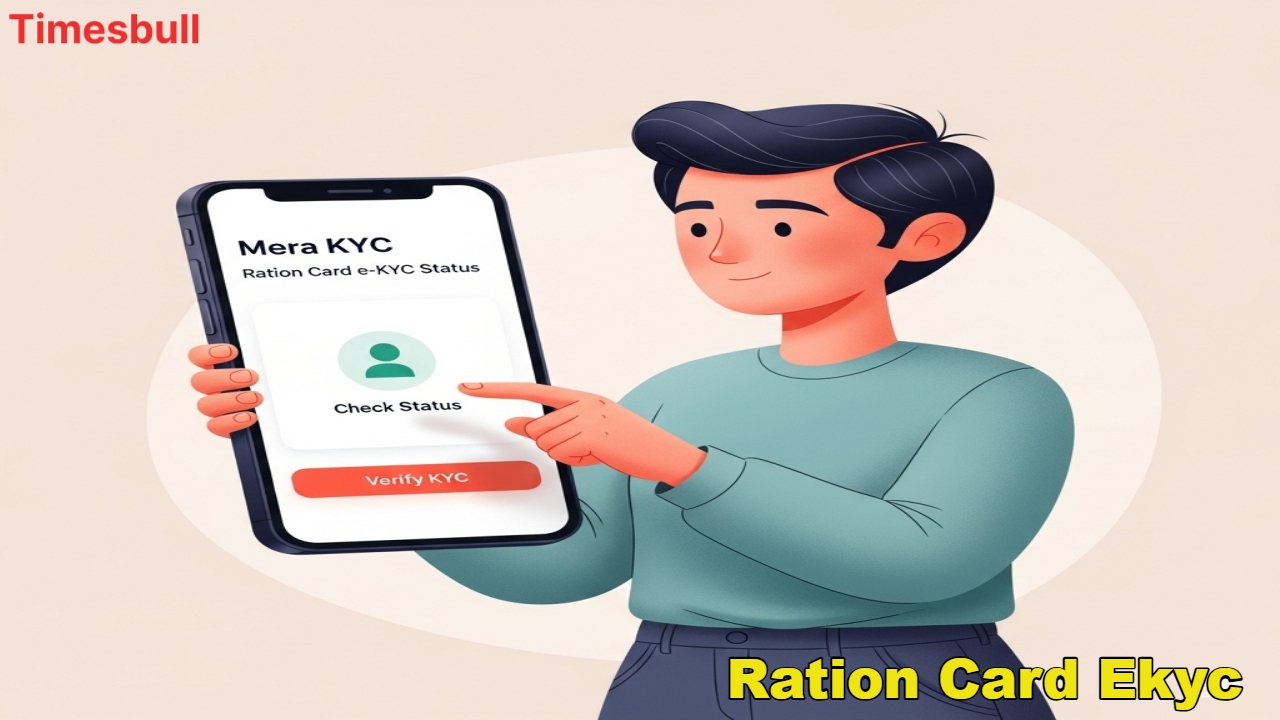
It is now even easier to complete the ration card e-KYC from home. For this, these two apps will be required:
First of all, install ‘Mera KYC’ and ‘Aadhaar Face RD’ app.
After this, open the app and select your state and location.
Then enter your Aadhaar number and enter the OTP received on the mobile linked to Aadhaar.
After this, your information will appear on the screen.
After this, select the option of ‘Face e-KYC’ to scan the face.
Scan with the selfie camera of the mobile, and the e-KYC process will be completed.