


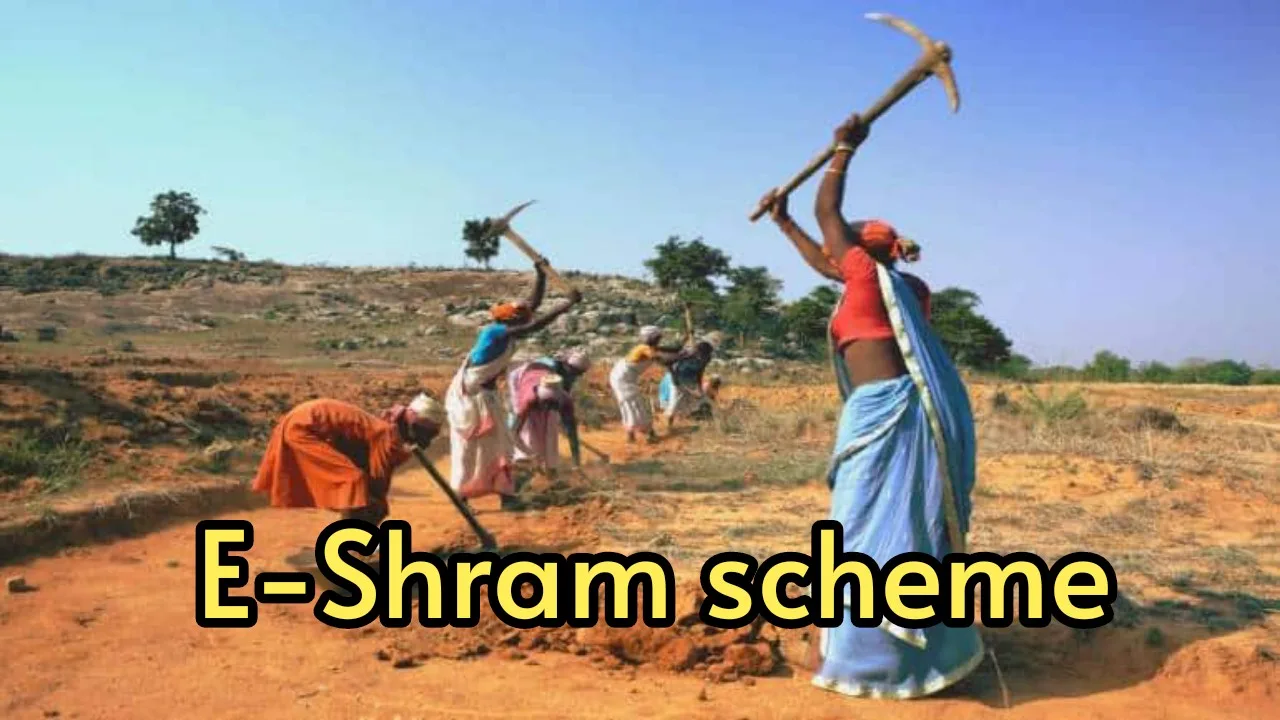
E Shram Card- Want to earn good amount of money without work? or if you are financially weak and want to grab good money, then this article is made for you. The Government of India has given the gift of pension scheme to the working class people. Under the scheme, every laborer will be given a pension of Rs 3,000 after the age of 60. To avail the benefits of the scheme, the beneficiaries will have to apply under the E-Shram scheme. The beneficiary does not even need to go anywhere to avail the pension. You can make your online E-Shram card from home. Apart from pension, you will also get the benefit of many government schemes.
What is E-Shram card?
Now the question is, What is E Shram Card? Let us tell you that E-Shram card identifies people working in unorganized sectors like small business, laborers, fishermen helpers, auto drivers and animal husbandry and provides them monthly pension facility with insurance cover. Under this, every worker will get a unique digital card. Through E-Shram card, you will not only get Rs 3,000 every month after the age of 59, but also financial assistance of Rs 1,00,000 and death insurance of Rs 2,00,000.
Who will get the benefit?
Any Indian worker can apply for E-Shram card. One can apply for this anytime between 16-59 years. Workers will also have to get registered for this. The special thing is that it also includes platform workers of Flipkart, Amazon, Ola and Uber. To get this, it is necessary that your Aadhar card is linked to the mobile number. Also, you should have a valid bank account.
Process to generate E-Shram card
STEP 1: Visit the e-SHRAM portal (https://eshram.gov.in/) .
STEP 2: Go to the home page and click on the option of REGISTER on eShram.
STEP 3: A new page will open on which you will get the option to link mobile number with Aadhaar and enter the captcha code.
STEP 4: Answer YES/NO in the active member details of EPFO and ESIC.
STEP 5: After this complete the process of OTP verification.
STEP 6: Now give your address and educational information.
STEP 7: Select the skill name, business type and type of work.
STEP 8: Enter bank details and select self-declaration option.
STEP 9: Now click on SUBMIT option.
STEP 10: An OTP will be sent to your mobile number. Enter it and click on the VERIFY button.
STEP 11: E-Shram card has been generated. Now it can be DOWNLOADED.