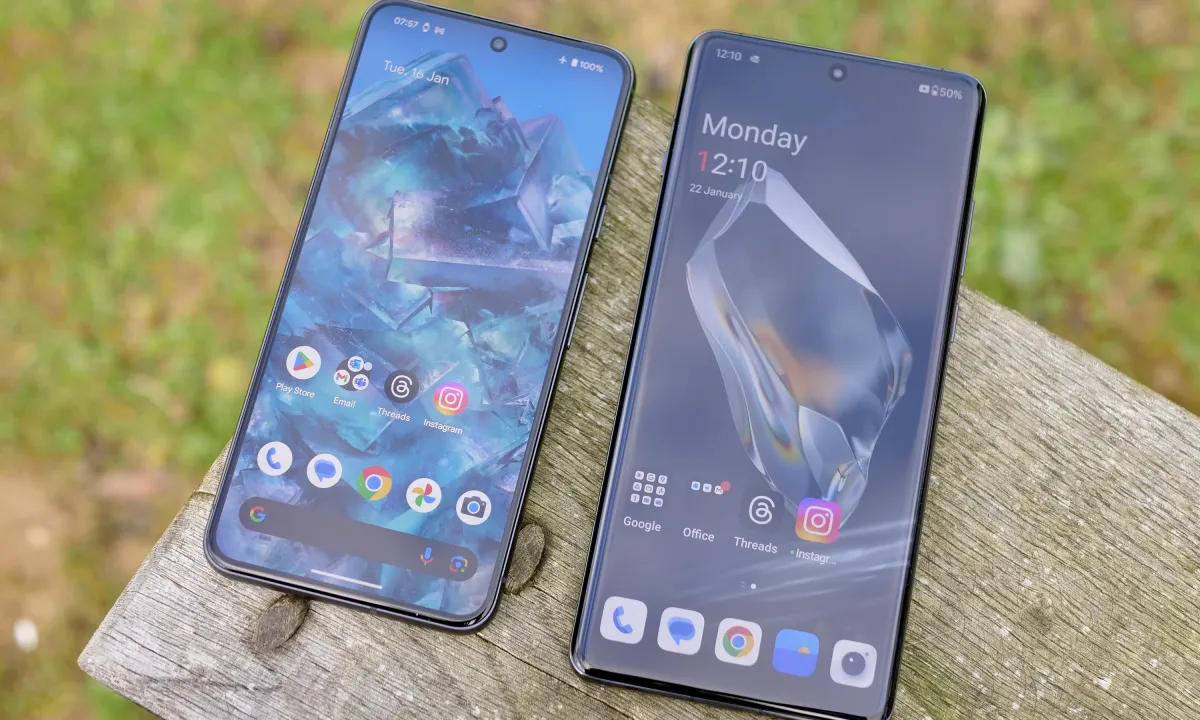
Boost Smartphone: Seeing slow performance on your smartphone can be enrage, particularly if you need it for regular use. The good news is that there are some efficient methods to boost your device’s speed and performance.
Clear Background Apps
Having multiple programs run at the same time can drain a lot of system resources and slow down performance. Closing unnecessary apps from time to time will release memory and processing capacity and make the device more responsive.
Update Software Regularly
Maintaining the operating system and applications of your device updated is the best way to ensure you receive the best performance enhancements and security fixes. Companies usually send out updates in order to refine software performance and correct known flaws.
Manage Storage Space
Low storage can slow down your smartphone. Removing unnecessary files, uninstalling unused applications, and offloading photos or videos to cloud storage can ensure proper free space, enabling your device to run more smoothly.
Reduce Animations and Visual Effects
Disabling or minimizing animations and visual effects can lessen the workload on your device’s hardware, leading to quicker transitions and improved responsiveness. This setting is often found in the developer options of your smartphone.
Restart Your Device Regularly
Rebooting your smartphone can clear temporary files and close background processes that may be consuming resources unnecessarily. Regular restarts can help maintain optimal performance.
Disable Unnecessary Widgets and Live Wallpapers
Although widgets and live wallpapers can add to the visual beauty of your device, they also take up system resources. Restricting their usage can lead to improved performance and increased battery life.
Use Lite Versions of Apps
Most popular apps have ‘lite’ versions that consume fewer resources and function well on capability-restricted devices. Changing to these versions can really pick up the pace of your smartphone.
Limit Background Data Usage
Certain apps run in the background, eating up data and processing resources. Limiting background data usage of unnecessary apps will release resources and boost performance.
Factory Reset as a Last Measure
In case your smartphone still acts slowly after taking these steps, conducting a factory reset can put it back to its default state. This step should be used as a last option since it will remove all contents of the device.
Applying these measures can actually make your smartphone respond and perform faster, thus improving your overall experience.