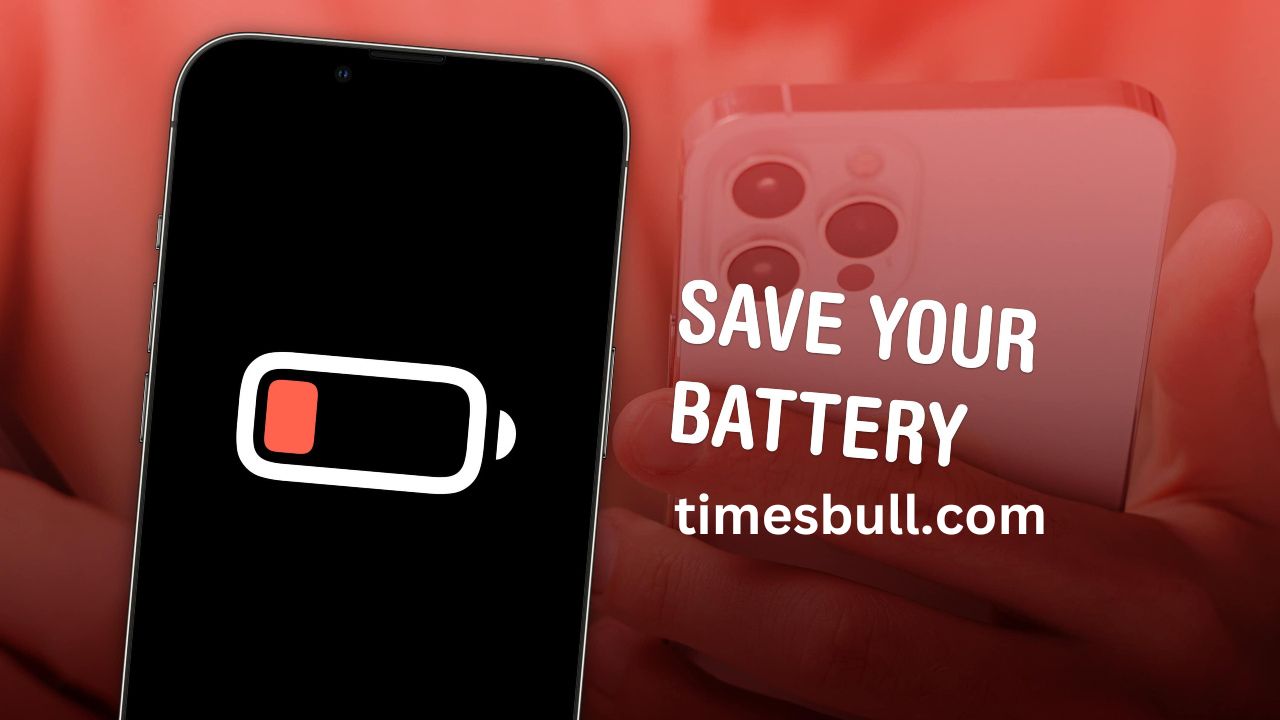
Smartphone Battery Saver Tips : In today’s time, smartphone has become an important part of our life. But when the phone’s battery suddenly starts getting low, all the planning gets spoiled. Be it a work call or social media scrolling, everything stops as soon as the battery runs out. In such a situation, the biggest question is – why does the smartphone battery run out quickly and how to save it?
If you also want your phone to run smoothly throughout the day, then definitely adopt these 10 easy but very effective tips.
1. Reduce screen brightness
The phone’s screen consumes the most battery. So turn off auto-brightness and manually reduce the brightness. This will make the battery last longer.
2. Turn on battery saver mode
Every smartphone comes with battery saver mode. Activating it closes background apps and extra features, which reduces battery consumption.
3. Close unnecessary apps
Many times we open many apps, but forget to close them. They keep running in the background and keep eating up the battery. It is necessary to close them from time to time.
4. Control location services
Keeping GPS and Location always on drains the battery rapidly. If not needed, turn off location services or turn them on only when you use them.
5. Keep Wi-Fi and Bluetooth on only when needed
Keeping Wi-Fi and Bluetooth always on is harmful for the battery. Turn them off immediately after use.
6. Turn off background app refresh
Some apps keep refreshing continuously in the background. Go to settings and turn off “Background App Refresh” to save battery.
7. Adopt dark mode
If your phone has an AMOLED or OLED display, then dark mode helps save battery. This makes the screen use less power.
8. Limit wallpapers and widgets
Live wallpapers and more widgets drain the phone’s battery quickly. Use simple wallpapers and fewer widgets.
9. Turn off auto-sync
Email and some cloud apps sync frequently. If not necessary, turn off the auto-sync feature and choose manual sync.
10. Keep updating the software
Not updating the phone’s system can cause battery drain. Install the latest updates from time to time, as these have better battery optimization.