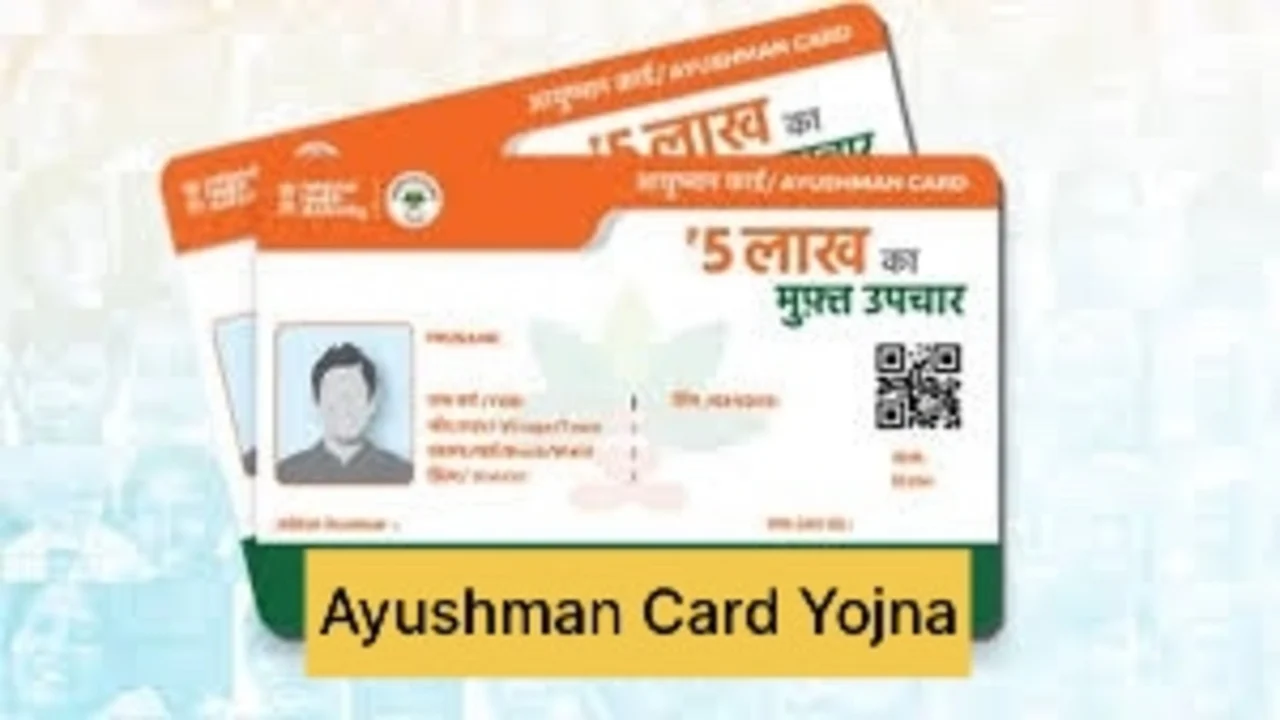
Ayushman Card Yojna: Ayushman Bharat Yojana is an essential government scheme that provides free health insurance to the poor and needy people of the country. Under this scheme, eligible families get health insurance cover of up to Rs 5 lakh every year. It provides cashless treatment facility to the beneficiaries in hospitals.
Earlier, people had to go to government offices or common service centers to get Ayushman card. But now with the development of technology, this process has become very simple. Now you can apply for Ayushman card from your mobile phone sitting at home.
Benefits of Ayushman Card
- Free treatment: Cashless treatment up to Rs 5 lakh
- Comprehensive coverage: Treatment of more than 1500 diseases is covered
- Portability: Treatment in registered hospitals across the country
- Secondary and tertiary care complex diseases are also treated
- Pre and post hospitalization expenses: Expenses up to 15 days before and 15 days after are covered
- Family based cover: One card benefits the whole family
Required documents
- Aadhaar card
- Ration card
- Mobile number
PAN card (optional) - Bank passbook (optional)
- Passport size photo
- Eligibility for Ayushman Card
- Families living in kutcha houses
Landless families who earn income from physical labor
SC/ST families
- Families with disabled members
- Families without any adult member between the age of 16 to 59 years
- How to get Ayushman card from mobile
- 1.Download the Ayushman app
- Go to the Play Store of your smartphone
2.In the app Login
- Open the app and select the “Beneficiary” option
- Enter your mobile number
- Log in by entering the received OTP
3.Eligibility check
- Select your state and district
- Select “PMJAY” scheme
- Enter Aadhaar number or ration card number
- Click on the “Search” button
- 4.List of family members
A list of all eligible members of your family will appear
- Members who do not have cards will have an option of “Apply” next to their names
5.KYC process
- Click on “Apply”
- Complete KYC with Aadhaar OTP or face authentication
- Upload your photo
- Confirm the information
- Check all personal information carefully
- Correct if there is any mistake
- Click on the “Submit” button
6.Download card
- You will get a notification when your application is approved
- Click on the “Download card” option in the app
- Download your digital Ayushman card
Latest News
- Maruti Dzire CNG Continues Dominance – Fuel Efficient Sedan Wins Indian Families

- Vivo Y600 Turbo Set to Debut: Featuring a 165Hz Display, Dimensity 8500, and a Massive 9,020mAh Battery

- HMD Vibe 2 5G Debuts in India with 6000mAh Battery & 50MP Camera: Get It For Just ₹9,499 With Launch Offers

- 8th Pay Commission लागू होते ही कितना हो जाएगा फिटमेंट फैक्टर, चेक करें अपडेट

- Oppo Find X9 Ultra Launched in India: Check Reliance Digital Price, Bank Offers, and Flagship Specs

- Electricity Bill Saving– How to Save Power During Summer Heat? Here Are the Few Tips

- Gold-Silver Rate – Gold ₹44,396 per 10 grams & Silver ₹1,85,462 per kg cheaper from the Peak

- US Green Card Rule Change, Know Before Apply

- PM Surya Ghar Scheme: खूब चलाएं एसी और कूलर, नहीं देना होगा बिल, जल्द कराएं यह काम

- ITR Filing Before May 31? You May Get Notice