
Aadhaar Update After Marriage: How to Change Father’s Name to Husband’s Name Online in 2025?
Aadhaar Update After Marriage: After marriage, not only does a woman’s surname or relationship status change, but several government documents may also need updating. One of the most critical documents among them is the Aadhaar card. Many women choose to replace their father’s name with

 Join Us
 Add as a preferred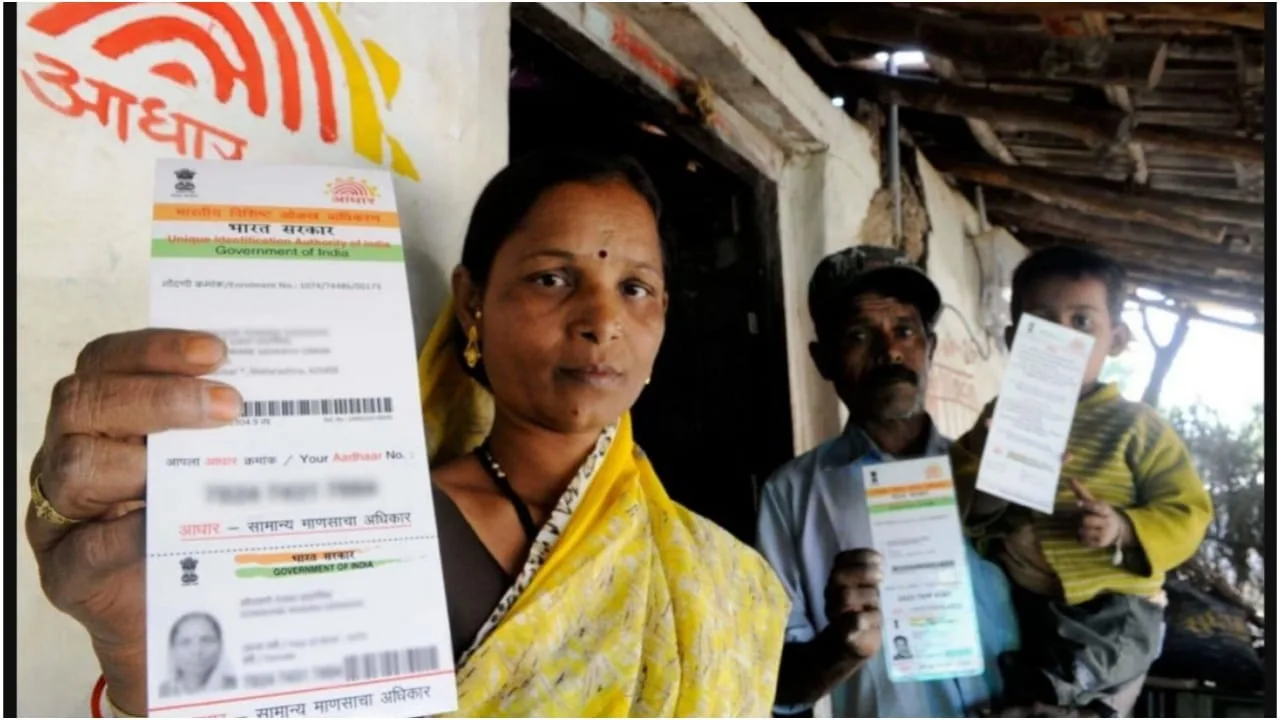
Aadhaar Update After Marriage
Aadhaar Update After Marriage: After marriage, not only does a woman’s surname or relationship status change, but several government documents may also need updating. One of the most critical documents among them is the Aadhaar card. Many women choose to replace their father’s name with their husband’s name in Aadhaar after marriage. While this update is not mandatory and depends on personal preference, it is often required for official purposes, such as passport applications, visa processing, or specific government schemes.
The good news is that in 2025, you no longer need to visit an Aadhaar Seva Kendra for this change. The entire process can now be completed online from home in just a few simple steps.
Is It Mandatory to Change Your Name on Your Aadhaar After Marriage?
Changing the father’s name to the husband’s name on the Aadhaar is not mandatory. Aadhaar primarily focuses on accurate personal details, including name, address, date of birth, and gender. However, for documentation related to travel, banking, or government benefits, including the husband’s name on the Aadhaar can be helpful. This is why many women opt for an Aadhaar Update After Marriage.
Online Process to Update Husband’s Name in Aadhaar
To begin the Aadhaar Update After Marriage, search for “SSUP Aadhaar” on Google and click on the official UIDAI Self Service Update Portal link. Log in using your Aadhaar number. An OTP will be sent to the mobile number linked to your Aadhaar; you will need to verify it.
Once logged in, click on the “Update Address” option. After that, select “Head of Family Based Address Update.” This option allows you to link your Aadhaar details with your husband’s Aadhaar.
Now, enter your husband’s Aadhaar number, registered mobile number, and select the relationship as “Husband.” Additionally, you must upload a valid document proving the relationship. In this case, a marriage certificate is required.
After uploading the document, pay the ₹50 update fee. Payment can be made easily via UPI or other online channels. Once the payment is successful, you will receive a receipt containing an SRN (Service Request Number). This SRN is essential, so please note it.
Final Approval Using SRN Number
In the next step, search for “SSUP Aadhaar” again and log in using your husband’s Aadhaar number and OTP. After logging in, go to “Update Address” and again select “Head of Family Based Address Update.”
Here, enter the SRN number generated earlier and click on “Accept.” Once accepted, the request is processed. Within 30 days, your Aadhaar card will be updated with your husband’s name.
Things to Keep in Mind
Ensure both Aadhaar cards are linked to active mobile numbers, as OTP verification is mandatory at every step. Also, ensure the marriage certificate is clear and valid; any incorrect documents may result in the request being rejected.
By following this simple online method, Aadhaar Update After Marriage becomes quick, secure, and hassle-free, without the need to visit any Aadhaar centre.
Kanchhan Goyal
Next Article
IPL 2026: सीएसके को फिर लगा बड़ा झटका, एक खिलाड़ी लौटा अपने घर, जानें
आईपीएल का 19वां सीजन (ipl 2026 season) आखिरी मोड़ पर पहुंचता जा रहा है, लेकिन चेन्नई सुपर किंग्स (Chennai Super Kings) की मुश्किलें लगातार बढ़ी हुई हैं. आईपीएल 2026 में सीएसके को एक और बड़ा झटका लगा है. सीएसके के चोटिल खिलाड़ियों की एक लंबी सूची बन गई है, जिन्हें सीजन में लगातार झटके लगते रहे हैं.

IPL 2026 Update: आईपीएल का 19वां सीजन (ipl 2026 season) आखिरी मोड़ पर पहुंचता जा रहा है, लेकिन चेन्नई सुपर किंग्स (Chennai Super Kings) की मुश्किलें लगातार बढ़ी हुई हैं. आईपीएल 2026 में सीएसके को एक और बड़ा झटका लगा है. सीएसके के चोटिल खिलाड़ियों की एक लंबी सूची बन गई है, जिन्हें सीजन में लगातार झटके लगते रहे हैं.
टीम के तूफानी गेंदबाज जेमी ओवरटन दाहिनी जांघ में चोट के चलते वापस लौट गए हैं. फ्रेंचाइज़ी ने खुद सोशल मीडिया के जरिए पोस्ट कर यह जानकारी साझा की है. सीएसके के लिए अगले मैच से पहले यह बड़ा झटका लगा है.
Write a Comment