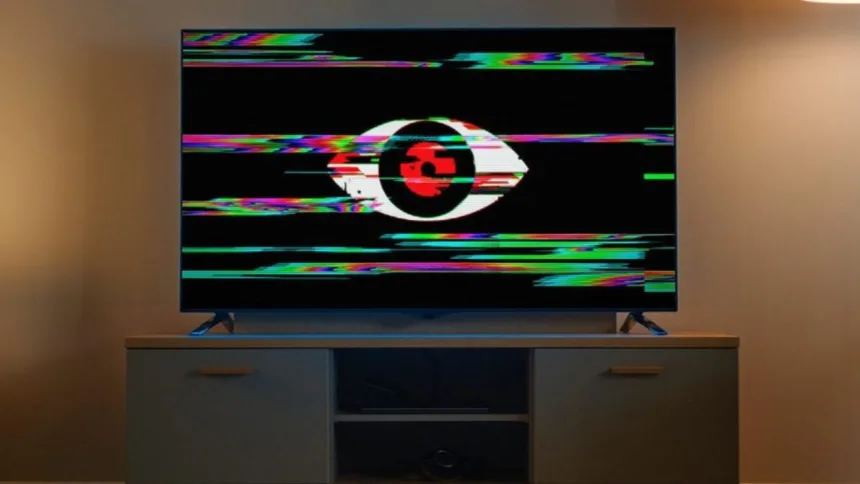
Smart TV Privacy Settings: The increase of Smart TVs in Indian homes has created a major privacy problem. The majority of current television sets feature Automatic Content Recognition (ACR) technology as part of their standard equipment. The feature appears useful but functions as a tracking system that records all your viewing activities to develop a complete record of your watching patterns which it sends to advertisers.
What is ACR and How Does It Work?
ACR refers to Automatic Content Recognition technology which operates by continuously monitoring the TV screen content. The system operates through the following sequence of steps:
- Frequent Snapshots: The system takes samples or screenshots of your screen every few seconds.
- Database Matching: The system conducts sample comparisons with its extensive database to determine which specific show or movie or advertisement or game you are currently watching.
- Universal Tracking: The system tracks all content because it can detect anything which is transmitted through built-in Netflix and YouTube applications and HDMI connections and gaming consoles and cable set-top boxes.
- Behavioral Analysis: The system tracks your viewing behavior through its monitoring of what content you watched and for how long and what content you skipped and what content you rewound.
Why Your Data is at Risk
Major brands including Samsung, LG, Sony, TCL, and Hisense often have this feature enabled by default. The data provides high value to third-party companies and advertisers because they can use it for:
Targeted Advertising: Showing you hyper-specific ads across all your devices based on your TV interests.
Data Profiling: Creating a comprehensive behavioral map of your family’s lifestyle.
Third-Party Sales: The process of selling viewing analytics to research firms occurs without your knowledge because it happens silently in the background.
How to Disable ACR and Protect Your Privacy
The process of stopping this “spying” requires you to change your TV settings through manual control. The process remains consistent across different brands which use different names for their systems.
- The Settings menu of your Smart TV needs to be accessed through the Settings option.
- Find Privacy/Terms: Look for sections labeled “Privacy” “Terms and Conditions” “Policy” or “Support” to find your desired content.
- Locate the ACR Toggle: Search for terms like:
- “Viewing Data”
- “Automatic Content Recognition”
- “Interactivity Services”
- “Smart Insights” or “Content Intelligence”
Turn it OFF: Disable these options to stop the TV from sending your screen samples to the manufacturer’s servers.
Quick Privacy Tips for Smart TV Owners
Smart TV owners can protect their personal information by following these three essential privacy guidelines:
Read the Policy: When setting up a new TV, don’t just click “Accept All.” Read the data sharing permissions.
Limit App Permissions: Users need to review app permissions because they must assess whether their apps are using their microphone and camera without their consent.
Regular Audits: Manufacturers need to reset their privacy terms during software updates therefore users must conduct setting checks every three months.
The ACR feature should be disabled by users because it reduces personalized advertising while protecting their home digital security and privacy.