Valentine Day 2026: Surprise Your Partner with Love, Not Luxury Gifts Try These Heartfelt Romantic Ideas
How to create GIFs using Meta AI on WhatsApp
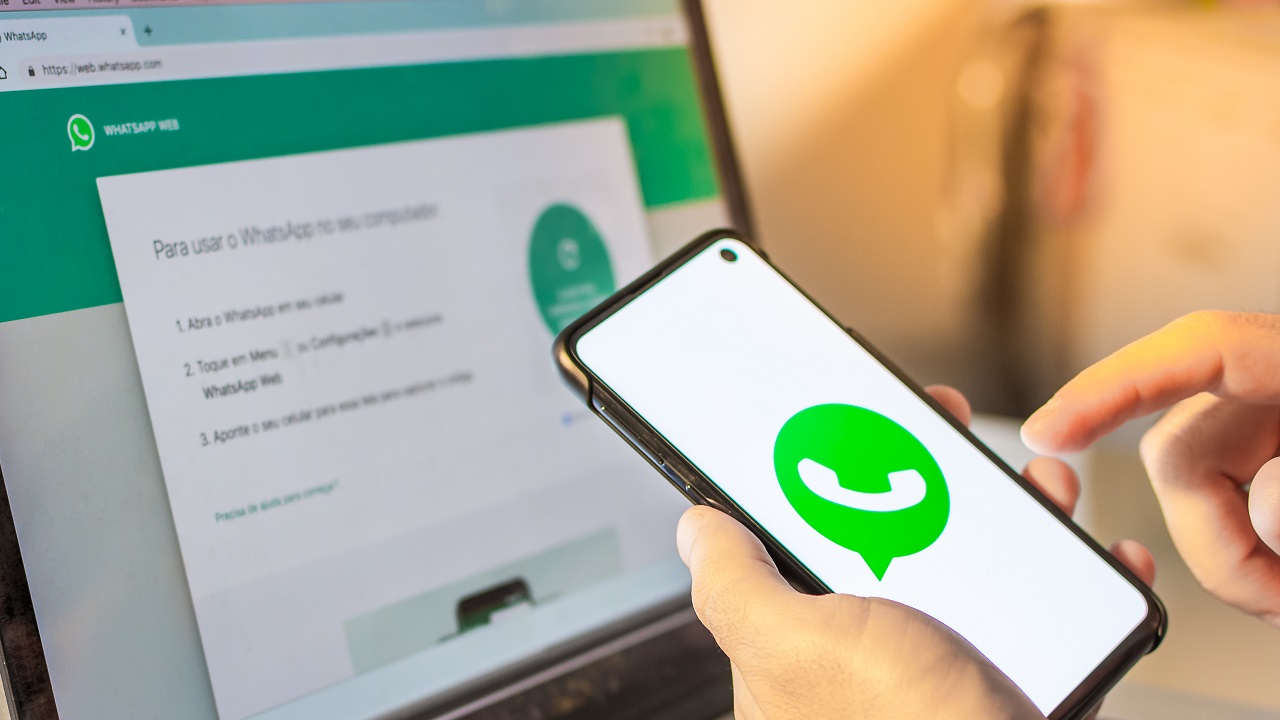
How to create GIFs using Meta AI on WhatsApp: Meta AI has launched a new and fun feature on WhatsApp that allows you to turn your creative ideas into life as animated GIFs in seconds. Android or iPhone, this AI feature puts the power of expressing an idea and creating a personalized animation in seconds in your hands, all within your chat. No third-party app, no trouble—unadulterated creativity at your fingertips with a few taps.
How to Make GIFs with Meta AI on WhatsApp
Creating GIFs on WhatsApp is a simple process with Meta AI. Begin by launching WhatsApp on your phone and opening any chat. Next, tap on the ‘Attach’ icon at the bottom of the screen. Tap the ‘Imagine’ option from the available options. This redirects you to a new screen where you can type your prompt.
For example, you can enter something as follows: “a green sports car sliding on a river with boats.” While you are entering this, the AI will go on generating an image that is continually updated in real-time. Now, if you are satisfied with the image, click on the ‘right arrow’ icon. Next, press the ‘Animate’ button. In seconds, your static picture will be converted into a GIF with gentle motions such as moving backgrounds or floating particles. Finally, click the ‘Send’ button to send your new GIF in high definition.
How to Get the Meta AI GIF Creator on WhatsApp
Not everyone will be able to view the Meta AI option yet as it’s being rolled out gradually. To check if it’s live, make sure WhatsApp is on the latest version.
- On Android, go to the Play Store, tap your profile picture top right, and select ‘Manage apps and device.’ Tap ‘See details’ and look for a pending WhatsApp update. Tap ‘Update’ if available.
- On iPhone, open App Store, tap on your profile picture from the bottom bar, and scroll down to search for app updates. If you see WhatsApp in the list, tap ‘Update.’
Even after updating, if Meta AI is not showing up, you may have to wait for the server-side deployment, which started in May 2024.
Restrictions While Creating GIFs Using Meta AI
As sweet as the feature is, there are some limitations. You’ll need to have Meta AI enabled on your account if you’re going to use the ‘Imagine’ button. And the animation will only be done on specific background elements and won’t be done on the entire image. If you skip the ‘Animate’ step, the generated image will be static and won’t be turned into a GIF.
Meta AI vs Manual GIF Creators
In comparison with the majority of third-party applications, Meta AI simplifies the process by asking no downloads, nor are modifications done by hand. Instead, all its workings take place right in WhatsApp and utilize natural language instructions for rapid output. The simplicity is its beauty for easy GIF-creating.
Latest News
Must Read
Best Cooler Deals Available on Flipkart with Huge Discounts up to 50%- Check Price & Specs
Most Viewed
Honor X6d- it had a 5260mAh battery when it launched, priced about Rs 12,600
Most Viewed
Flipkart Valentine Sale- Amazing discounts on Smartphones from Realme, Poco, and more companies!
Most Viewed
Samsung Galaxy S25+ Available at Just ₹74,999 After Coupon Benefits in Valentine’s Sale
Most Viewed
Google Pixel 10a in India has been confirmed launch, and pre-orders will open on February 18
Most Viewed
Trending Now
HDFC Bank Shares Crash Today: Banking Giant Holds ₹900 Support—What Next?
ICICI Bank Under Fire: Why the Banking Giant Suddenly Slipped — Investors Caught Off Guard
PNB Stock Under Pressure Despite Strong Fundamentals, Stock Falls Nearly 2%
NEET UG 2026 Update – Avoid These 9 Common Mistakes to Fill Application Form at neet.nta.nic.in
State Bank of India Shares Cross ₹1,200 for First Time — Stock Hits Record High
Health Insurance Tips – Avoid These 6 Mistakes When Buying Health Insurance – Choose the Right Plan This Way
Do Not Make These 6 Mistake When Making UPI Payments, Otherwise Your Bank Account Will be Emptied
FASTag Scam Alert – Scams in the name of FASTag, NHAI issues warning
PM Surya App: Now Apply Online to Install Rooftop Solar Panels at Home
📁 CATEGORIES