

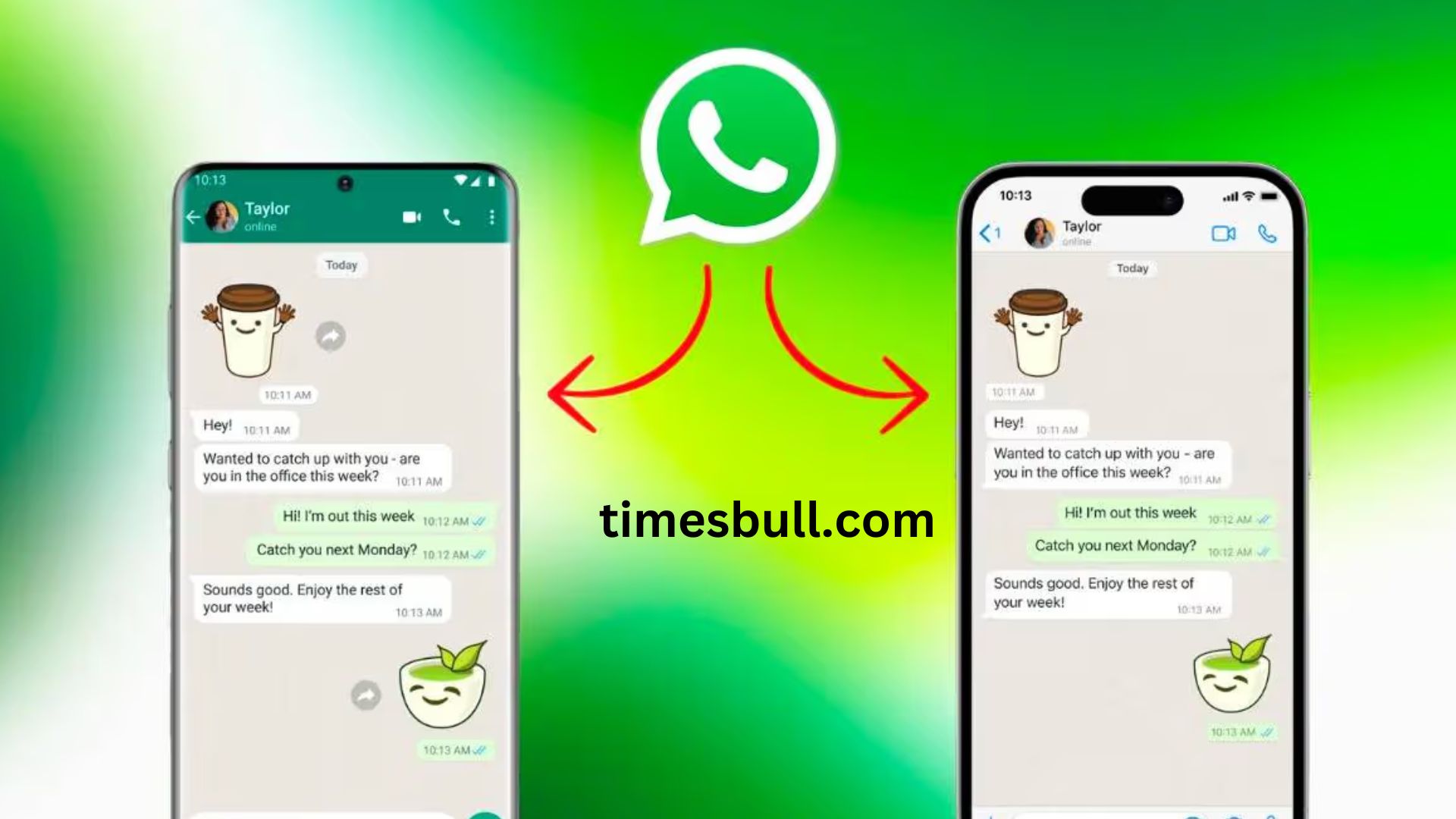
One WhatsApp Account on Two Devices: You have probably seen individuals who use the same number to access WhatsApp on several smartphones across all of their devices. Have you ever pondered, though, how this occurs? If not, do not be concerned. Let us explain it to you.
This post may be helpful to you if you use WhatsApp and wish to access your account on two different handsets. You can find all the information you need here. You have probably seen individuals who use the same number to access WhatsApp on many smartphones. Have you ever pondered, though, how this occurs? If not, do not be concerned. Let us explain it to you.
WhatsApp between two phones and one number
WhatsApp provides a plethora of options for customer convenience. One of these multi-device capabilities allows customers to use WhatsApp on two phones from the same number without having to check out of their account on the first device. Let us explain how this occurs.
How two phones with the same number may use WhatsApp
Set up WhatsApp on your primary phone first.
- Next, click the three vertical dots in the home screen’s top right corner.
- Next, select the “Linked devices” option.
- Next, click the icon that says “Link a device.”
- Your primary phone will then open a QR code scanner.
On the second phone, install WhatsApp.
- Next, launch WhatsApp on your second phone.
- Click the three vertical dots in the screen’s top right corner.
- After that, select Link as a Companion Device.
- The phone will then display a QR Code. Use your primary phone to scan it.
5-The second phone’s WhatsApp will be connected to the first phone’s WhatsApp account after scanning.
What happens if the WhatsApp account is linked?
You will be able to use your WhatsApp account from both devices if you link the accounts on both phones. One unique feature is that chats conducted on one phone will be instantly updated on the other. Those who wish to use WhatsApp from the same number on two handsets would benefit from this capability.
Latest News
- PM Kisan Samman Nidhi Yojana: नहीं मिल रही 2000 रुपये की किस्त तो किसान तुरंत करवा लें यह काम

- Aadhaar Card Update Rules – How Many Times Can You Change Address, DOB & Number?

- Train Ticket: How to book a confirmed train ticket without an agent? Learn the Easy Steps

- Indian Railways– 155 Trains Express Declared High-Speed, Thousands of Railway Staff to Benefit

- Monsoon Alert – Warning Heavy to Very Heavy Rain alert & thunderstorms in 22 States Over Next 4 Days

- America-Iran War: मिडिल ईस्ट में तनाव होगा खत्म! ईरान ने होर्मुज रास्ते पर कही बड़ी बात

- PM Surya Ghar Yojana 2026: Get Up to Rs 78,000 Subsidy within 6 Easy Steps, Know Here

- Cheapest Available 5G Smartphones in India Under 10000

- UPSC Prelims Answer Key 2026 – How to Download UPSC Prelims Answer Key at upsc.gov.in

- 8th Pay Commission: एनपीएस और पुरानी पेंशन में कौन सी बेहतर, जानिए बड़ा अपडेट
