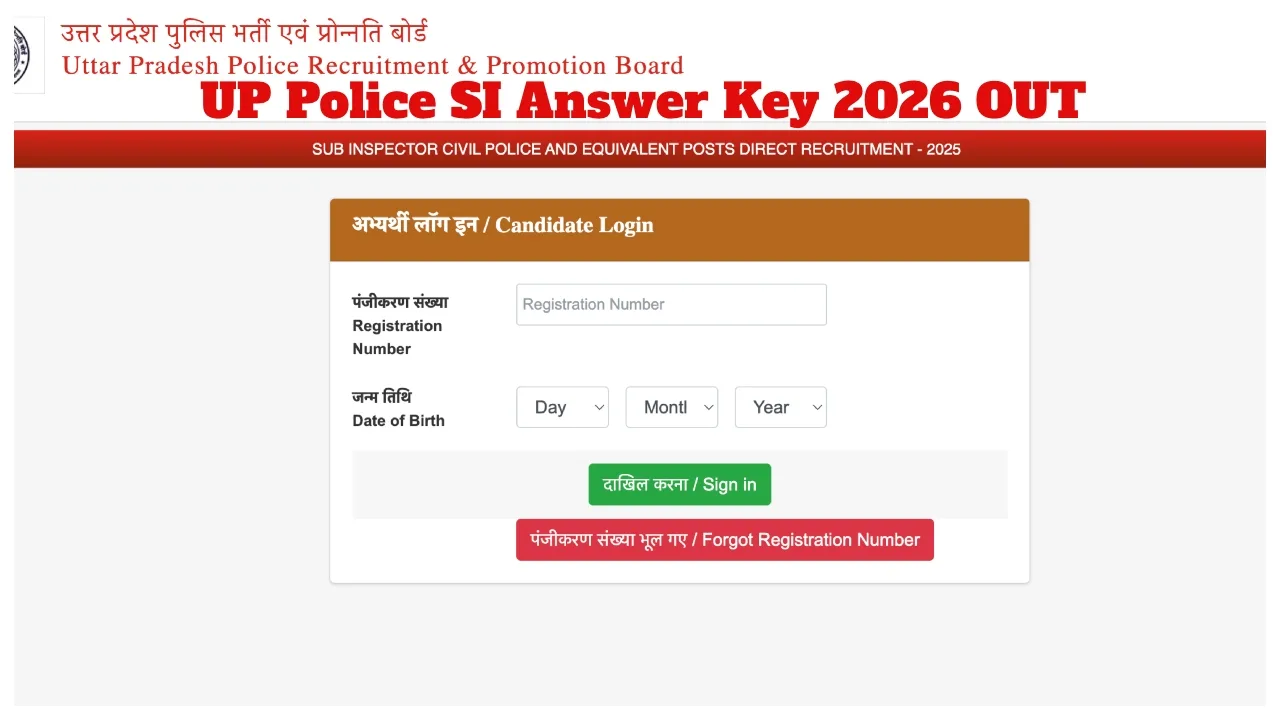
UP Police SI Answer Key 2026 OUT: The Uttar Pradesh Police Recruitment and Promotion Board has released the answer key for the UP SI Written Examination 2026. Candidates who appeared for this examination can visit the official website, uppbpb.gov.in, to download their UP SI Answer Key 2026 and response sheets. As a reminder, the UP SI Written Examination 2026 was conducted on March 14 and 15.
With the release of the answer key, candidates can now estimate their probable scores. If there are any objections regarding a specific question or answer, candidates may submit them through the official website. According to the notification, a total of 4,543 vacancies will be filled through this recruitment drive.
Until When Can Objections Be Filed?
Candidates can file objections online from March 23 to March 26, 2026. To do so, they must log in using their Roll Number and Date of Birth.
What is the Marking Scheme?
A total of 160 questions were asked in this examination, carrying a maximum of 400 marks.
Correct Answer: +2.5 marks
Incorrect Answer: 0 marks (No negative marking)
Unanswered Questions: 0 marks
How to Download the UP Police SI Answer Key 2026?
The official UP SI Answer Key 2026 is now available for download on the UPPRPB’s official website—uppbpb.gov.in. Candidates can log in using their Registration Number and Date of Birth. Once logged in, they can view and download their response sheets along with the answer keys for all shifts.
How to Download the UPPRPB Answer Key?
Visit the official website of the Uttar Pradesh Police Recruitment at uppbpb.gov.in.
Click on the “UP Police SI Answer Key 2026” link located on the homepage.
Enter your Registration Number and Date of Birth in the login section.
Click on the ‘Submit’ button.
Your answer key and response sheet will appear on the screen.
Download and save it.
UP SI Answer Key 2026 Objection Link
How to File an Objection Against the UP Police Answer Key 2026?
First, visit uppbpb.gov.in
Click on the “UP Police SI Answer Key Objection” link.
Log in using your Registration Number and Password.
Select the relevant question and upload the supporting evidence.
Finally, submit your objection.
Latest News
- Train Ticket: How to book a confirmed train ticket without an agent? Learn the Easy Steps

- Indian Railways– 155 Trains Express Declared High-Speed, Thousands of Railway Staff to Benefit

- Monsoon Alert – Warning Heavy to Very Heavy Rain alert & thunderstorms in 22 States Over Next 4 Days

- America-Iran War: मिडिल ईस्ट में तनाव होगा खत्म! ईरान ने होर्मुज रास्ते पर कही बड़ी बात

- PM Surya Ghar Yojana 2026: Get Up to Rs 78,000 Subsidy within 6 Easy Steps, Know Here

- Cheapest Available 5G Smartphones in India Under 10000

- UPSC Prelims Answer Key 2026 – How to Download UPSC Prelims Answer Key at upsc.gov.in

- 8th Pay Commission: एनपीएस और पुरानी पेंशन में कौन सी बेहतर, जानिए बड़ा अपडेट

- Xiaomi 17T Launching With Leica 5x Zoom and Huge 6,500mAh Battery Under ₹60,000

- NEET UG 2026 – Haryana & Bihar Announce Free Bus Service for Candidates on June 20-21