SSC Phase 13 Admit Card 2025 OUT- Every year, recruitments are made for lakhs of posts under the Staff Selection Commission of the country, which gives the candidates preparing for government jobs a chance to apply. If you are waiting for the Selection Post Phase-13 Recruitment Exam 2025 by SSC, the admit card has been released by the commission. Candidates can download it from the official website ssc.gov.in. Let us tell you that the exam will be held on 29 August in computer-based mode.

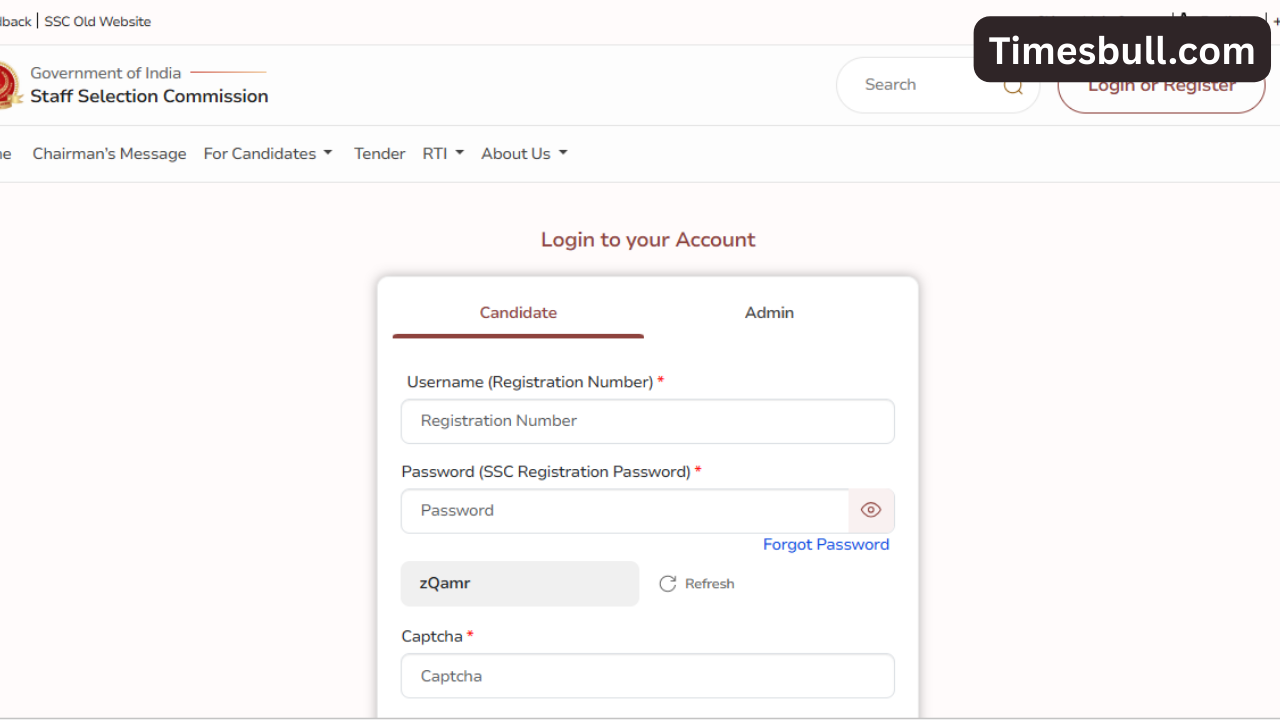
Candidates will need their registration number/user ID and password to download the admit card, which will require them to log in on the official portal. Here you are being given all the necessary information for the Selection Post Phase-13 Recruitment Exam 2025 by SSC. You should also keep an extra copy of the admit card with you to take it to the examination centre.
Read more:-MG Cars in India: Best combination of style and advanced technology.
Exam Pattern
SSC Phase 13 exam will be conducted at three levels, for posts with minimum qualification of Matriculation level, Higher Secondary (10+2) level and Graduate and above. A total of 100 multiple-choice questions will be asked in the exam of each level, whose a maximum marks will be 200 marks. So the exam will be conducted as per the candidate’s application. You should speed up the preparation of the exam, so that a 100 per cent result can be achieved.
The question paper will have four parts, which will have 25 25 questions each in General Intelligence, General Awareness, Quantitative Aptitude and English Language. 60 minutes will be given for the exam. According to the evaluation system, 2 marks will be given for each correct answer, while a negative marking of 0.5 marks will be given for the wrong answer. The exam will be in computer-based mode, and the question paper will be available in both Hindi and English.

How to download the Admit Card
To participate in SSC Phase 13, you must have an Admit Card, to download which you can download by following the method given here, which you can follow on a PC or a smartphone.
- First of all, go to the official website ssc.gov.in.
- Click on the Admit Card link given on the homepage.
- Enter the registration number and date of birth on the login page.
- The Admit Card will open on the screen.
- Download and take a printout of it.
Read more:-Xiaomi 15T 5G Review: 200MP Camera, Snapdragon 8 Gen 3, and Premium Design.
You will have to print the Admit Card and read the important instructions here, so that you do not forget to take the required items in the examination hall. You will see the information about the exam centre, time and exam shift in the Admit Card.
Latest News
- PM Surya Ghar Yojana 2026: Get Up to Rs 78,000 Subsidy within 6 Easy Steps, Know Here

- Cheapest Available 5G Smartphones in India Under 10000

- UPSC Prelims Answer Key 2026 – How to Download UPSC Prelims Answer Key at upsc.gov.in

- 8th Pay Commission: एनपीएस और पुरानी पेंशन में कौन सी बेहतर, जानिए बड़ा अपडेट

- Xiaomi 17T Launching With Leica 5x Zoom and Huge 6,500mAh Battery Under ₹60,000

- NEET UG 2026 – Haryana & Bihar Announce Free Bus Service for Candidates on June 20-21

- PM Kisan 23rd Installment: Farmers to get Rs 2000 in June? Know Here

- Best Premium Smartwatches Under ₹10,000: Upgrade to Luxury Metallic Builds, AMOLED Screens, and In-Built GPS

- Maruti Dzire CNG Continues Dominance – Fuel Efficient Sedan Wins Indian Families

- Vivo Y600 Turbo Set to Debut: Featuring a 165Hz Display, Dimensity 8500, and a Massive 9,020mAh Battery